Slide 4 of 4 from Free 4 Blocker PowerPoint Diagrams
Template of 4 blockers Diagram
4 Blocker PowerPoint Diagram Overview
- Diagram
- Matrix Quadrant
- Comparison Slide
- 16:9
- 100% Editable
The 4 Blocker Diagram slide from the Free 4 Blocker PowerPoint Diagrams template offers a structured matrix quadrant layout ideal for SWOT analysis and project evaluations. This slide uses editable shapes and a balanced design to facilitate clear comparisons of concepts or strategies, making it a practical choice for business presentations and pitch deck templates requiring organized visual communication.
What’s on This Slide
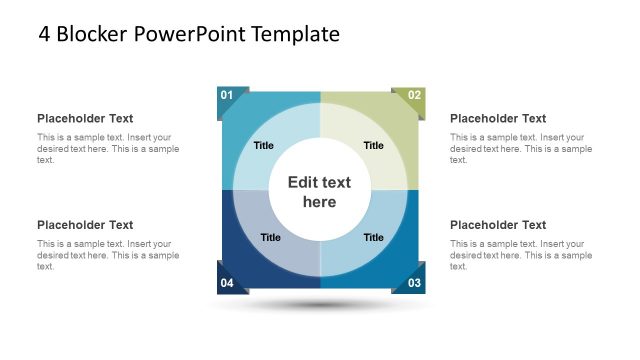
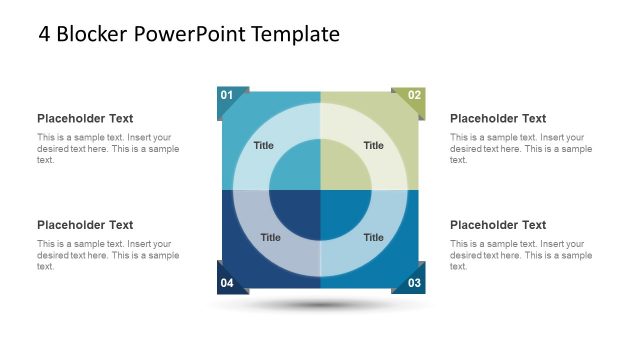
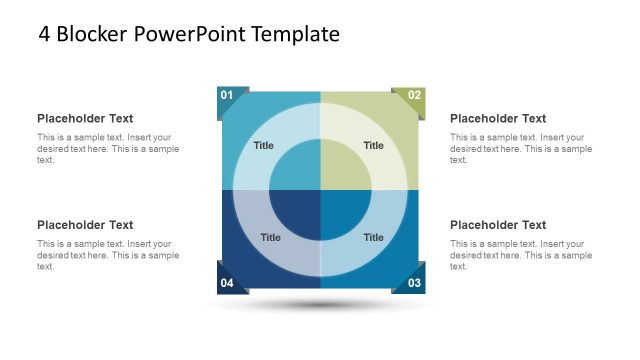
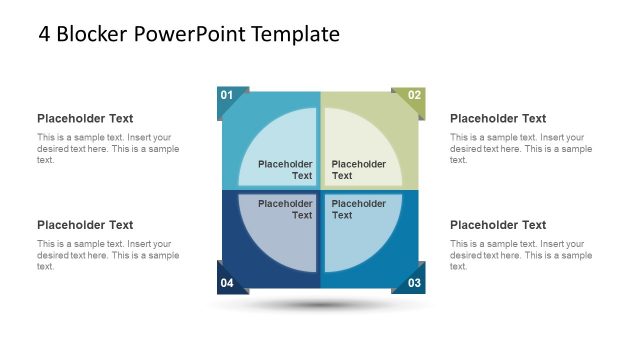
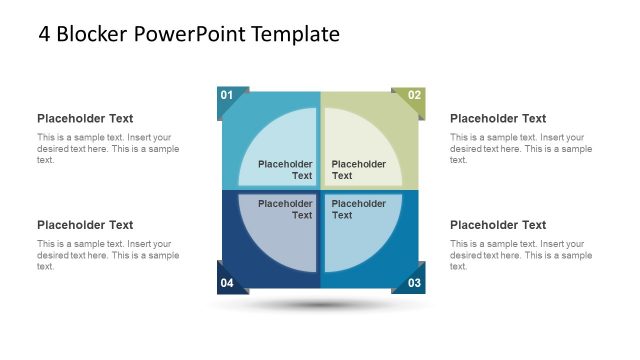
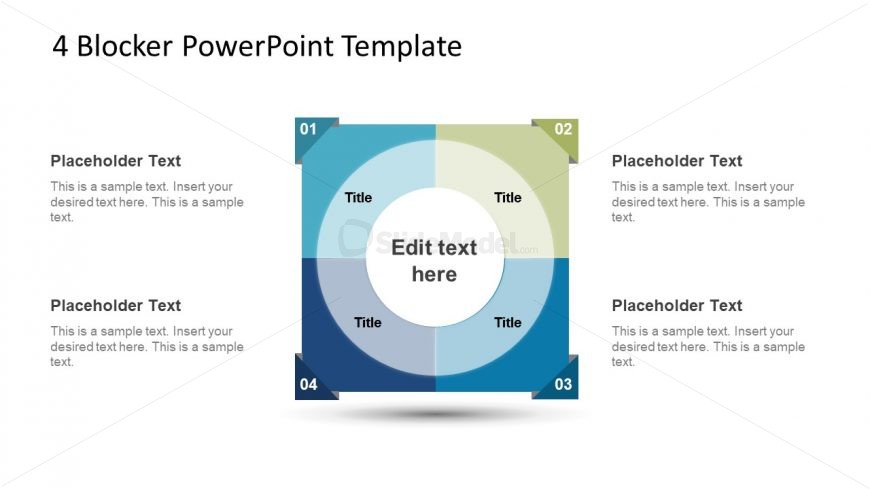
The layout features a central circular area labeled 'Edit text here,' surrounded by four quadrants. Each quadrant contains a title and a text placeholder positioned within a rounded rectangle. The quadrants are arranged in a square formation, with labels 01, 02, 03, and 04 in the corners. The color scheme includes shades of blue and green, creating a gradient effect. The text placeholders are aligned centrally within each quadrant, and the overall composition is symmetrical, emphasizing the central circular area. The background is light, enhancing readability.
How to Use It
This layout functions as a four-block comparison tool, ideal for contrasting different concepts or strategies. It is suitable for presentations that require a clear visual organization of ideas, such as SWOT analysis or project evaluations. This slide can be effectively used in business meetings to summarize key points or decisions. It fits well in a sequence after introducing a problem or topic, providing a structured way to present solutions or options.
Text Placeholders & Capacity
Keep your copy within these limits so it fits without resizing. Node body slots can hold about 15-20 words each.
| Placeholder | Count | Max characters (approx.) |
|---|---|---|
| Item heading | 4 | 20 |
| Item body | 4 | 100 |
| Slide title | 1 | 30 |
Slide Keywords
Download unlimited PowerPoint templates, charts and graphics for your presentations with our annual plan.
DOWNLOADReturn to Free 4 Blocker PowerPoint Diagrams.