Slide 3 of 4 from Free 4 Blocker PowerPoint Diagrams
4 Blockers Ring Cycle PowerPoint
4 Blocker Diagram for Presentations
- Diagram
- Matrix Quadrant
- Comparison Slide
- 16:9
- 100% Editable
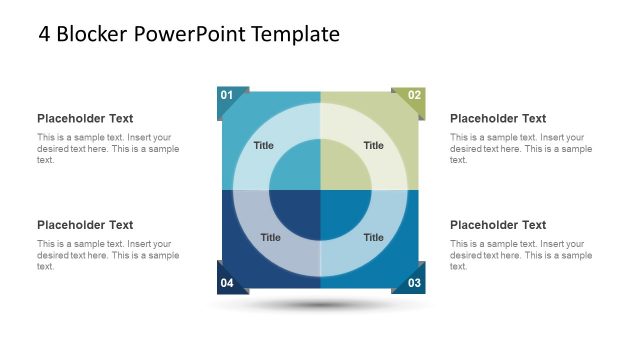
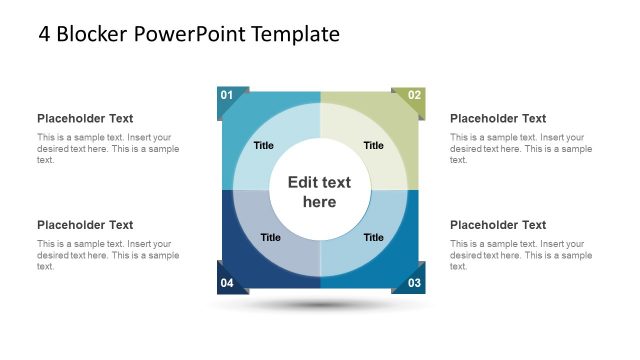
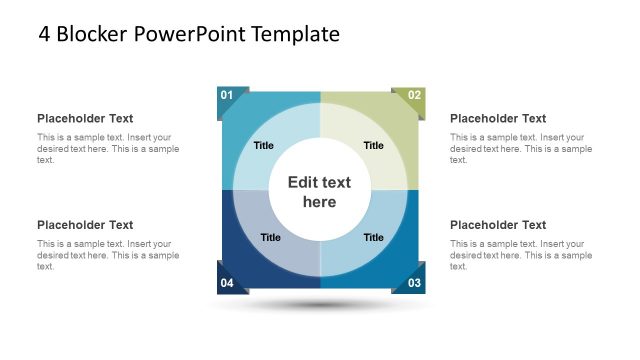
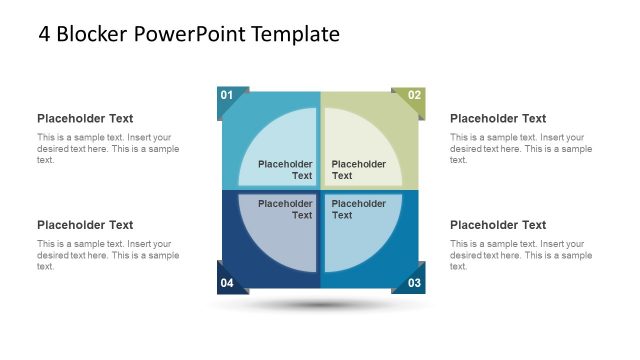
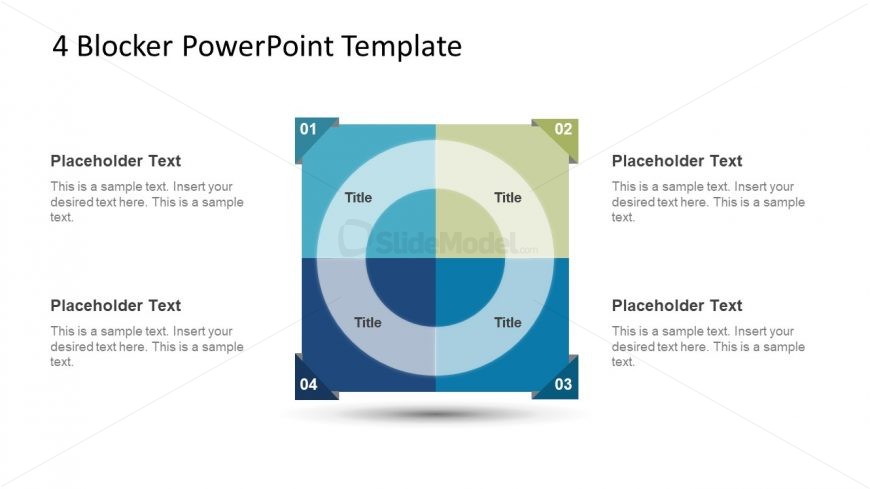
The 4 Blocker Diagram slide from the Free 4 Blocker PowerPoint Diagrams template offers a clear, editable slide layout for presenting comparisons such as SWOT analysis or strategic planning. Featuring a central circular matrix with four distinct colored quadrants, this slide supports business presentations requiring structured evaluation and feature comparison. Its balanced design and editable shapes make it suitable for professional slide decks and pitch deck templates.
What’s on This Slide
The layout features a central circular diagram divided into four quadrants, each with a distinct color scheme. The top left quadrant is light blue, the top right is light green, the bottom left is dark blue, and the bottom right is dark teal. Each quadrant contains a title placeholder at the top and a text placeholder below it. The diagram is surrounded by a shadow effect, enhancing its visual depth. The overall composition is symmetrical, with equal spacing between the quadrants, creating a balanced appearance.
How to Use It
This layout serves as a four-block comparison tool, ideal for analyzing different aspects of a topic. It fits well in a presentation sequence after introducing a problem and before outlining solutions. This structure is useful in business scenarios such as SWOT analysis, project evaluations, or strategic planning, where contrasting elements need to be presented clearly and effectively.
Text Placeholders & Capacity
Keep your copy within these limits so it fits without resizing. Each text slot can hold a moderate amount of text, roughly 20-30 words each.
| Placeholder | Count | Max characters (approx.) |
|---|---|---|
| Item heading | 4 | 20 |
| Item body | 4 | 150 |
Slide Keywords
Download unlimited PowerPoint templates, charts and graphics for your presentations with our annual plan.
DOWNLOADReturn to Free 4 Blocker PowerPoint Diagrams.