Slide 3 of 4 from Free 3D Infographic Slides for PowerPoint
Free Slide 4 Bars Diagram
4 Step Bar Chart for Presentations
- Chart
- Bar Vertical
- Process Slide
- 16:9
- 100% Editable
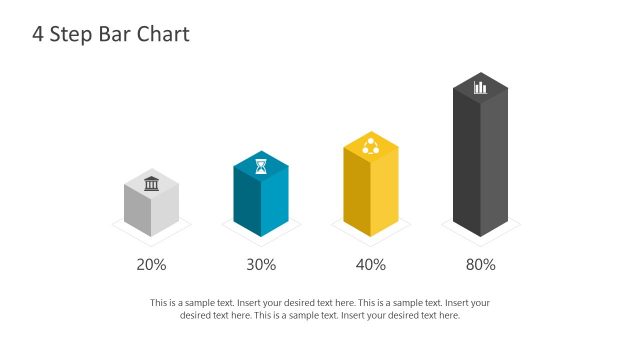
The 4 Step Bar Chart slide from the Free 3D Infographic Slides for PowerPoint template offers a clear visual format for illustrating project stages or sales processes. This slide layout uses editable shapes and vector icons atop colorful 3D bars to enhance business presentations or pitch deck templates. Its design supports concise comparisons and process explanations within professional slide decks.
What’s on This Slide
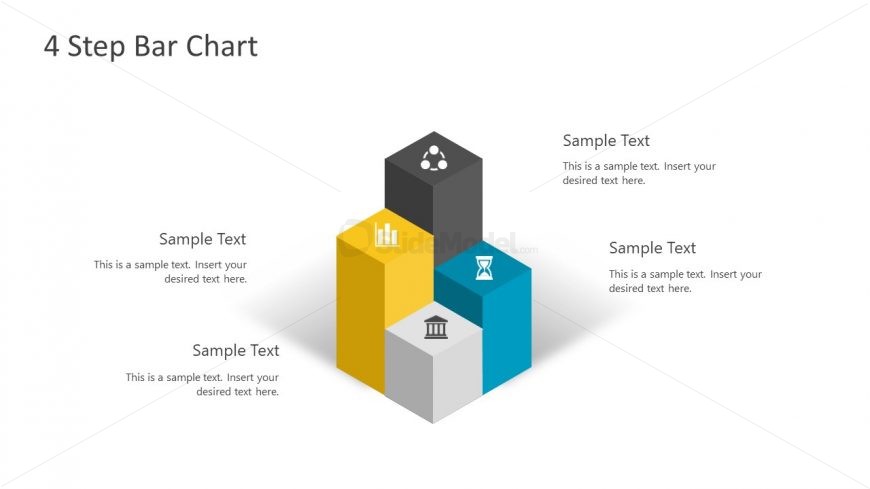
The layout features four 3D bar shapes arranged in a staggered formation, with two bars positioned higher than the others. Each bar is a different color: yellow, blue, gray, and black. Icons are placed on top of the bars, representing various concepts. Text placeholders are located below each bar, aligned centrally, indicating where to insert descriptive text. The title is positioned at the top center, clearly stating '4 Step Bar Chart.' The overall design uses a light background, enhancing the visibility of the colored bars and icons.
How to Use It
This layout serves as a visual representation of a four-step process or comparison, making it suitable for business presentations. It can effectively illustrate stages in a project, sales processes, or product features. Positioned after introductory slides, it helps transition into detailed discussions. This structure is useful in contexts such as project management, marketing strategies, or educational presentations where clarity and engagement are essential.
Text Placeholders & Capacity
Keep your copy within these limits so it fits without resizing. Node body slots can hold about 10 words each.
| Placeholder | Count | Max characters (approx.) |
|---|---|---|
| Slide title | 1 | 30 |
| Item body | 4 | 50 |
Slide Keywords
Download unlimited PowerPoint templates, charts and graphics for your presentations with our annual plan.
DOWNLOADReturn to Free 3D Infographic Slides for PowerPoint.