Slide 2 of 6 from Circular Connected 4 Steps PowerPoint Diagram
Infographic Magnifier 4 Segment Diagram
Circular 4 Steps PowerPoint Diagram
- Diagram
- Circular Cycle
- Process Slide
- 16:9
- 100% Editable
What’s on This Slide
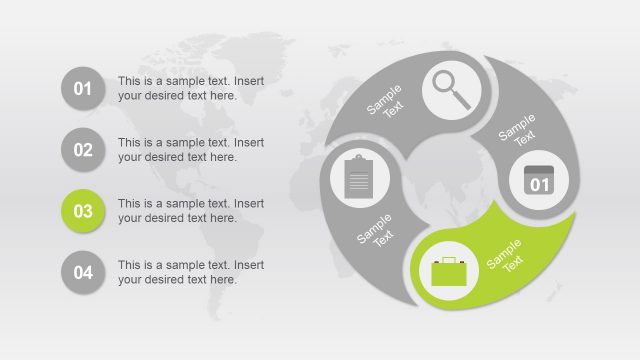
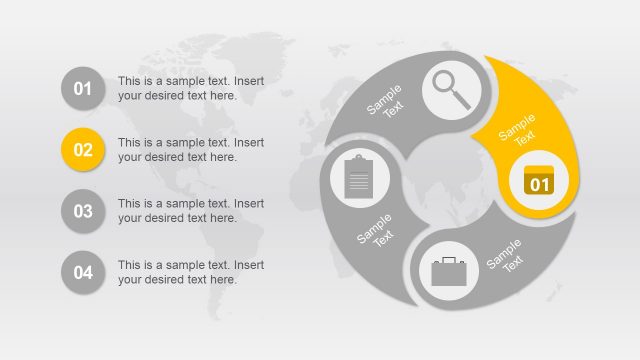
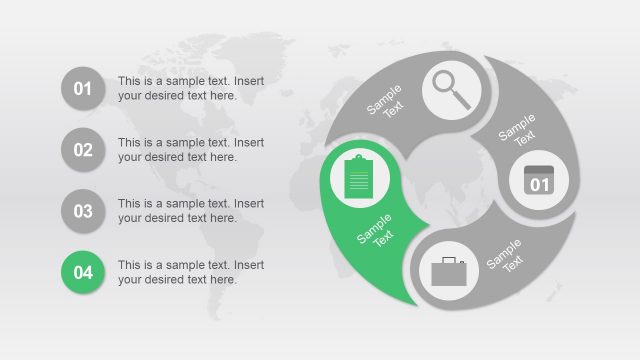
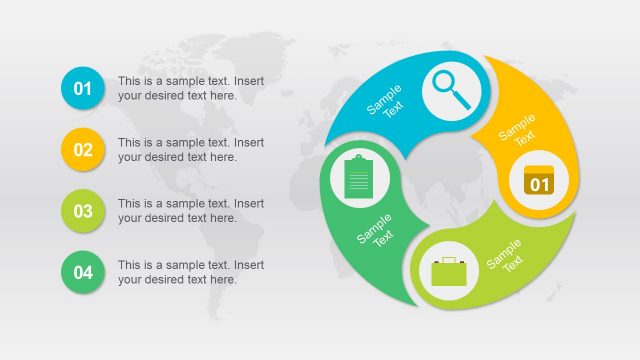
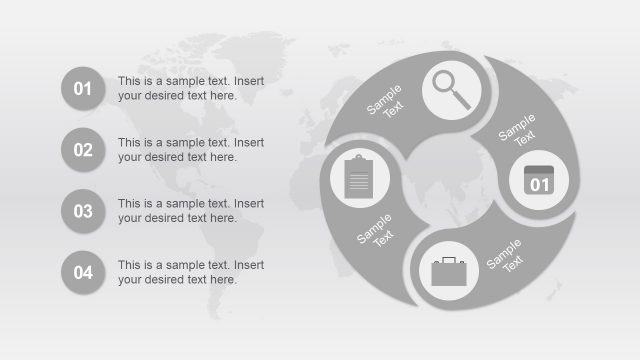
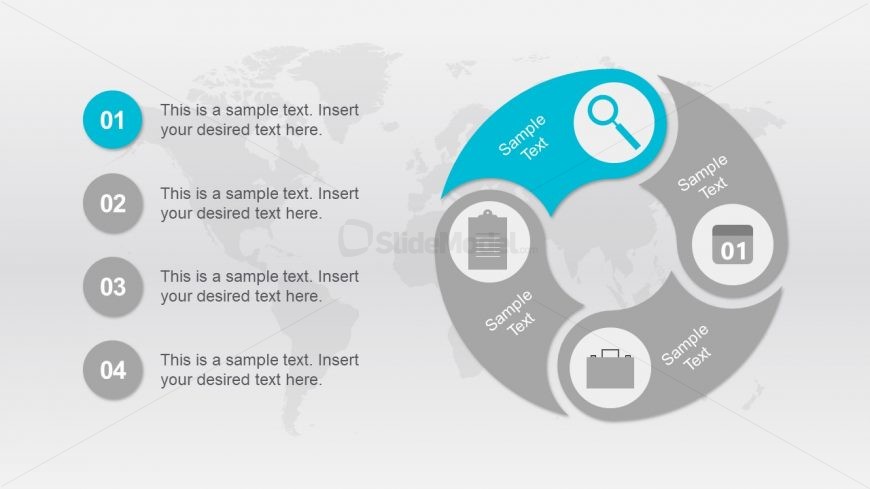
The layout features a circular diagram divided into four segments, each containing a number and a placeholder for text. The first segment is highlighted in blue and includes a magnifying glass icon, while the other three segments are gray with various icons, including a clipboard and a briefcase. Each segment is positioned evenly around the circle, with text placeholders aligned centrally within each segment. A subtle world map is visible in the background, enhancing the overall design without distracting from the main elements.
How to Use It
This layout serves as a four-step process diagram, ideal for illustrating workflows, strategies, or stages in a project. It fits well after a problem-framing slide and can effectively summarize key actions or phases. This structure is useful in business presentations, project management discussions, or educational settings where sequential steps need clear visual representation. It can also be adapted for marketing strategies or product development processes.
Text Placeholders & Capacity
Keep your copy within these limits so it fits without resizing. Node body slots can hold roughly 10-12 words each.
| Placeholder | Count | Max characters (approx.) |
|---|---|---|
| Item heading | 4 | 20 |
| Item body | 4 | 50 |
Slide Keywords
Download unlimited PowerPoint templates, charts and graphics for your presentations with our annual plan.
DOWNLOAD