Slide 6 of 6 from Circular Connected 4 Steps PowerPoint Diagram
Grey World Map Background and 4 Step Diagram
Circular Connected 4 Steps Diagram
- Diagram
- Circular Cycle
- Process Slide
- 16:9
- 100% Editable
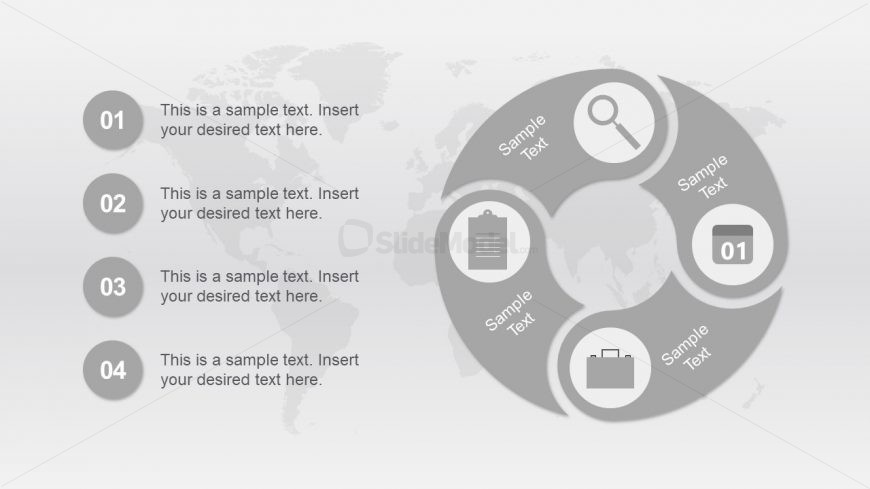
The Circular Connected 4 Steps Diagram slide from the Circular Connected 4 Steps PowerPoint Diagram template offers a clear process visualization ideal for business presentations. This slide layout uses a monochromatic circular cycle design with editable shapes and vector icons to illustrate workflows, project phases, or strategic initiatives effectively. Suitable for corporate presentations, it supports concise communication of sequential steps in a professional slide deck.
What’s on This Slide
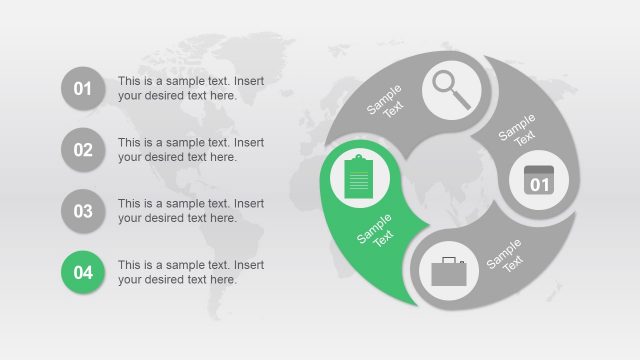
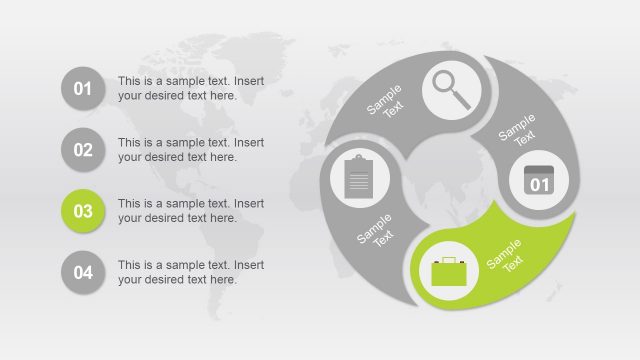
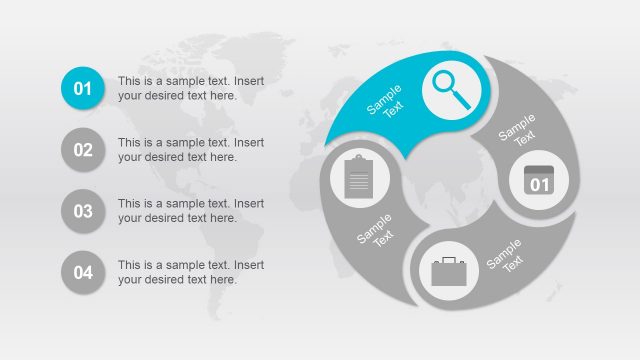
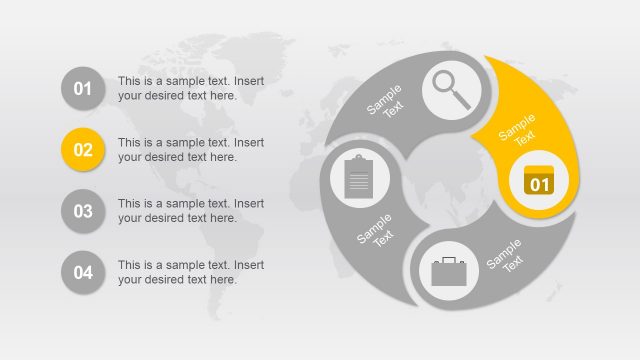
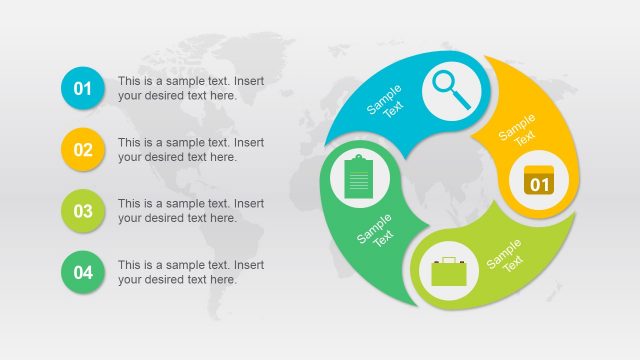
The layout features a circular diagram divided into four equal segments, each containing a circular icon and a text placeholder. The icons are positioned at the top of each segment, while the corresponding text placeholders are located below them. The segments are arranged in a clockwise manner, with numbers 01 to 04 indicating their order. A subtle world map serves as the background, enhancing the visual context. The overall color scheme is monochromatic gray, with the icons in a lighter shade to create contrast. Text placeholders are centrally aligned within each segment.
How to Use It
This layout serves as a process representation, illustrating a four-step cycle. It is suitable for explaining workflows, project phases, or strategic initiatives in a presentation. Positioned towards the end of a presentation, it can summarize key points or outline next steps. This structure is effective in business settings where clarity in process visualization is essential, such as project management or marketing strategies. Use it to convey sequential information in a clear and engaging manner.
Text Placeholders & Capacity
Keep your copy within these limits so it fits without resizing. Node body slots can hold approximately 10 words each.
| Placeholder | Count | Max characters (approx.) |
|---|---|---|
| Item heading | 4 | 20 |
| Item body | 4 | 50 |
Slide Keywords
Download unlimited PowerPoint templates, charts and graphics for your presentations with our annual plan.
DOWNLOAD