Slide 3 of 6 from Circular Connected 4 Steps PowerPoint Diagram
4 Step Diagram Calendar Icon Presentation
Circular Connected 4 Steps Diagram
- Diagram
- Circular Cycle
- Process Slide
- 16:9
- 100% Editable
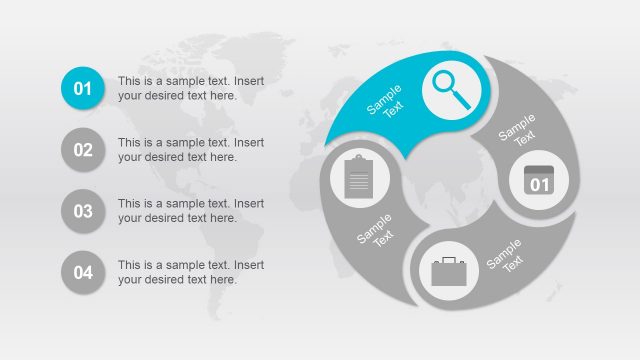
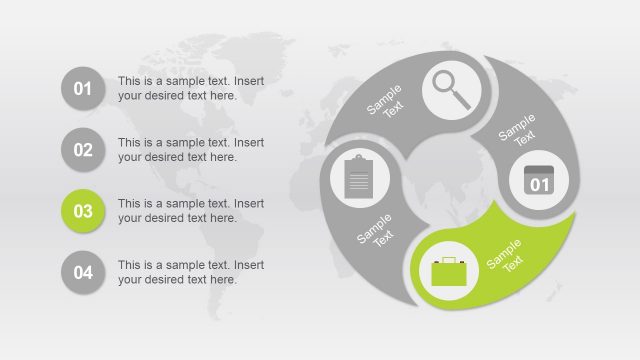
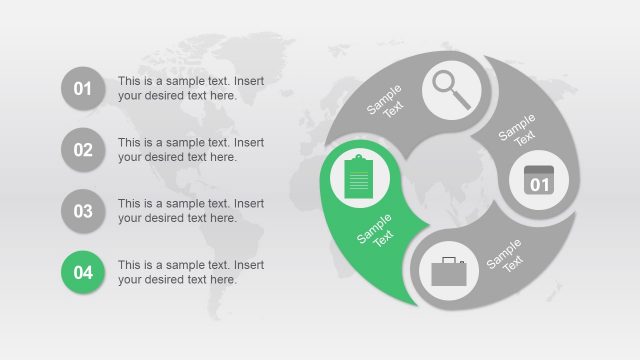
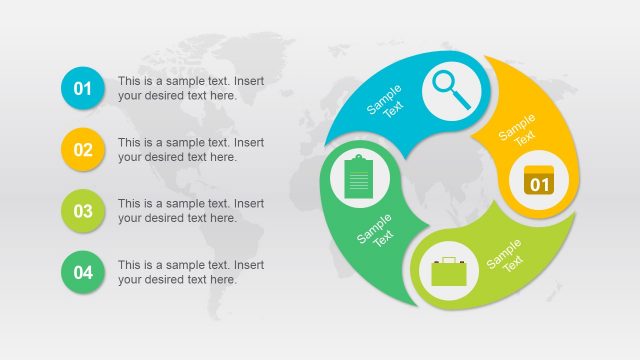
The Circular Connected 4 Steps Diagram from the Circular Connected 4 Steps PowerPoint Diagram template offers a clear visualization of process flows using editable slides. This slide layout is ideal for illustrating project phases or strategic initiatives in business presentations, featuring vector icons and a circular design that highlights key steps in a connected sequence.
What’s on This Slide
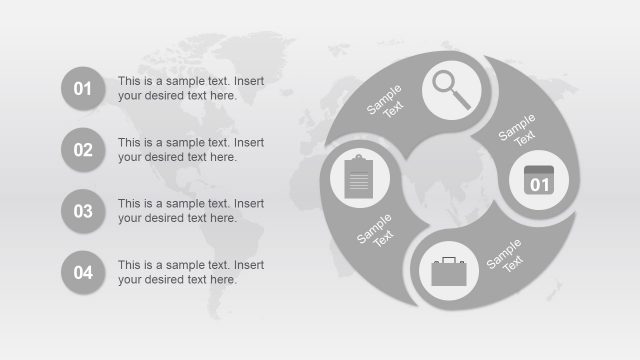
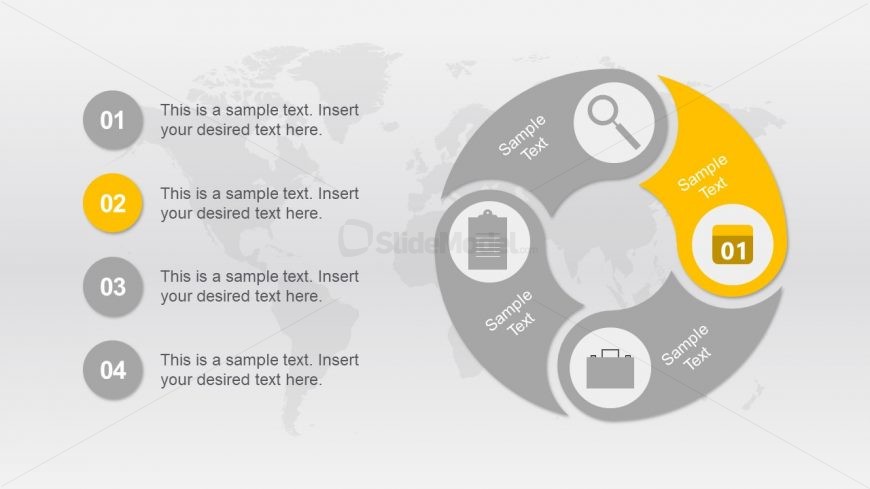
The layout features a circular diagram divided into four segments, with a world map background. Each segment contains a circular node with an icon and a corresponding text placeholder. The second segment is highlighted in yellow, indicating its focus. The nodes are arranged in a clockwise direction, with the first node positioned at the top, followed by the highlighted second node on the right, the third node at the bottom, and the fourth node on the left. Text placeholders are aligned centrally within each node, while the overall composition emphasizes the circular flow.
How to Use It
This layout serves as a process flow diagram, suitable for illustrating sequential steps or stages in a business context. It fits well in presentations discussing project phases, strategic initiatives, or product development processes. The circular format allows for easy visualization of interconnected steps. It is particularly effective for highlighting a specific step while providing context for the others. This layout is useful in training sessions, strategy meetings, or marketing presentations where clarity of process is essential.
Text Placeholders & Capacity
Keep your copy within these limits so it fits without resizing. Node body slots can accommodate roughly 10-12 words each.
| Placeholder | Count | Max characters (approx.) |
|---|---|---|
| Item heading | 4 | 20 |
| Item body | 4 | 50 |
Slide Keywords
Download unlimited PowerPoint templates, charts and graphics for your presentations with our annual plan.
DOWNLOAD