Slide 4 of 8 from Business Work PowerPoint Diagrams
Percentage Diagrams Free PowerPoint Slides
Progress Indicators with Percentages
- Chart
- Bar Horizontal
- Evaluation Slide
- 16:9
- 100% Editable
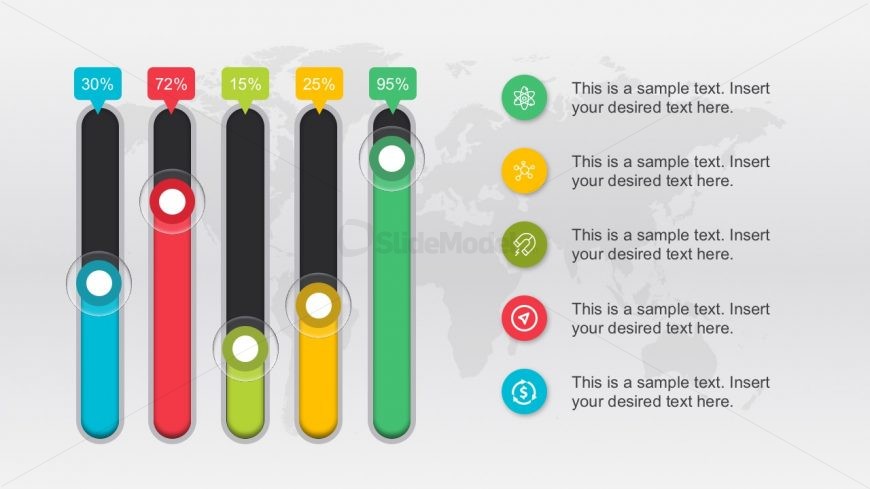
The Progress Indicators with Percentages slide from the Business Work PowerPoint Diagrams template offers a clear visual tool for tracking project updates and performance reviews. Featuring editable slides with horizontal bar charts and vector icons, this layout supports strategic planning and status reports by illustrating varying achievement levels effectively within a corporate presentation or pitch deck template.
What’s on This Slide
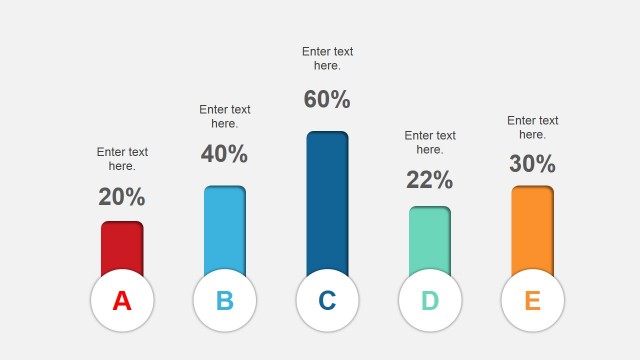
The layout features five vertical progress bars aligned horizontally across the center. Each bar is filled to varying percentages, indicated by colored sections: blue, red, yellow, black, and green. Above each bar, a percentage label is displayed in a colored speech bubble. To the right, there are five circular icons in a vertical arrangement, each accompanied by a text placeholder below. The background is light gray with a subtle world map pattern, enhancing the overall composition. Text placeholders are centrally aligned within their respective sections.
How to Use It
This layout serves as a progress indicator, ideal for showcasing performance metrics or project statuses. It fits well in a presentation sequence after introducing a problem or goal, providing a visual representation of progress. Suitable scenarios include project updates, performance reviews, or strategic planning sessions where quantifiable data needs to be highlighted. The design allows for clear communication of varying levels of achievement across multiple categories.
Text Placeholders & Capacity
Keep your copy within these limits so it fits without resizing. Node labels can hold up to 3 characters, while node bodies can accommodate about 40 characters each.
| Placeholder | Count | Max characters (approx.) |
|---|---|---|
| Item heading | 5 | 3 |
| Item body | 5 | 40 |
| Chart title | 1 | 50 |
Slide Keywords
Download unlimited PowerPoint templates, charts and graphics for your presentations with our annual plan.
DOWNLOADReturn to Business Work PowerPoint Diagrams.