Slide 1 of 8 from Business Work PowerPoint Diagrams
Free Visual Circle Diagrams PowerPoint
Venn Diagram with Steps for Business Presentations
- Diagram
- Venn
- Comparison Slide
- 16:9
- 100% Editable
The Venn Diagram with Steps slide from the Business Work PowerPoint Diagrams template offers a clear way to compare and analyze relationships among three categories. This slide layout is ideal for illustrating overlapping features or market segments within a corporate presentation. It includes editable shapes and text placeholders arranged to highlight intersections, making it a practical choice for business presentations and pitch deck templates that require visual clarity and structured comparison.
What’s on This Slide
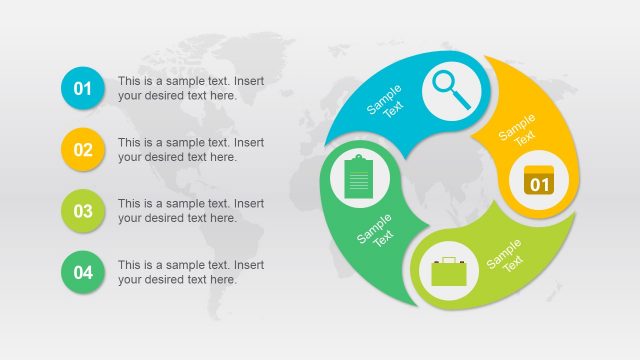
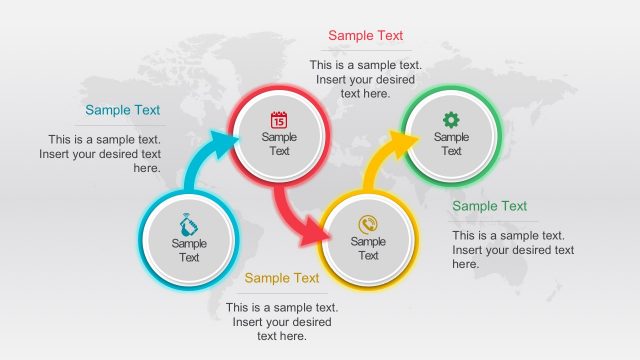
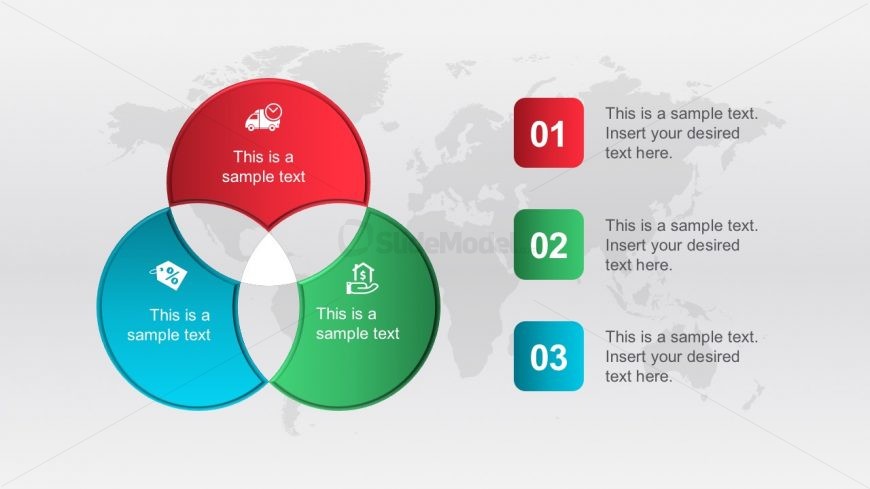
The layout features three overlapping circles arranged in a Venn diagram style, with the left circle colored blue, the top circle red, and the right circle green. Each circle contains a text placeholder centered within it. To the right, three rectangular boxes are aligned vertically, each containing a numbered label and a text placeholder. The background is a light gradient with a subtle world map design. The overall composition emphasizes the central overlap of the circles, creating a visual hierarchy that draws attention to the intersections.
How to Use It
This layout serves as a Venn diagram to illustrate relationships among three concepts or categories. It fits well in a presentation sequence where comparisons or overlaps are discussed, such as strategic planning or project management. This structure is useful for business scenarios like showcasing product features, analyzing market segments, or discussing stakeholder interests. It can also be employed to present the intersection of different business strategies or initiatives.
Text Placeholders & Capacity
Keep your copy within these limits so it fits without resizing. Node slots can hold about 30 characters each, while body slots can hold around 50 characters.
| Placeholder | Count | Max characters (approx.) |
|---|---|---|
| Item body | 3 | 30 |
| Node number | 3 | 2 |
| Body paragraph | 3 | 50 |
Slide Keywords
Download unlimited PowerPoint templates, charts and graphics for your presentations with our annual plan.
DOWNLOADReturn to Business Work PowerPoint Diagrams.