Slide 8 of 8 from Business Work PowerPoint Diagrams
PowerPoint Process Circular Icon Diagrams
Process Flow Diagram with Icons for Business
- Diagram
- Process Flow
- Process Slide
- 16:9
- 100% Editable
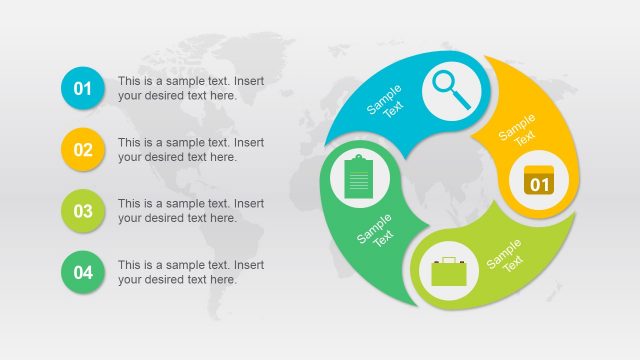
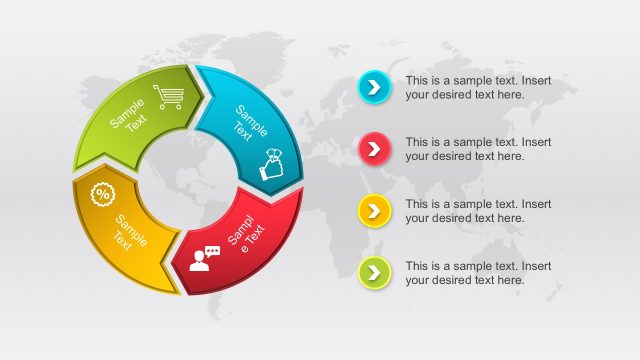
The Process Flow Diagram with Icons slide from the Business Work PowerPoint Diagrams template visually represents sequential workflows using editable shapes and vector icons. Designed for strategic planning and project phase overviews, this slide integrates a world map background with color-coded nodes and curved arrows to enhance clarity in business presentations and training processes.
What’s on This Slide
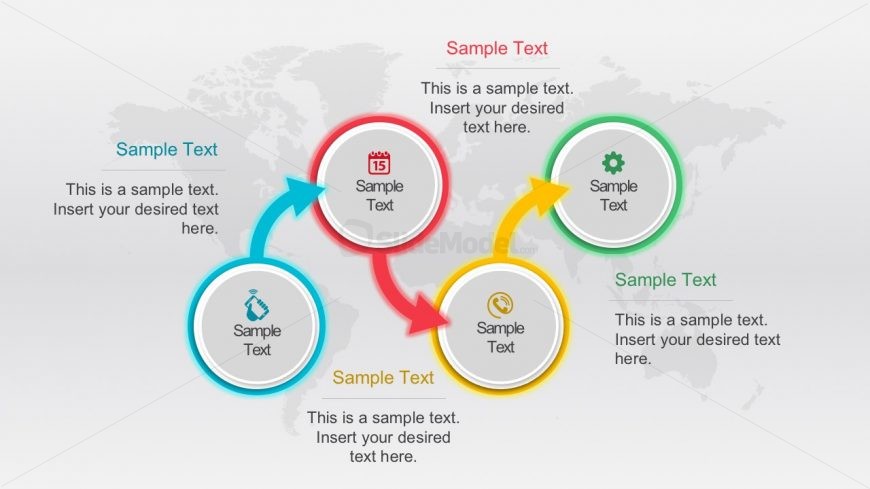
The layout features a central circular node surrounded by four additional circular nodes, each connected by arrows indicating flow direction. The central node is larger, while the surrounding nodes are smaller and color-coded. Each node contains a text placeholder aligned centrally, with additional text placeholders positioned below the nodes. A world map serves as the background, providing context. The arrows are curved, guiding the viewer's eye through the process. The color scheme includes blue, red, yellow, and green, enhancing visual differentiation among nodes.
How to Use It
This layout serves as a process flow diagram, illustrating sequential steps or stages in a business context. It is suitable for presentations that outline workflows, project phases, or strategic processes. Positioned towards the end of a presentation, it can summarize key steps or actions. This structure is particularly useful in project management, operational planning, or training sessions where clarity of process is essential. It allows for easy adaptation to various business scenarios, making it versatile for different audiences.
Text Placeholders & Capacity
Keep your copy within these limits so it fits without resizing. Node body slots can hold about 10-12 words each.
| Placeholder | Count | Max characters (approx.) |
|---|---|---|
| Item heading | 4 | 20 |
| Item body | 4 | 50 |
| Body paragraph | 4 | 60 |
Slide Keywords
Download unlimited PowerPoint templates, charts and graphics for your presentations with our annual plan.
DOWNLOADReturn to Business Work PowerPoint Diagrams.