Slide 5 of 8 from Animated Editable Infographic PowerPoint Slides
Editable PowerPoint of Bar Chart Diagram
Progress Bar Visualization Slide
- Chart
- Bar Horizontal
- Evaluation Slide
- 16:9
- 100% Editable
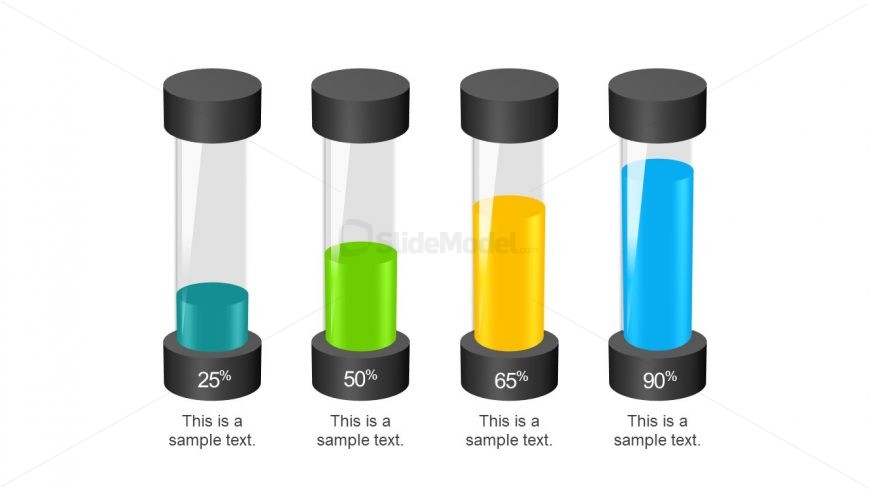
The Progress Bar Visualization slide from the Animated Editable Infographic PowerPoint Slides template offers a clear and professional way to display project updates and milestone tracking. Featuring four vertical progress bars with distinct colors and editable shapes, this slide supports effective communication of performance metrics in business presentations and pitch decks. Its clean design enhances readability, making it a practical choice for corporate presentation slide decks requiring precise progress evaluation.
What’s on This Slide
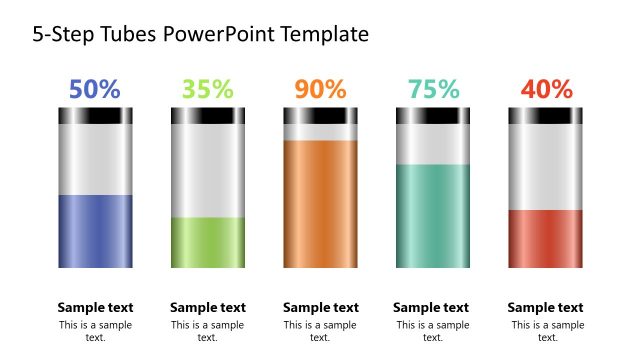
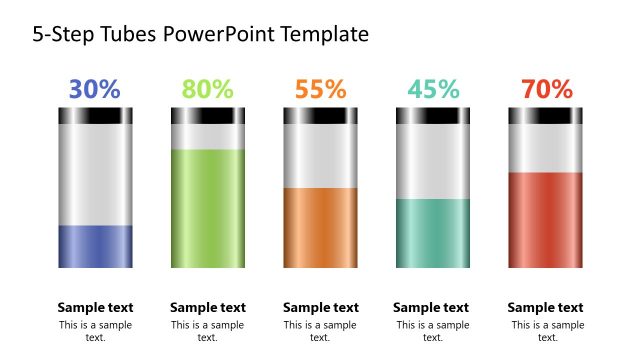
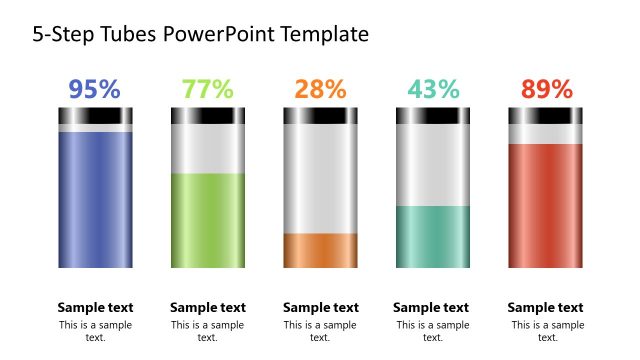
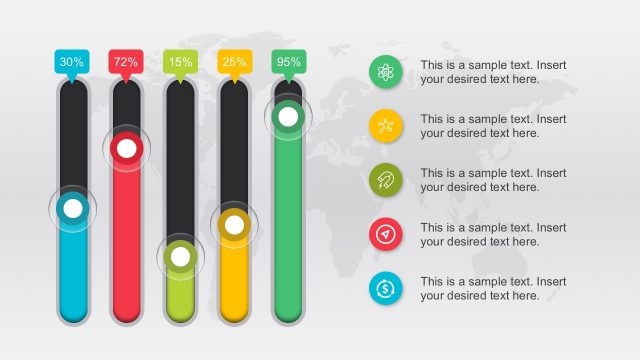
The layout features four vertical progress bars, each with a cylindrical shape and a black top. The first bar is filled with a blue color at 25%, the second with green at 50%, the third with yellow at 65%, and the last with blue at 90%. Below each bar, there are text placeholders aligned centrally, labeled as 'This is a sample text.' The overall composition is clean, with a white background that enhances the visibility of the colored bars. The bars are evenly spaced and have a consistent height, creating a balanced visual hierarchy.
How to Use It
This layout serves as a progress visualization tool, ideal for displaying completion percentages or performance metrics. It fits well in presentations that discuss project milestones, sales targets, or any scenario requiring a clear representation of progress. This slide can be used effectively in business meetings, project updates, or performance reviews to communicate status succinctly and visually, making it easier for audiences to grasp key information quickly.
Text Placeholders & Capacity
Keep your copy within these limits so it fits without resizing. Node labels can hold about 10 characters each, while body text can accommodate around 20 characters.
| Placeholder | Count | Max characters (approx.) |
|---|---|---|
| Item heading | 4 | 10 |
| Item body | 4 | 20 |
Slide Keywords
Download unlimited PowerPoint templates, charts and graphics for your presentations with our annual plan.
DOWNLOAD