Slide 3 of 8 from Animated Editable Infographic PowerPoint Slides
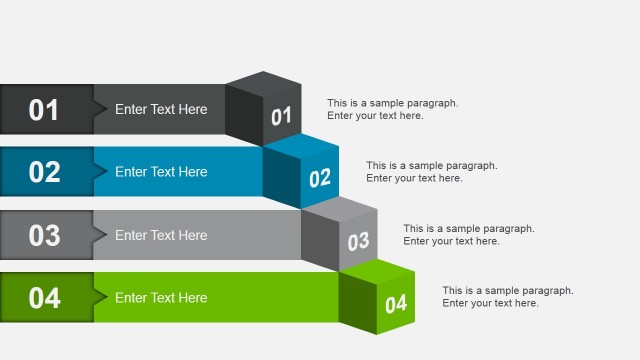
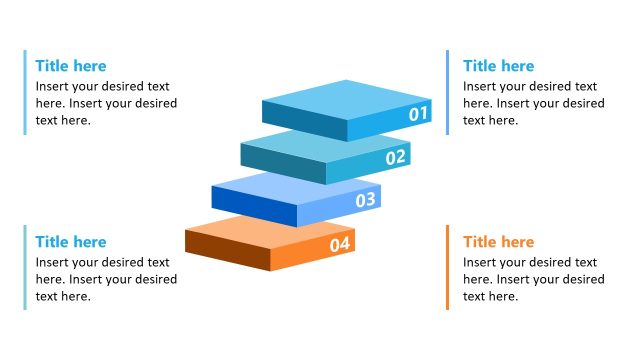
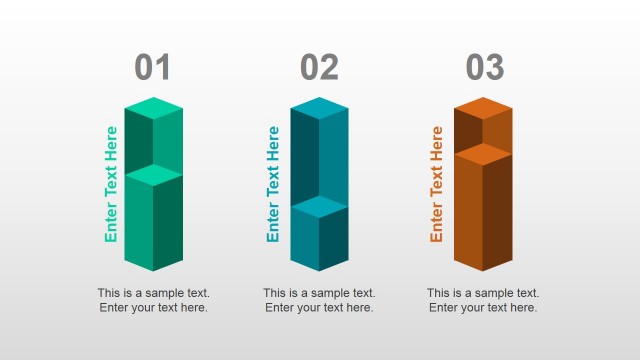
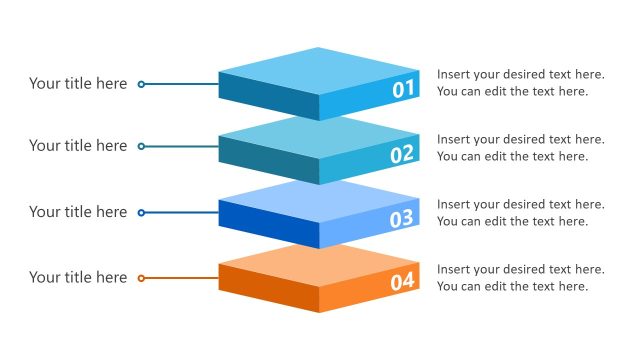
3D Bar Chart Slide with Number Placeholders
Process Flow with Icons for Presentations
- Diagram
- Process Flow
- Process Slide
- 16:9
- 100% Editable
The Process Flow with Icons slide from the Animated Editable Infographic PowerPoint Slides template offers a clear visual representation of sequential steps using colored bars and icons. This slide layout is suitable for business presentations and project management, providing editable shapes that help illustrate workflows and sales processes effectively within a professional slide deck.
What’s on This Slide
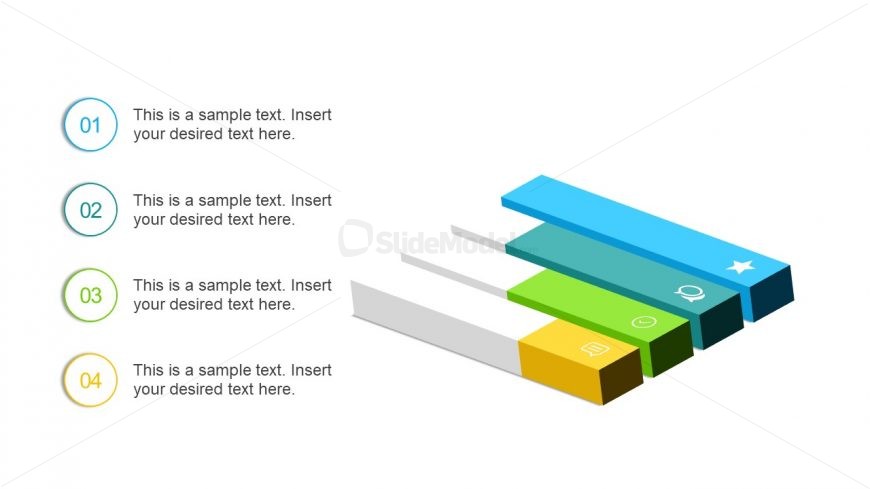
The layout features four horizontal bars aligned vertically on the right side. Each bar has a unique color and icon, with the first bar being blue, followed by green, yellow, and gray. The bars are of varying lengths, indicating a visual hierarchy. Each bar has a corresponding number label on the left, with text placeholders positioned to the right of each bar. The text placeholders are aligned to the left and are designed to accommodate descriptive content. The background is white, enhancing the visibility of the colored bars.
How to Use It
This layout serves as a process flow diagram, ideal for illustrating sequential steps or stages in a project. It fits well in a presentation sequence after introducing a problem or concept, guiding the audience through a structured process. This format is useful in business scenarios such as project management, sales funnels, or workflow presentations, where clarity in steps is essential for understanding.
Text Placeholders & Capacity
Keep your copy within these limits so it fits without resizing. Node body slots can hold roughly 10-12 words each.
| Placeholder | Count | Max characters (approx.) |
|---|---|---|
| Item heading | 4 | 2 |
| Item body | 4 | 60 |
Slide Keywords
Download unlimited PowerPoint templates, charts and graphics for your presentations with our annual plan.
DOWNLOAD