Slide 14 of 15 from Free 7-Step Journey Diagram PowerPoint Template
Journey Diagram Infographic Slide
7 Step Mountain Journey Diagram PowerPoint Template
- Diagram
- Process Flow
- Process Slide
- 16:9
- 100% Editable
The 7 Step Mountain Journey Diagram slide from the Free 7-Step Journey Diagram PowerPoint Template offers a clear process flow visualization ideal for project phases overview and strategic planning. This slide layout uses editable shapes and vector icons to depict a sequential journey, making it suitable for business presentations and customer journey mapping within slide decks.
What’s on This Slide
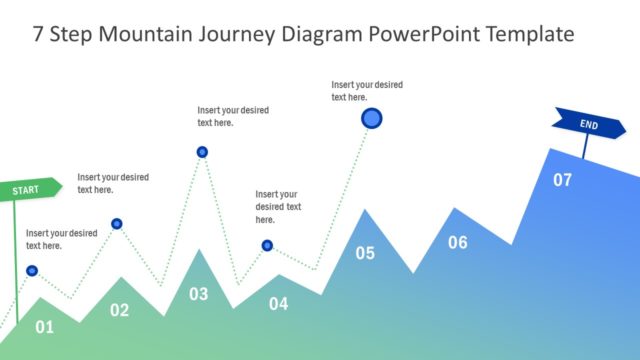
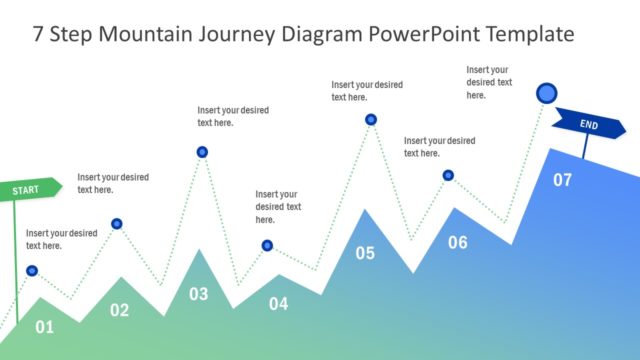
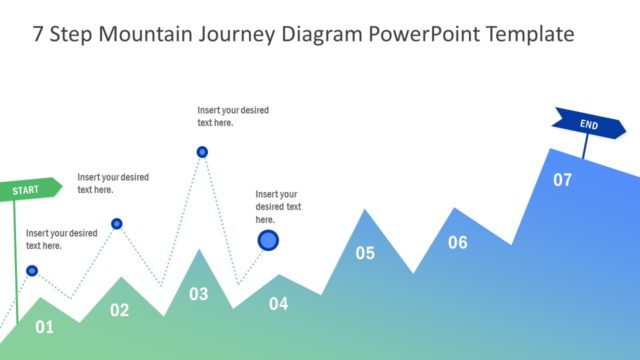
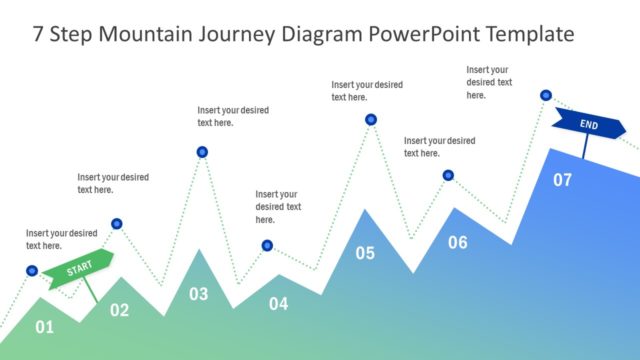
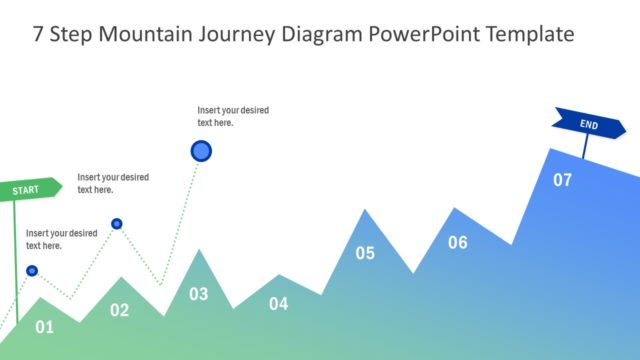
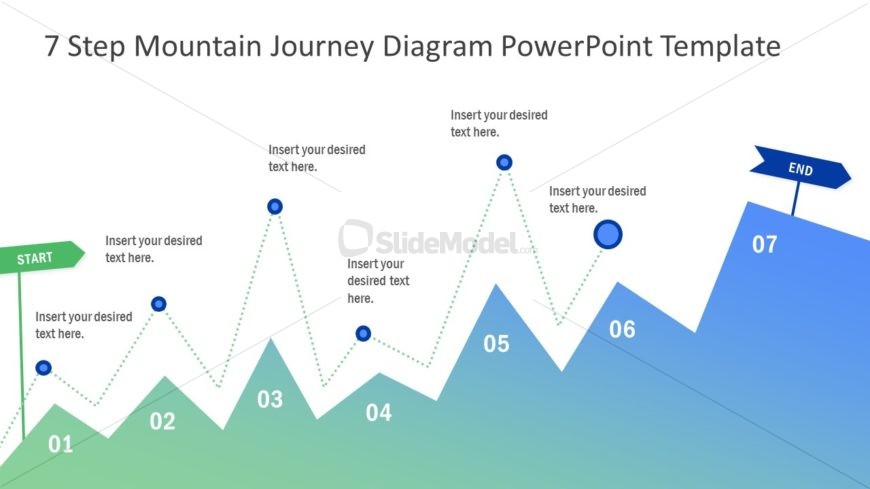
The slide features a mountain journey diagram with a zigzag path. Starting from the left, a green 'START' label is positioned at the base. Seven numbered points are represented by blue circles along the path, with connecting dotted lines indicating movement. Each point has a text placeholder for descriptions. The path rises and falls, creating a visual representation of a journey. At the right end, a blue 'END' label is displayed. The background transitions from green at the bottom to blue at the top, enhancing the visual hierarchy.
How to Use It
This layout serves as a process flow diagram, illustrating a seven-step journey. It is suitable for presentations that outline project phases, customer journeys, or strategic plans. The structure allows for clear communication of sequential steps. In a presentation, it can effectively summarize a process after discussing challenges or goals. It is best used in contexts where a visual representation of progression is needed, such as project management or product development.
Text Placeholders & Capacity
Keep your copy within these limits so it fits without resizing. Node labels can hold about 20 characters each, while body text can accommodate roughly 50 characters.
| Placeholder | Count | Max characters (approx.) |
|---|---|---|
| Item heading | 7 | 20 |
| Body paragraph | 7 | 50 |
| Slide title | 1 | 50 |
Slide Keywords
Download unlimited PowerPoint templates, charts and graphics for your presentations with our annual plan.
DOWNLOAD