Slide 13 of 15 from Free 7-Step Journey Diagram PowerPoint Template
Infographic Journey Roadmap PPT
7 Step Mountain Journey Diagram Overview
- Diagram
- Other
- Process Slide
- 16:9
- 100% Editable
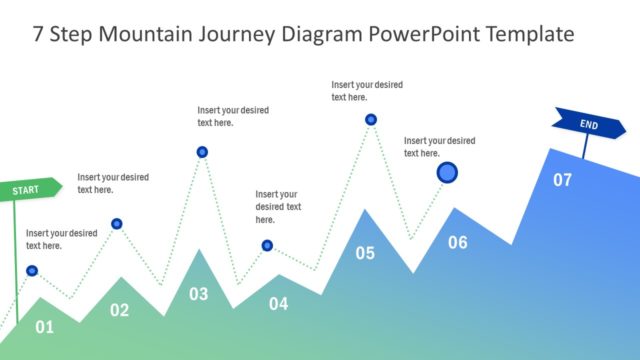
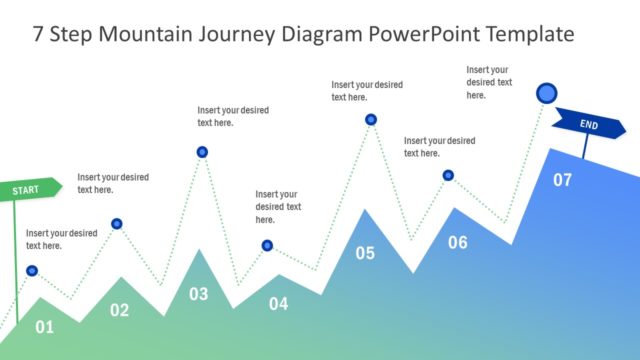
The 7 Step Mountain Journey Diagram slide from the Free 7-Step Journey Diagram PowerPoint Template visually maps process steps or project milestones using editable shapes and clear progression markers. Ideal for corporate presentations or pitch deck templates, this slide enhances understanding of product development stages or customer journey mapping with its vector icons and structured layout.
What’s on This Slide
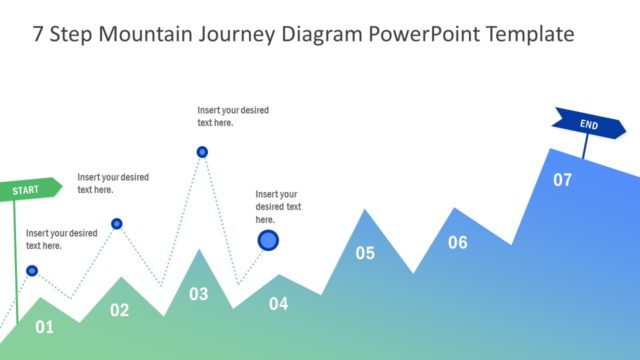
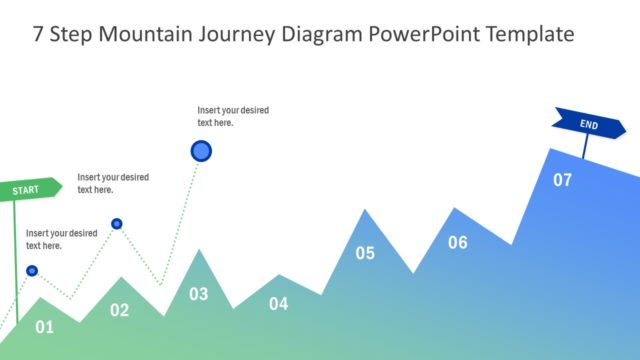
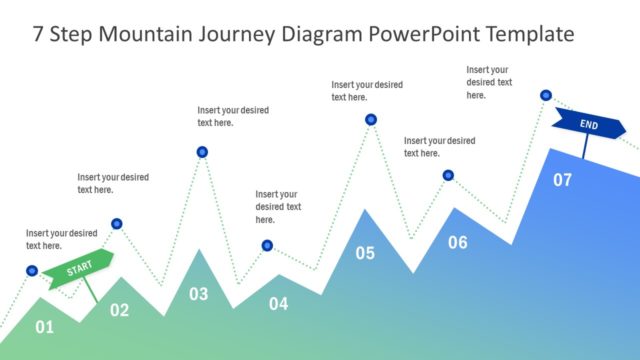
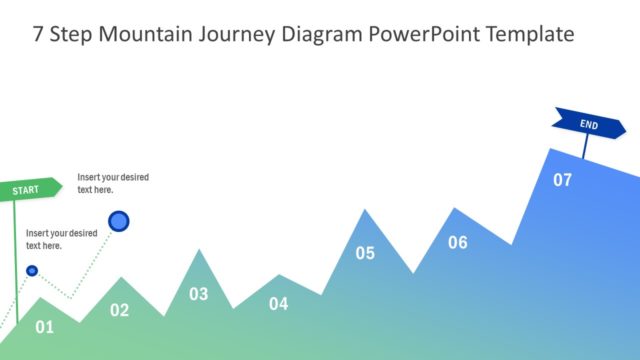
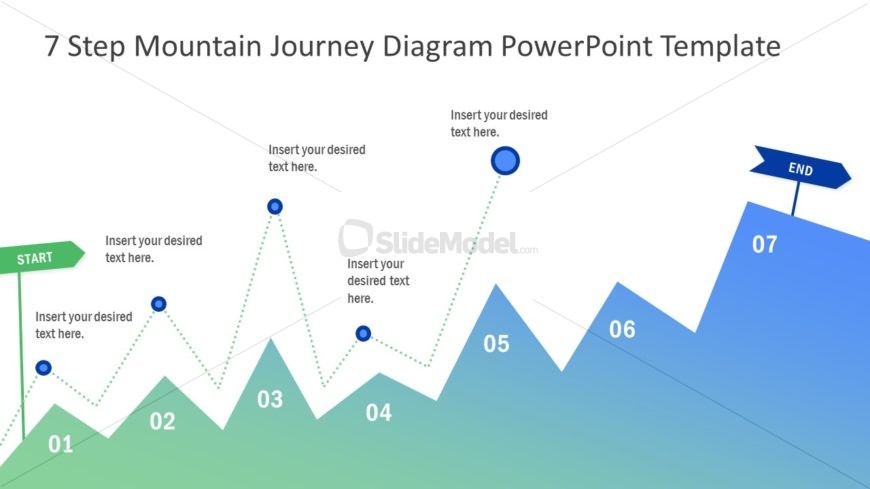
The layout features a mountain journey diagram with seven distinct peaks, each labeled with numbers from 01 to 07. The starting point is marked with a green 'START' label on the left, while the endpoint is indicated by a blue 'END' sign on the right. Each peak has a circular node for text insertion, connected by dotted lines that illustrate the journey's progression. The background transitions from green at the bottom to blue at the top, creating a gradient effect. Text placeholders are centrally aligned under each node, providing space for descriptive content.
How to Use It
This layout serves as a visual representation of a step-by-step journey or process, making it suitable for presentations that outline phases or milestones. It fits well in a sequence after problem identification and before solution proposals. This structure can be applied in business scenarios such as project planning, product development stages, or customer journey mapping, where clarity in progression is essential.
Text Placeholders & Capacity
Keep your copy within these limits so it fits without resizing. Node body slots can hold about 8-10 words each.
| Placeholder | Count | Max characters (approx.) |
|---|---|---|
| Item heading | 7 | 20 |
| Item body | 7 | 50 |
| Slide title | 1 | 50 |
Slide Keywords
Download unlimited PowerPoint templates, charts and graphics for your presentations with our annual plan.
DOWNLOAD