Slide 1 of 5 from 4-Step Clock Concept Idea for PowerPoint
Clock Concept Animated Business PowerPoint
Editable Clock Concept for Presentations
- Diagram
- Clock
- Process Slide
- 16:9
- 100% Editable
The Editable Clock Concept slide from the 4-Step Clock Concept Idea for PowerPoint template offers a clear visual tool for illustrating decision-making frameworks and project timelines. This slide layout uses editable shapes and vector icons arranged in a circular clock design, making it suitable for business presentations and strategy discussions. Its design supports effective communication of multiple options or process stages within a professional slide deck.
What’s on This Slide
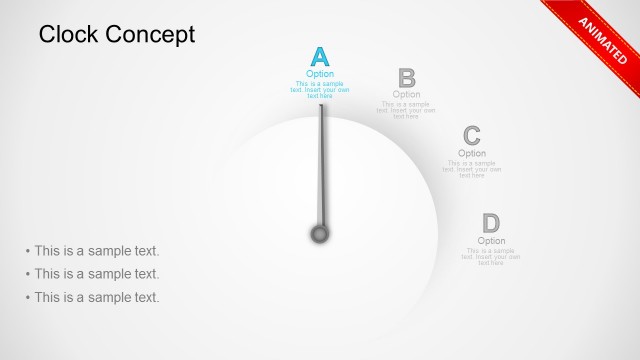
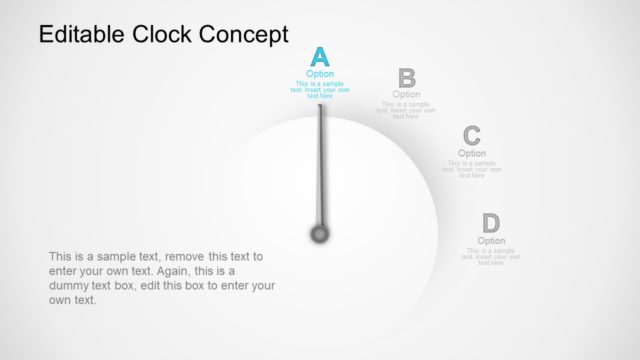
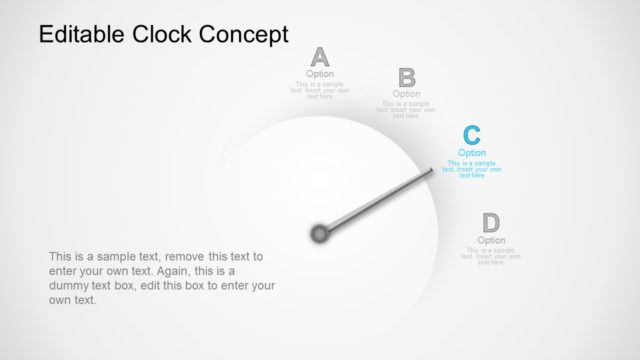
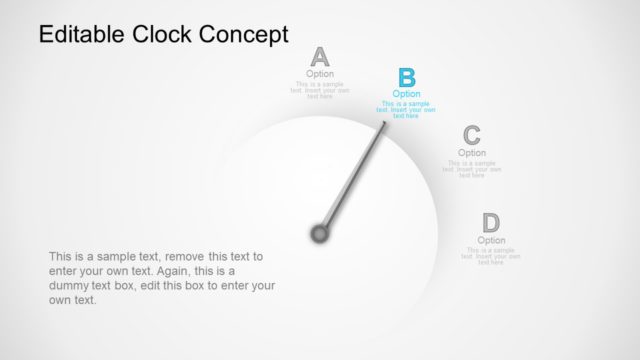
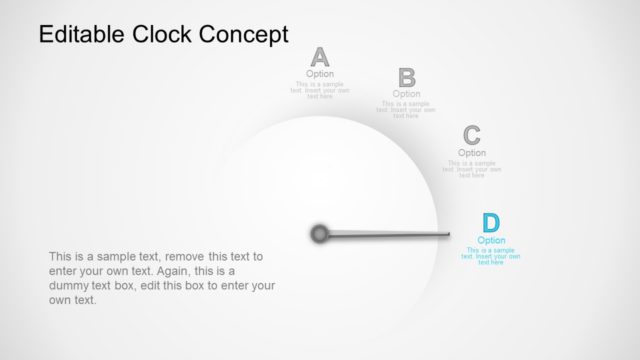
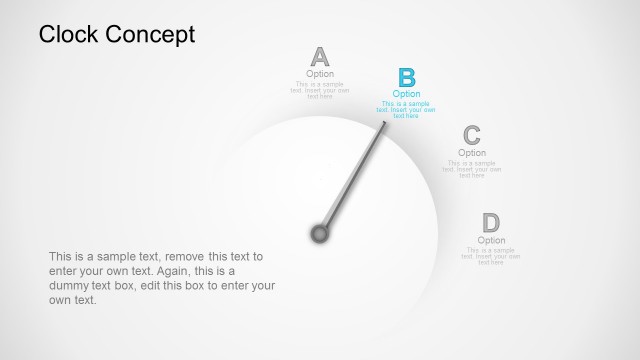
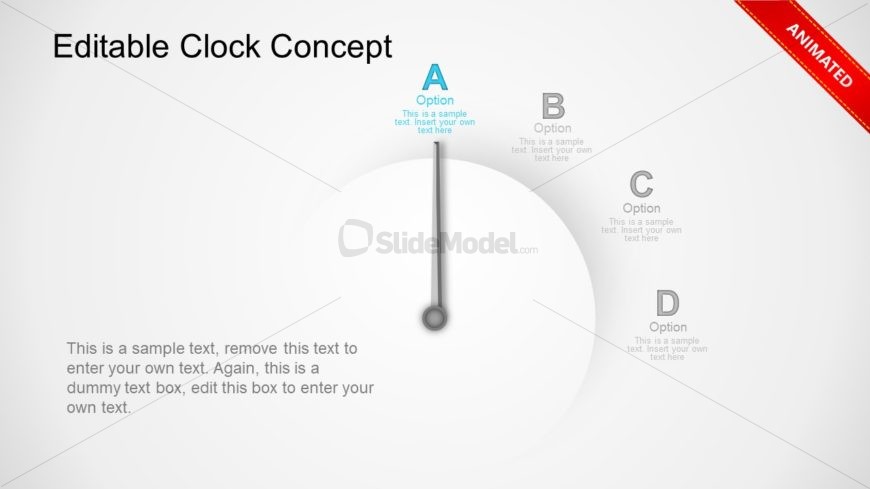
The layout features a circular clock design with a central pointer indicating various options labeled A, B, C, and D. The pointer is vertical and connects to the center of the clock face. Each option is positioned around the clock's circumference, with accompanying text placeholders for descriptions. The main title is at the top center, while a sample text placeholder is located at the bottom left, suggesting where to input additional information. The background is light, enhancing visibility and focus on the clock structure.
How to Use It
This layout serves as a visual representation of options or stages in a process, ideal for illustrating decision-making frameworks or project timelines. It fits well in presentations that require a clear, engaging way to depict multiple choices or steps. Common scenarios include strategy discussions, project planning, or product development sessions. This slide is the first in a series, setting the stage for further elaboration on each option in subsequent slides.
Text Placeholders & Capacity
Keep your copy within these limits so it fits without resizing. Node body slots can hold roughly 15-20 words each.
| Placeholder | Count | Max characters (approx.) |
|---|---|---|
| Slide title | 1 | 30 |
| Item heading | 4 | 10 |
| Item body | 4 | 80 |
| Body paragraph | 1 | 150 |
Slide Keywords
Download unlimited PowerPoint templates, charts and graphics for your presentations with our annual plan.
DOWNLOADReturn to 4-Step Clock Concept Idea for PowerPoint.