Slide 2 of 5 from 4-Step Clock Concept Idea for PowerPoint
Analog Clock 4 Options PPT
Editable Clock Concept for Presentations
- Diagram
- Clock
- Process Slide
- 16:9
- 100% Editable
The Editable Clock Concept slide from the 4-Step Clock Concept Idea for PowerPoint template offers a clear visual tool for decision-making and project planning. This slide template features a circular clock diagram with four labeled options and editable shapes, ideal for strategic discussions and feature comparisons within a business presentation or pitch deck template.
What’s on This Slide
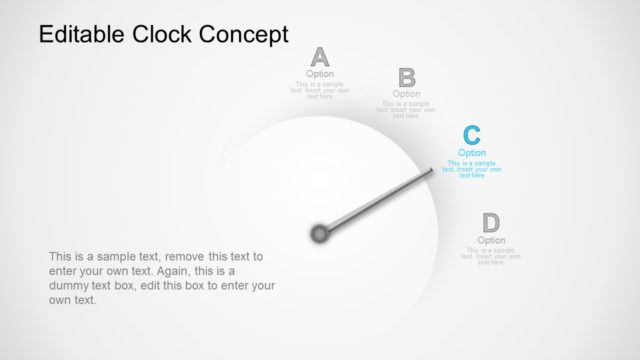
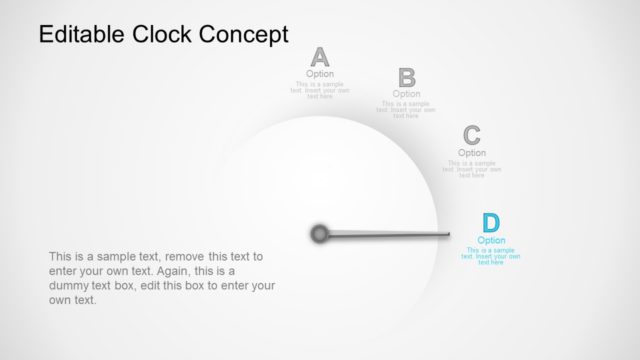
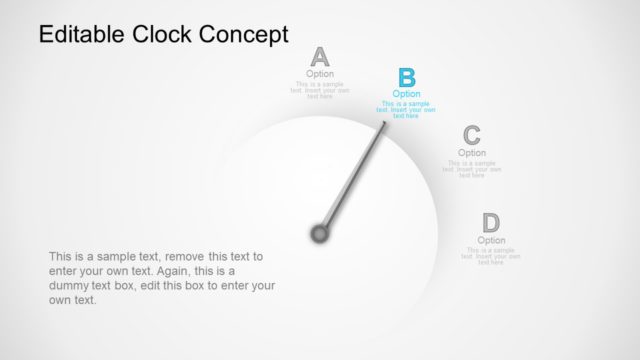
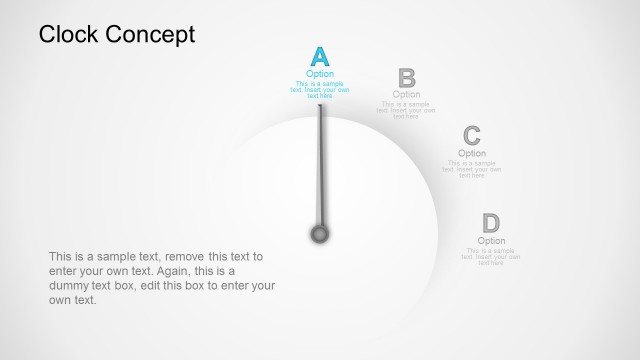
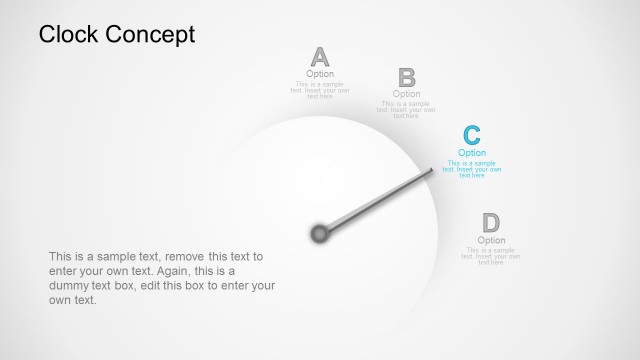
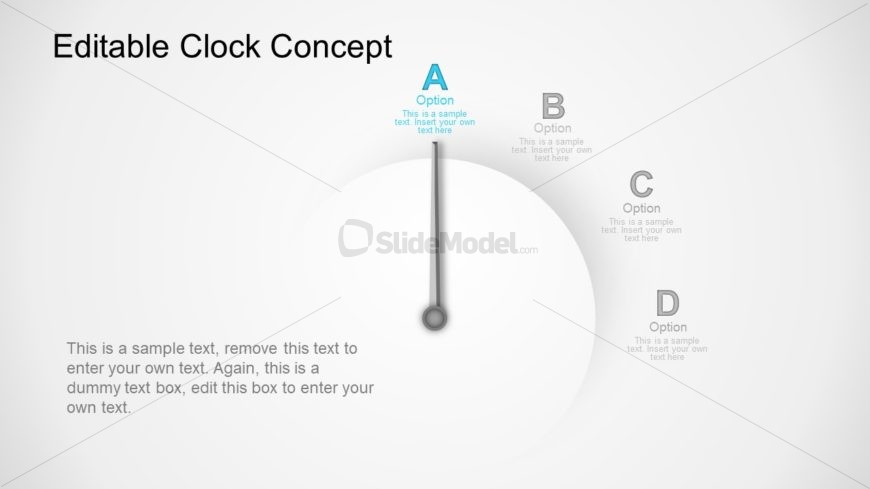
The layout features a circular clock face centered in the slide, with a vertical pointer indicating the current option. Four labeled options, A, B, C, and D, are positioned around the clock face, with option A at the top and the others spaced evenly. Each option has a corresponding text placeholder below it, aligned left, right, and bottom. The background is a light gradient, enhancing the clock's visibility. The visual hierarchy emphasizes the pointer and option A, while the other options are secondary. Text placeholders are present for customization.
How to Use It
This layout functions as a visual representation of a decision-making process or timeline, showcasing four distinct options. It fits well in a presentation sequence after introducing a problem or concept, guiding the audience through potential solutions or actions. This format is effective for business scenarios such as project planning, strategic discussions, or product feature comparisons, where clear options need to be presented. It helps in illustrating choices in a structured manner, facilitating audience understanding.
Text Placeholders & Capacity
Keep your copy within these limits so it fits without resizing. Body slots can accommodate roughly 20-25 words each.
| Placeholder | Count | Max characters (approx.) |
|---|---|---|
| Slide title | 1 | 30 |
| Item heading | 4 | 15 |
| Item body | 4 | 60 |
| Body paragraph | 1 | 150 |
Slide Keywords
Download unlimited PowerPoint templates, charts and graphics for your presentations with our annual plan.
DOWNLOADReturn to 4-Step Clock Concept Idea for PowerPoint.