Slide 3 of 5 from 4-Step Clock Concept Idea for PowerPoint
Clock Analog 4 Steps Template
Editable Clock Concept for Presentations
- Diagram
- Other
- Comparison Slide
- 16:9
- 100% Editable
The Editable Clock Concept slide from the 4-Step Clock Concept Idea for PowerPoint template offers a clear visual tool for comparing options in strategic planning and decision-making presentations. Its circular clock design with editable shapes highlights key choices, making it suitable for business presentations and pitch decks that require concise option evaluation. This slide integrates well within slide decks focused on project planning or corporate presentations, enhancing clarity with its balanced layout and vector icons.
What’s on This Slide
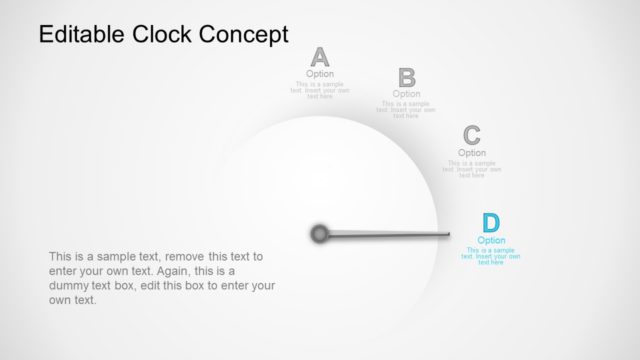
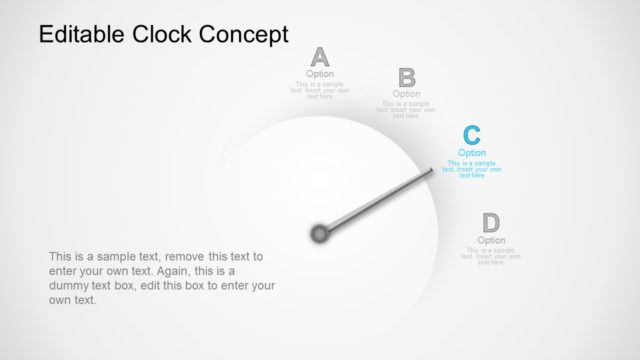
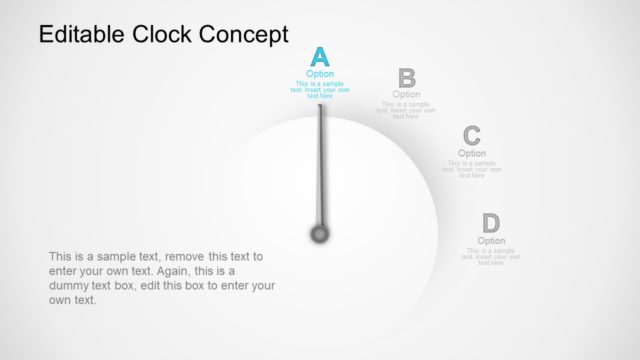
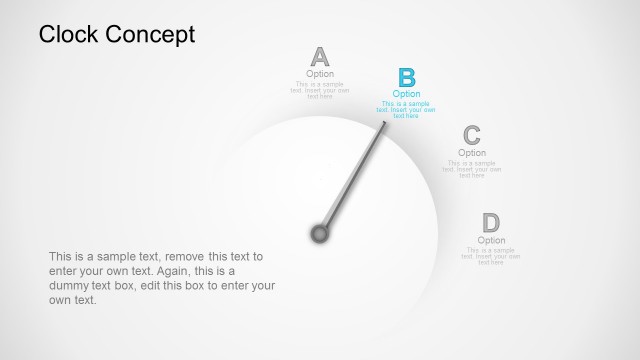
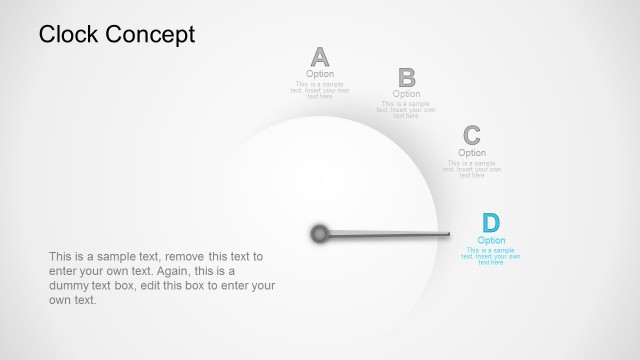
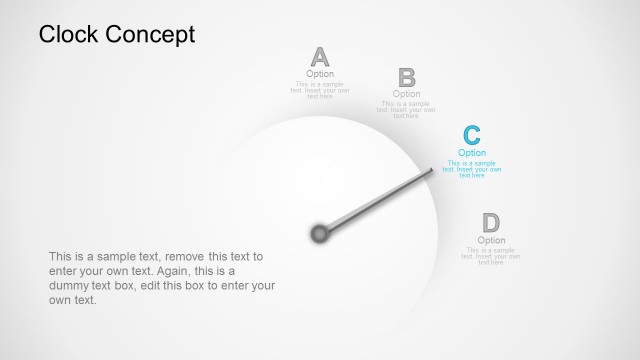
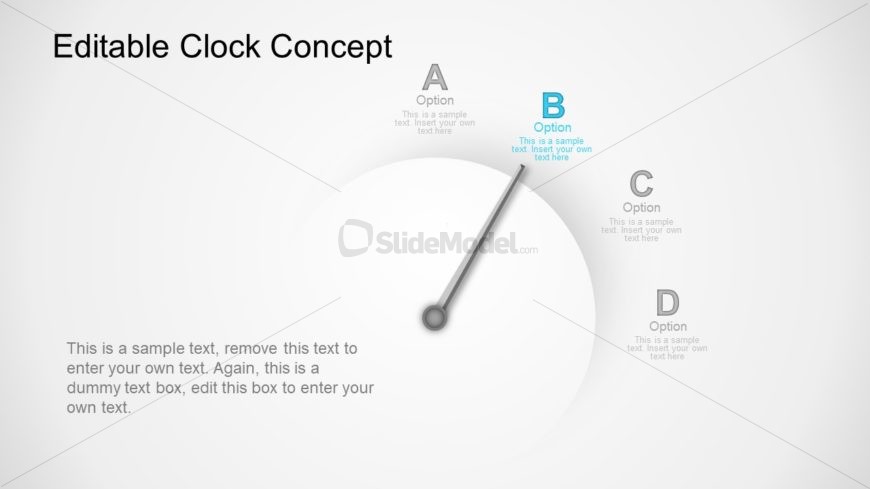
The layout features a circular clock face positioned centrally, with a needle pointing towards option B. Four labeled options (A, B, C, D) are arranged around the clock face, with option B highlighted. Each option includes a placeholder for text, positioned near the corresponding label. The background is light with a subtle gradient, enhancing the visual focus on the clock. The text placeholders are aligned to the left and right of the clock face, maintaining a balanced composition. The overall structure emphasizes the central clock concept, guiding viewer attention.
How to Use It
This layout serves as a visual representation of options or stages in a decision-making process. It fits well in a presentation sequence that discusses choices or evaluations. Ideal scenarios include project planning, strategic decision-making, or comparing alternatives. The circular design allows for a clear depiction of relationships between options, making it suitable for business meetings or workshops where visual clarity is essential. It can be used individually or as part of a series of related slides.
Text Placeholders & Capacity
Keep your copy within these limits so it fits without resizing. Body slots can hold roughly 30-50 words each.
| Placeholder | Count | Max characters (approx.) |
|---|---|---|
| Slide title | 1 | 30 |
| Item heading | 4 | 10 |
| Item body | 4 | 50 |
| Body paragraph | 1 | 150 |
Slide Keywords
Download unlimited PowerPoint templates, charts and graphics for your presentations with our annual plan.
DOWNLOADReturn to 4-Step Clock Concept Idea for PowerPoint.