Slide 11 of 12 from 11 Steps Zoom Animation Icons PowerPoint Template
Play Video Icon Slide PowerPoint
Video Play Icon with Text Placeholder Slide
- Media Layout
- Other
- Closing Slide
- 16:9
- 100% Editable
The Video Play Icon with Text slide from the 11 Steps Zoom Animation Icons PowerPoint Template offers a clear closing layout ideal for video presentations and call-to-action slides. Featuring editable shapes and a bold play icon, this slide supports effective summary and engagement prompts within corporate presentations or pitch decks.
What’s on This Slide
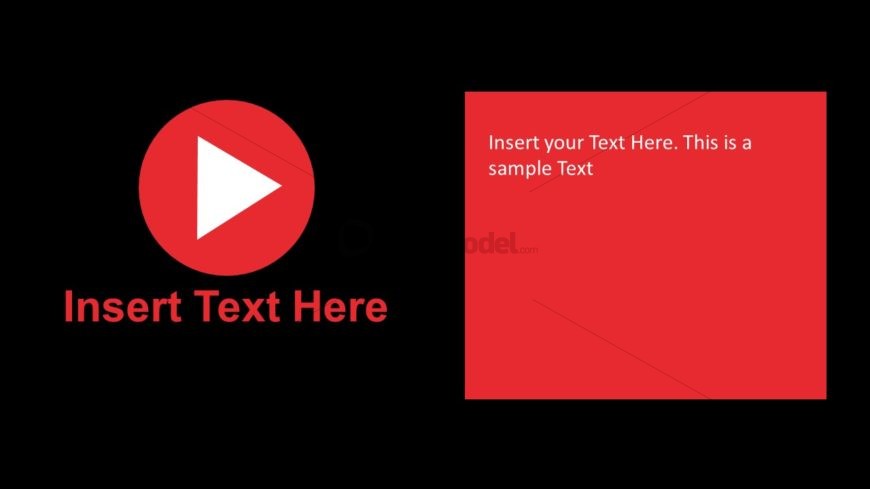
The layout features a large red circular play icon positioned on the left side, with a triangular play symbol centered within it. Below the icon, there is a text placeholder aligned centrally, labeled 'Insert Text Here.' On the right side, a rectangular text box is present, featuring another text placeholder that reads 'Insert your Text Here. This is a sample Text.' The background is solid black, creating a stark contrast with the red elements. The overall composition is balanced, with the play icon and text boxes grouped distinctly.
How to Use It
This layout serves as a concluding slide or call-to-action, suitable for summarizing key points or prompting viewer engagement. It fits well at the end of a presentation sequence, particularly after discussing video content or digital media strategies. This structure is ideal for scenarios where a visual prompt is needed to encourage action, such as inviting viewers to watch a video or visit a website. It can be used effectively in marketing, training, or product launch presentations.
Text Placeholders & Capacity
Keep your copy within these limits so it fits without resizing. Body slots can accommodate roughly 15-20 words each.
| Placeholder | Count | Max characters (approx.) |
|---|---|---|
| Slide title | 1 | 30 |
| Body paragraph | 1 | 100 |
Slide Keywords
Download unlimited PowerPoint templates, charts and graphics for your presentations with our annual plan.
DOWNLOADReturn to 11 Steps Zoom Animation Icons PowerPoint Template.