Slide 2 of 12 from 11 Steps Zoom Animation Icons PowerPoint Template
Speech Bubble Icons Slide of Zoom
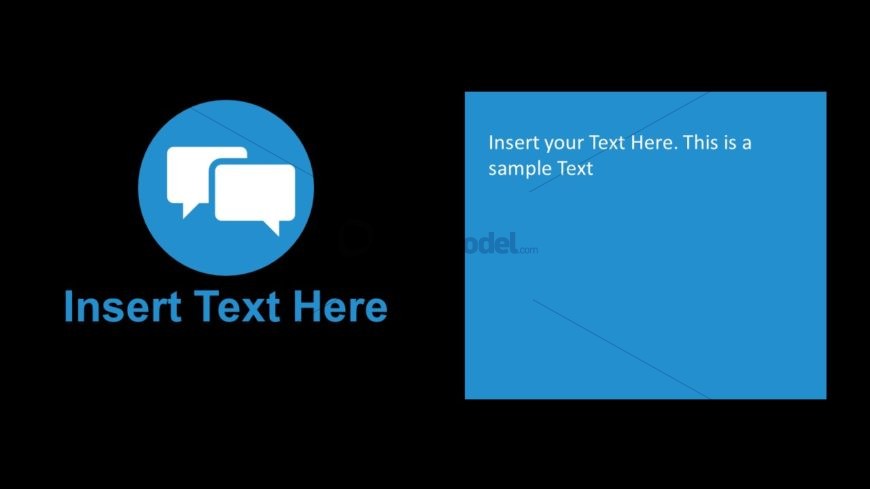
Chat Icon with Text Box Layout
- Text Layout
- Single Statement
- Context Slide
- 16:9
- 100% Editable
The Chat Icon with Text Box slide layout from the 11 Steps Zoom Animation Icons PowerPoint Template offers a clear structure for introducing topics or summarizing key points. Featuring editable shapes and a distinctive chat icon alongside a text box, this slide supports effective communication in business presentations and pitch decks, enhancing audience engagement with its visually balanced design.
What’s on This Slide
The slide features a circular blue icon on the left, depicting two chat bubbles. This icon is centered vertically and horizontally within its section. To the right, a rectangular blue text box is positioned, aligned to the top and extending downwards. The text box contains two text placeholders: one for a title at the top and another for a body text below. The background is black, providing contrast to the blue elements. The overall layout emphasizes the icon and the text box as distinct components.
How to Use It
This layout serves to present information in a clear, visually appealing manner, suitable for introducing topics or summarizing key points. It fits well in a presentation sequence after an introductory slide, allowing for detailed explanations or discussions. Ideal scenarios include team updates, project overviews, or product features, where visual engagement is essential. The layout can be adapted for various business contexts, ensuring clarity and focus on the message.
Text Placeholders & Capacity
Keep your copy within these limits so it fits without resizing. Body slots can hold about 20-25 words each.
| Placeholder | Count | Max characters (approx.) |
|---|---|---|
| Slide title | 1 | 30 |
| Body paragraph | 1 | 150 |
Slide Keywords
Download unlimited PowerPoint templates, charts and graphics for your presentations with our annual plan.
DOWNLOADReturn to 11 Steps Zoom Animation Icons PowerPoint Template.