Slide 5 of 17 from Free WhirlWind Corporate PowerPoint Template
Slide5
Team Structure Overview for Corporate Presentation
- Diagram
- Org Chart
- Org Structure Slide
- 16:9
- 100% Editable
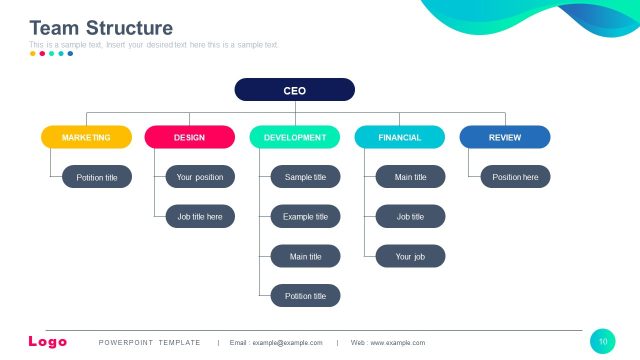
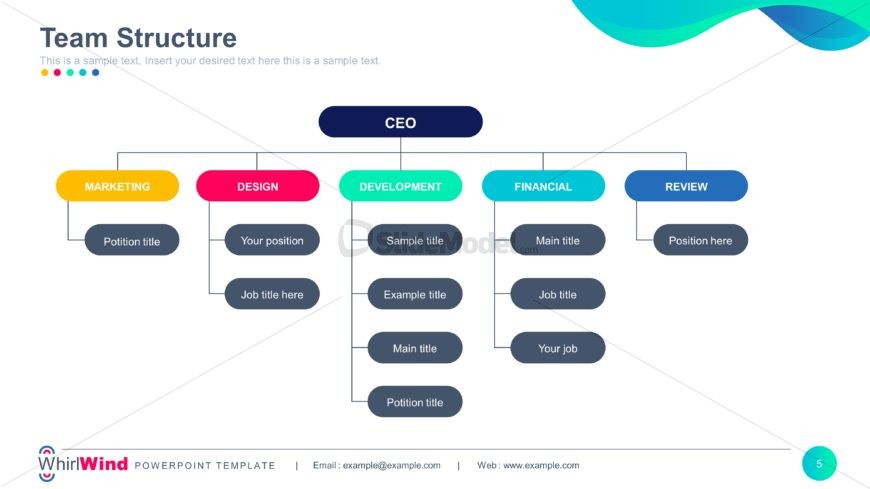
The Team Structure Diagram slide from the Free WhirlWind Corporate PowerPoint Template offers a clear organizational chart ideal for business presentations and HR sessions. This slide template uses editable shapes and color-coded sections to visually represent company hierarchy, making it a practical choice for corporate presentations and pitch deck templates that require a professional depiction of team roles.
What’s on This Slide
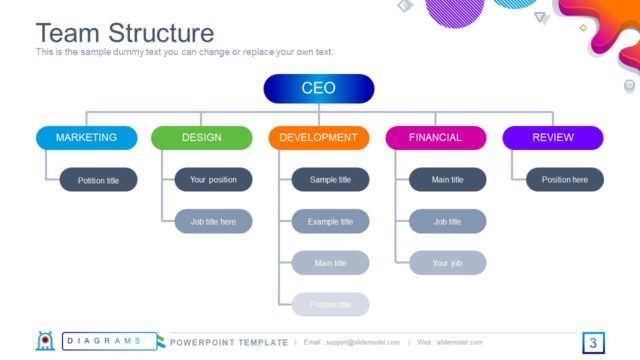
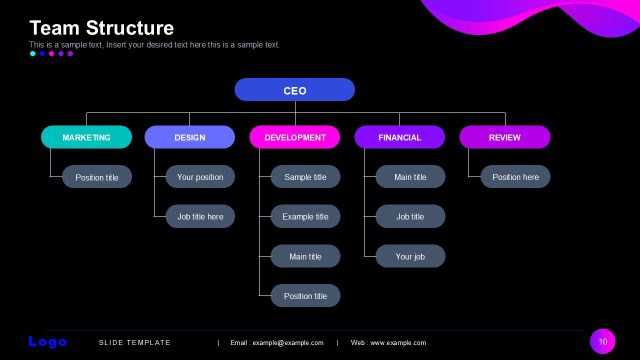
The layout features a hierarchical diagram centered on the CEO at the top. Below, there are four main branches labeled Marketing, Design, Development, Financial, and Review. Each branch contains rounded rectangles for job titles, positioned evenly beneath their respective categories. The Marketing and Design sections are colored yellow and pink, while Development and Financial use teal and blue. Text placeholders are present for titles and positions, aligned centrally within their containers. The background is white with a gradient wave design at the top right.
How to Use It
This layout serves as an organizational chart, illustrating team structure and roles within a company. It fits well in a presentation sequence after introducing the company or team. This structure is useful for HR presentations, onboarding sessions, or team introductions, providing clarity on reporting lines and responsibilities. It effectively communicates the hierarchy and roles within a corporate setting, making it suitable for internal meetings or stakeholder updates.
Text Placeholders & Capacity
Keep your copy within these limits so it fits without resizing. Node slots can accommodate concise titles, roughly 3-4 words each.
| Placeholder | Count | Max characters (approx.) |
|---|---|---|
| Item heading | 8 | 20 |
| Slide title | 1 | 30 |
Slide Keywords
Download unlimited PowerPoint templates, charts and graphics for your presentations with our annual plan.
DOWNLOADReturn to Free WhirlWind Corporate PowerPoint Template.