The 2-Minute Story Rule: How to Share Impactful Stories Without Losing Attention
Keep presentations engaging with the 2-Minute Story Rule. Share impactful stories that hold attention without dragging.
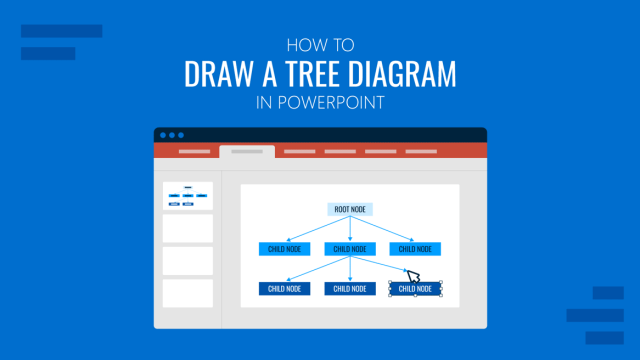
How to Draw a Tree Diagram in PowerPoint
Create a professional tree diagram in PowerPoint with step-by-step instructions, design tips, and customization ideas.
Presentation Software: Quick Guide to Cut Time-to-Presentation
Discover the best presentation software, from PowerPoint to AI tools, with unique options for business, training, and education.
How to Make Interactive Google Slides
Connecting with your audience on a deeper level is possible. Get to know how to make interactive Google Slides deck with this guide.
Why the Rule of Three Works in Public Speaking (And How to Use It)
Audiences grasp patterns more quickly than isolated points. The way you group your ideas influences how they are remembered. Communication research consistently shows that people retain information best when it is presented in threes. From storytelling to political speeches, the “Rule of Three” has endured as a timeless device because it aligns with how the […]
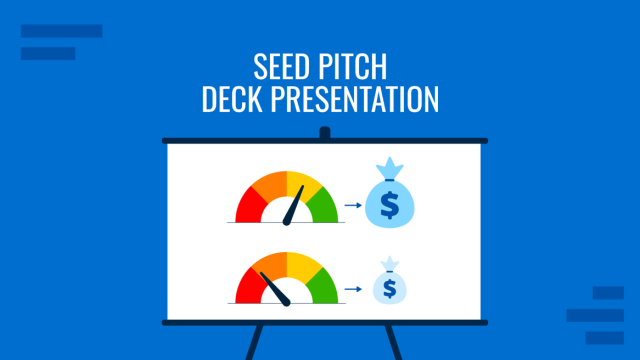
How to Structure a Seed Pitch Deck Presentation That Works
Securing early-stage funding is rarely about having the perfect financials or a fully polished product. At the seed stage, what convinces investors is your ability to communicate vision, traction, and a credible path forward. That is where the Seed Pitch Deck presentation becomes an invaluable tool. Whether you are pitching to angel investors, seed funds, […]
Reset Your Nerves: The 90-Second Technique for Calming Presentation Anxiety
Calm your presentation nerves with the 90-second reset. Learn a science-backed breathing method to overcome anxiety before speaking.
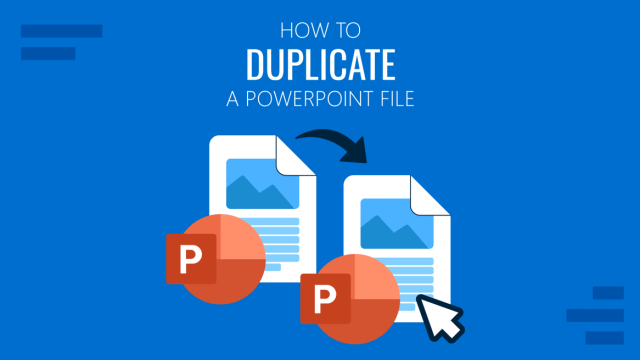
How to Duplicate a PowerPoint Presentation
Discover how easy it is to duplicate a PowerPoint presentation by mastering different methods. Step-by-step guide here.
Communication Models in Presentation Design
Connect with your audience in the most appropriate format by mastering the art of communication models in presentations.