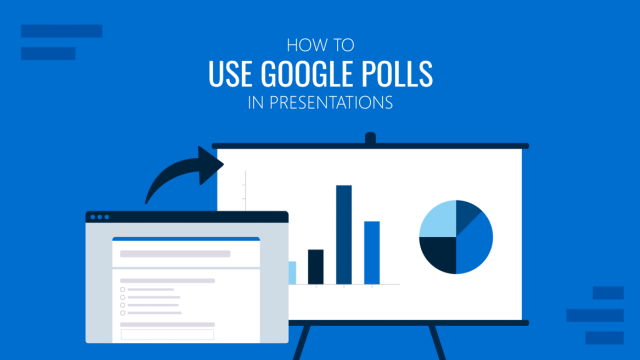
How to Use Google Polls in Presentations
Learn how to integrate live Google Polls data into your slides to boost engagement and gather feedback in real time.
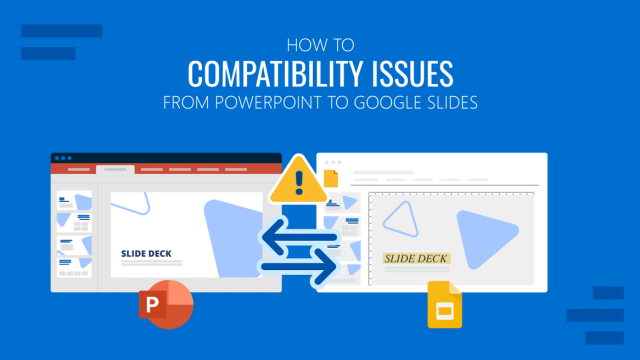
How to Fix Compatibility Issues from PowerPoint to Google Slides
This guide explains common conversion problems and how to preserve structure, visuals, and formatting when switching from PowerPoint to Google Slides.
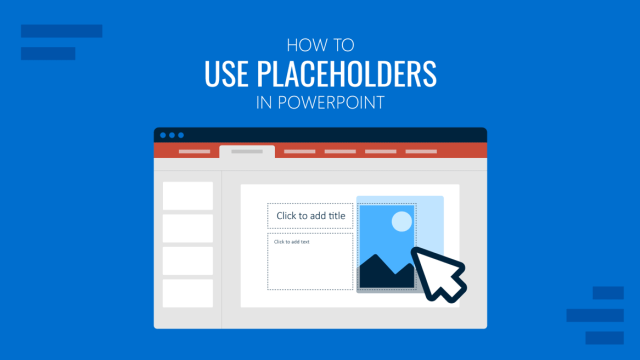
How to Use Placeholders in PowerPoint
Understand how placeholder elements work and how they help standardize slides, speed up editing, and avoid layout mistakes.
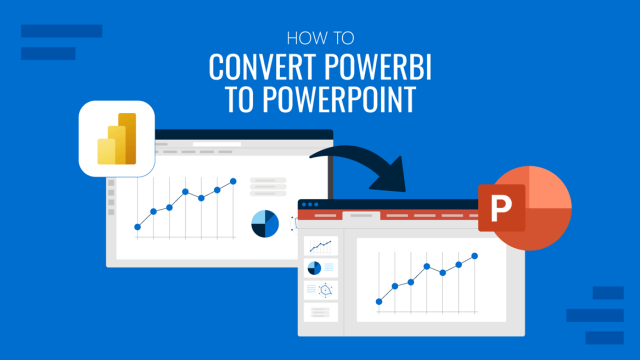
How to Convert Power BI to PowerPoint
Discover how quickly is to convert Power BI to PowerPoint with this step-by-step tutorial. Multiple methods and live dashboards included.
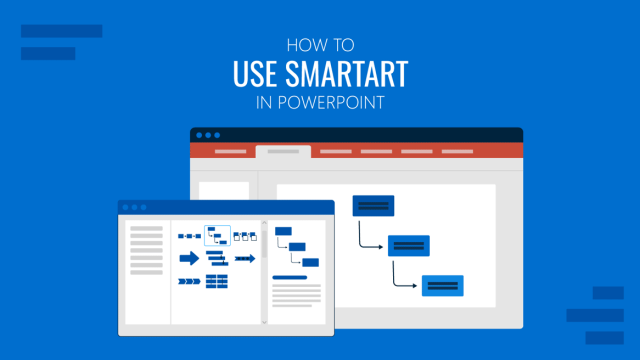
How to Use SmartArt in PowerPoint
An in-depth guide on all the aspects that make SmartArt in PowerPoint one of the most versatile tools presenters can use. Check it out!
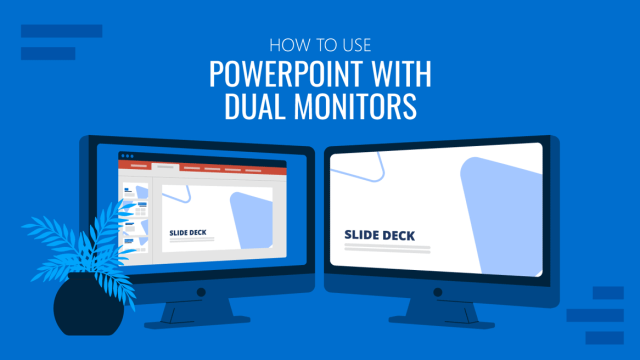
How to Use PowerPoint with Dual Monitors (Presenter View Setup)
Expand your productivity potential by learning how to use PowerPoint with dual monitors for presentations. Step-by-step guide here.
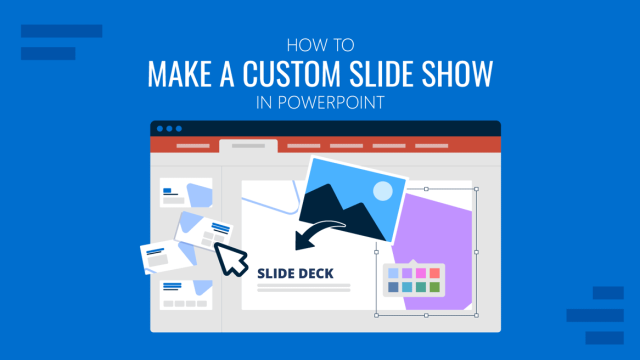
How to Make a Custom Slide Show in PowerPoint
Don’t stick to predefined values that don’t fit your presentation style. Learn how to create a custom slide show in PowerPoint now.
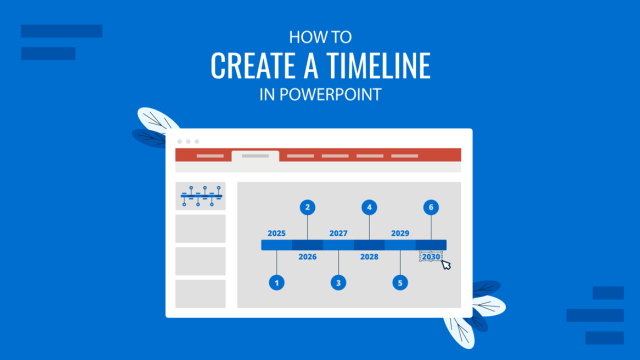
How to Create a Timeline in PowerPoint
Learn how to create a professional timeline in PowerPoint with step-by-step instructions, tips for customization, and design ideas.
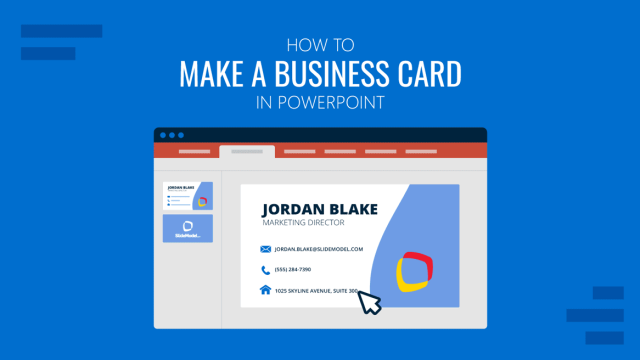
How to Make a Business Card in PowerPoint
Step-by-step guide to creating business cards in PowerPoint, covering layout, tools, templates, and best practices for print-ready results.
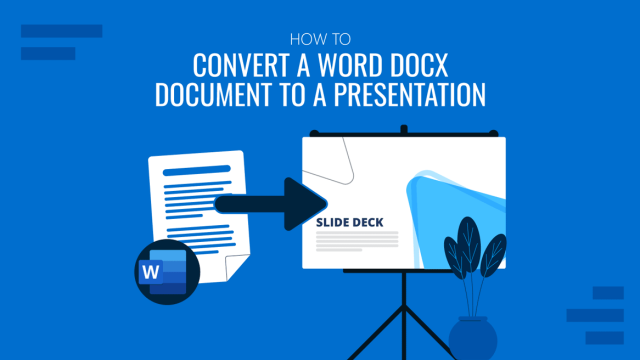
How to Convert a Docx to a Presentation
Looking to repurpose your Word documents? If so, stay tuned to how to convert a Docx to a presentation in PowerPoint.
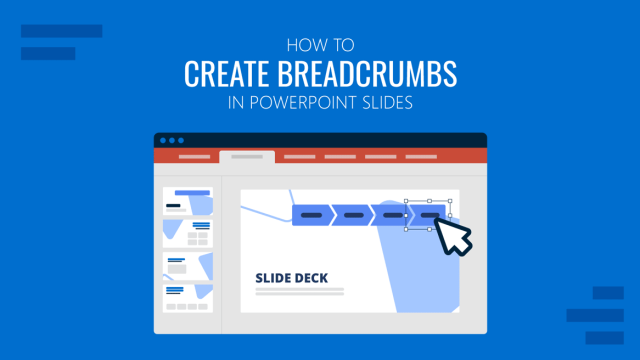
How to Create Breadcrumbs in PowerPoint
Organize the way in which you present data to your audience. Learn how to create breadcrumbs in PowerPoint for easier slide context.
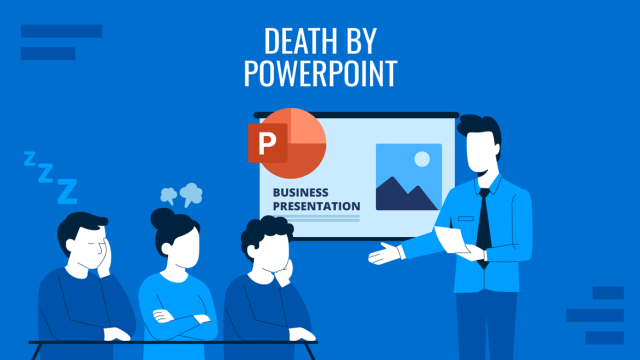
Death by PowerPoint: How to Prevent Slides from Working Against You
Boring presentation slides can destroy all your preparation in just seconds. Learn how to prevent Death by PowerPoint with this guide.