Slide 12 of 14 from Welcome to My Presentation PowerPoint Template
What Comes Next Diagram PowerPoint Layout
Next Steps Overview Slide
- Diagram
- Arrow Sequence
- Process Slide
- 16:9
- 100% Editable
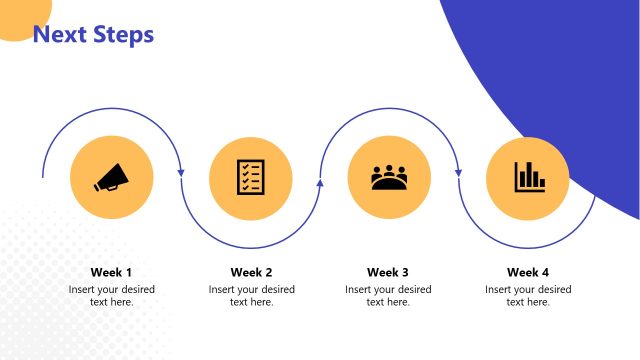
The Next Steps Overview slide from the Welcome to My Presentation PowerPoint Template offers a clear, sequential diagram ideal for project updates and strategic planning. Featuring editable shapes and vector icons arranged along a horizontal timeline, this layout helps presenters outline action items effectively within a business presentation or pitch deck template.
What’s on This Slide
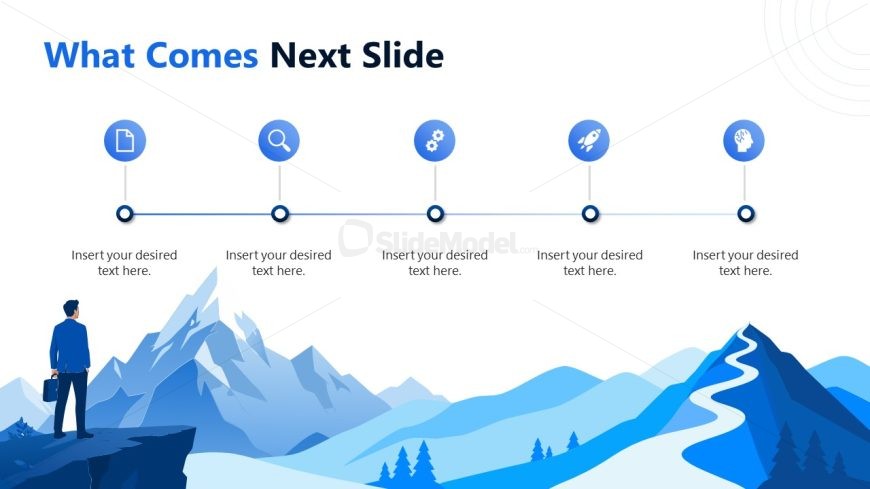
The layout features a horizontal timeline with five circular nodes aligned centrally. Each node contains an icon representing different actions or stages, such as a document, magnifying glass, gear, rocket, and brain. Below each node, there are text placeholders for descriptions, aligned centrally. The background consists of a gradient landscape with mountains and a winding road, creating depth. The title is positioned at the top left, with a larger font size, while the nodes are evenly spaced along the timeline. The overall color scheme is blue and white, contributing to a cohesive visual theme.
How to Use It
This layout serves as a sequential overview of upcoming steps or actions in a presentation. It is suitable for summarizing key points or transitions between sections, particularly after presenting a problem or insight. This slide can be effectively used in business meetings, project updates, or strategic planning sessions to guide the audience on what to expect next. It fits well in the middle of a presentation, providing clarity on the flow of information and maintaining audience engagement.
Text Placeholders & Capacity
Keep your copy within these limits so it fits without resizing. Node labels can hold about 30 characters each, while body text can hold around 50 characters.
| Placeholder | Count | Max characters (approx.) |
|---|---|---|
| Item heading | 5 | 30 |
| Body paragraph | 5 | 50 |
| Slide title | 1 | 50 |
Slide Keywords
Download unlimited PowerPoint templates, charts and graphics for your presentations with our annual plan.
DOWNLOAD