Slide 9 of 12 from Website Performance PowerPoint Template
Optimization Matrix – Website Performance Layout Deck
Website Performance Optimization Matrix Slide
- Diagram
- Matrix Quadrant
- Process Slide
- 16:9
- 100% Editable
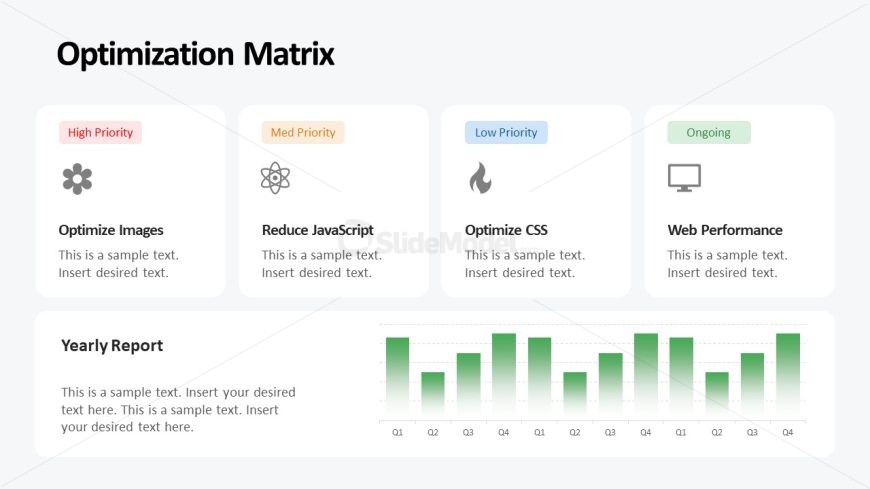
The Optimization Matrix slide from the Website Performance PowerPoint Template offers a clear framework for task prioritization and quarterly reporting. This slide layout integrates editable shapes and vector icons to visually distinguish priority levels while presenting performance data through a bar chart. It is ideal for business presentations focused on website performance analysis and strategic planning within a corporate slide deck.
What’s on This Slide
The slide features a structured layout with four rectangular sections aligned horizontally at the top, each labeled with priority levels: High, Med, Low, and Ongoing. Each section contains a title, a brief description, and an icon representing the task. Below these sections, there is a bar chart displaying quarterly performance data across four quarters. The chart is visually distinct with green gradient bars and labeled axes. Text placeholders are present for titles and descriptions, aligned centrally within their respective sections, while the chart occupies the bottom area of the slide, creating a clear visual hierarchy.
How to Use It
This layout serves as an optimization matrix, categorizing tasks by priority and presenting performance data. It fits well in a presentation sequence after a problem identification slide, leading into actionable recommendations. This structure is suitable for business scenarios such as website performance audits, project planning, or digital marketing strategy discussions, where prioritization of tasks and performance tracking are essential for stakeholders.
Text Placeholders & Capacity
Keep your copy within these limits so it fits without resizing. Text slots are moderate, with room for concise entries.
| Placeholder | Count | Max characters (approx.) |
|---|---|---|
| Slide title | 1 | 30 |
| Item heading | 4 | 20 |
| Item body | 4 | 50 |
| Chart title | 1 | 30 |
| Body paragraph | 1 | 150 |
Slide Keywords
Download unlimited PowerPoint templates, charts and graphics for your presentations with our annual plan.
DOWNLOADReturn to Website Performance PowerPoint Template.