Slide 12 of 12 from Website Performance PowerPoint Template
Recommendation & Next Steps Slide – Website Performance PPT Design
Recommendation & Next Steps Slide
- Diagram
- Other
- Process Slide
- 16:9
- 100% Editable
The Recommendation & Next Steps slide from the Website Performance PowerPoint Template offers a clear, structured process layout ideal for summarizing project recommendations and outlining actionable steps. Designed with editable shapes and vector icons, this slide supports business presentations by visually organizing follow-up actions and priorities, making it a practical choice for corporate presentation slide decks focused on performance reviews and strategic planning.
What’s on This Slide
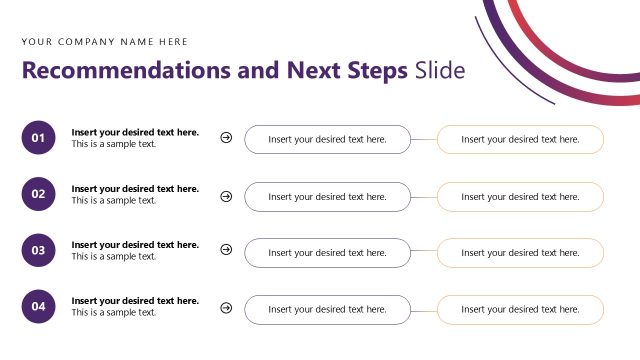
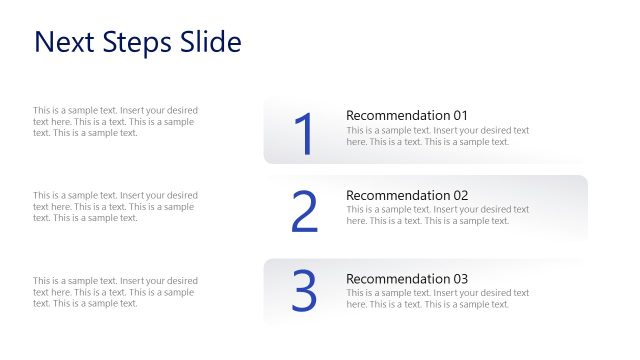
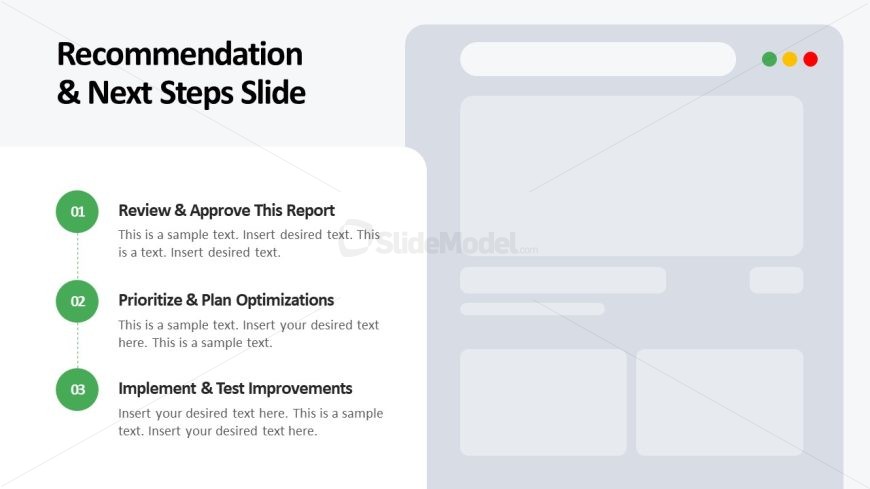
The layout features a vertical list of three steps aligned on the left side. Each step is represented by a circular icon with a number, followed by a bold title and a text placeholder for details. The first step is 'Review & Approve This Report', the second is 'Prioritize & Plan Optimizations', and the third is 'Implement & Test Improvements'. The right side contains a large placeholder for additional content, possibly an image or diagram. The background is light gray, providing contrast to the text and icons, which are primarily in green and black.
How to Use It
This layout serves as a sequential recommendation slide, ideal for summarizing next steps in a project. It fits well at the end of a presentation, guiding the audience on actionable items. Common scenarios include project wrap-ups, strategy sessions, or performance reviews where clear directives are needed. The structured format helps in presenting a concise action plan, making it suitable for business meetings and stakeholder updates.
Text Placeholders & Capacity
Keep your copy within these limits so it fits without resizing. Node body slots can hold about 20 words each, with tight spacing.
| Placeholder | Count | Max characters (approx.) |
|---|---|---|
| Item heading | 3 | 40 |
| Item body | 3 | 100 |
Slide Keywords
Download unlimited PowerPoint templates, charts and graphics for your presentations with our annual plan.
DOWNLOADReturn to Website Performance PowerPoint Template.