Slide 2 of 2 from Triple Intersecting Loop Diagram PowerPoint Template
Editable Triple Intersecting Loop Diagram Slide
Triple Intersecting Loop Diagram for Presentations
- Diagram
- Other
- Concept Explanation Slide
- 16:9
- 100% Editable
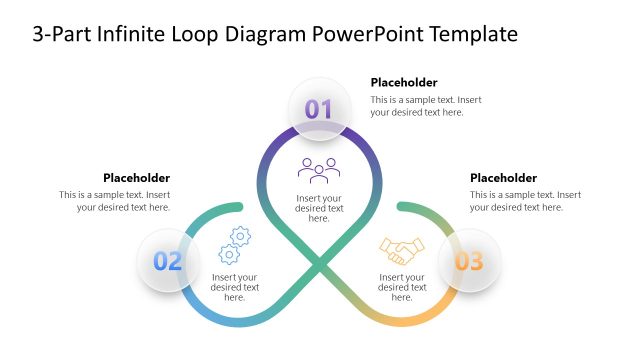
The Triple Intersecting Loop Diagram slide from the Triple Intersecting Loop Diagram PowerPoint Template visually represents interconnected ideas and shared responsibilities using colorful, editable shapes. This slide layout is ideal for business presentations and pitch deck templates that require clear depiction of cyclical processes or collaborative efforts. Its balanced design and vector icons enhance clarity, making it a practical choice for corporate presentations and slide decks focused on strategic alignments.
What’s on This Slide
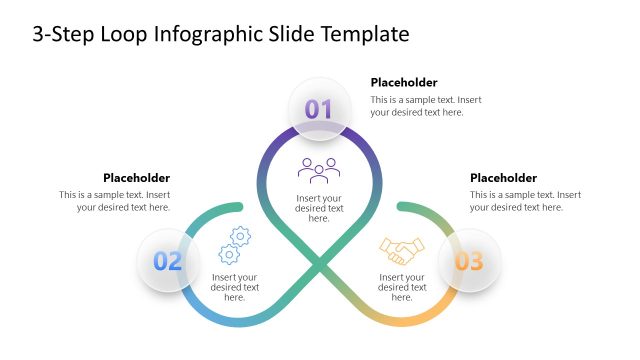
The slide features a triple intersecting loop diagram with three curved segments in different colors: blue, purple, and orange. Each loop contains a central icon and is labeled with a text placeholder. The placeholders are positioned at the outer edges of each loop, aligned horizontally. The background is a solid dark blue color, providing contrast to the colorful loops. The visual hierarchy emphasizes the central intersection, with icons representing ideas or themes. The overall layout is symmetrical, creating a balanced composition.
How to Use It
This layout serves as a visual tool for illustrating interconnected concepts or processes. It fits well in presentations discussing collaborative efforts, shared responsibilities, or cyclical processes. This diagram can be used in business contexts to depict teamwork, project phases, or strategic alignments. It is effective for summarizing complex relationships in a clear and engaging manner, making it suitable for both team meetings and formal presentations.
Text Placeholders & Capacity
Keep your copy within these limits so it fits without resizing. Node body slots can hold roughly 10 words each.
| Placeholder | Count | Max characters (approx.) |
|---|---|---|
| Item body | 3 | 50 |
Slide Keywords
Download unlimited PowerPoint templates, charts and graphics for your presentations with our annual plan.
DOWNLOADReturn to Triple Intersecting Loop Diagram PowerPoint Template.