Slide 15 of 24 from Training Session PowerPoint Template
94304-01-training-session-powerpoint-template-16×9-15
Quick Quiz Slide for Training Session
- Text Layout
- Other
- Evaluation Slide
- 16:9
- 100% Editable
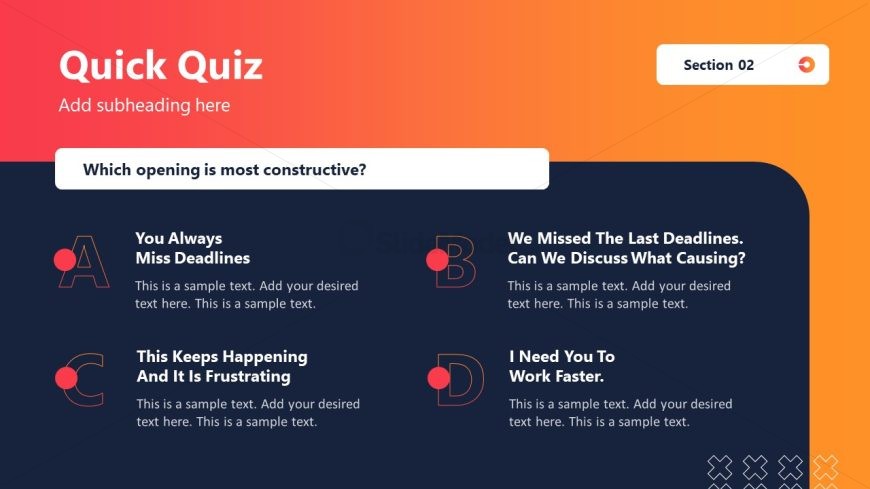
The Quick Quiz Layout from the Training Session PowerPoint Template offers an interactive slide design ideal for training assessments and engagement activities. This slide template features editable shapes and a clear visual hierarchy to facilitate participant interaction and feedback during corporate presentations or business presentations. It integrates smoothly into slide decks aimed at enhancing active learning and discussion.
What’s on This Slide
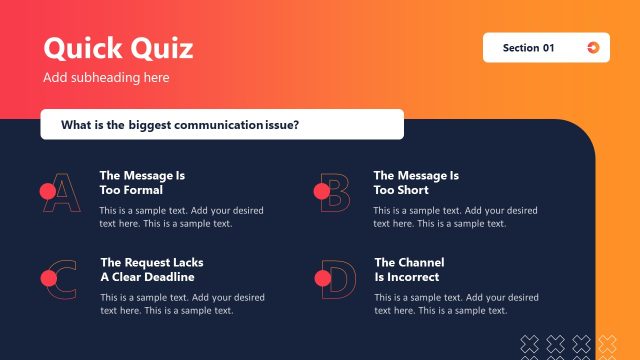
The layout features a gradient background transitioning from orange to red. At the top, a title placeholder reads 'Quick Quiz,' followed by a subtitle placeholder. Below, a central question asks, 'Which opening is most constructive?' Four rectangular boxes are arranged in two rows, each containing a letter label (A, B, C, D) and corresponding text placeholders. The boxes are visually separated by rounded edges and contain sample text. The visual hierarchy emphasizes the question and answer options, with the question centrally positioned above the answer choices.
How to Use It
This layout serves as an interactive quiz slide, ideal for engaging participants during training sessions. It fits well after content delivery, allowing for assessment of understanding. The structure encourages discussion and feedback on the provided options. This format is suitable for scenarios such as team-building exercises, communication workshops, or any training session focused on active listening and constructive feedback.
Text Placeholders & Capacity
Keep your copy within these limits so it fits without resizing. Node body slots can hold about 20 words each.
| Placeholder | Count | Max characters (approx.) |
|---|---|---|
| Slide title | 1 | 30 |
| Subtitle | 1 | 40 |
| Item heading | 4 | 50 |
| Item body | 4 | 100 |
| Callout | 1 | 60 |
Slide Keywords
Download unlimited PowerPoint templates, charts and graphics for your presentations with our annual plan.
DOWNLOADReturn to Training Session PowerPoint Template.