Download our Torn Paper PowerPoint Template to craft unique slide designs for your business presentations. Professionals use engaging designs and interactive layouts to communicate their ideas in business presentations, investor pitch decks, and sales proposals. Unique graphical expressions enhance the visual impact of the presentation and connect the listeners with the presenter. We have created this torn paper template to help students, professionals, project managers, product developers, coders, IT experts, and trainers convey their messages effectively. Our template can be used in many ways:
- Introduction Slide: In pitch decks, users can reveal company information using this slide layout.
- Call-to-Action Slide: This unique design also helps professionals in mentioning clear CTAs.
- Key Announcement Slide: Torn paper design can typically grab the viewers’ attention for key business announcements.
- Transition Slide in Storytelling Presentations: Torn paper is a creative way to transition between sections while keeping the audience engaged.
- Milestone or Achievement Slide: This slide also effectively summarizes important company or personal achievements.
- Motivational Quote: The slide could effectively highlight an inspiring quote.
- Key Takeaway: This design works well for summarizing essential points.
- Customer Testimonial: Torn paper slide layout helps display customer feedback.
- Vision or Mission Statement: It is excellent for emphasizing organizational values.
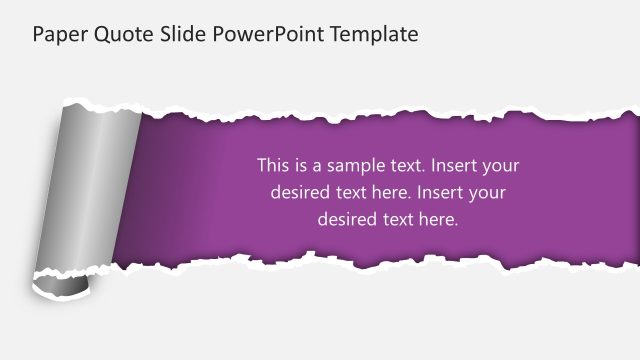
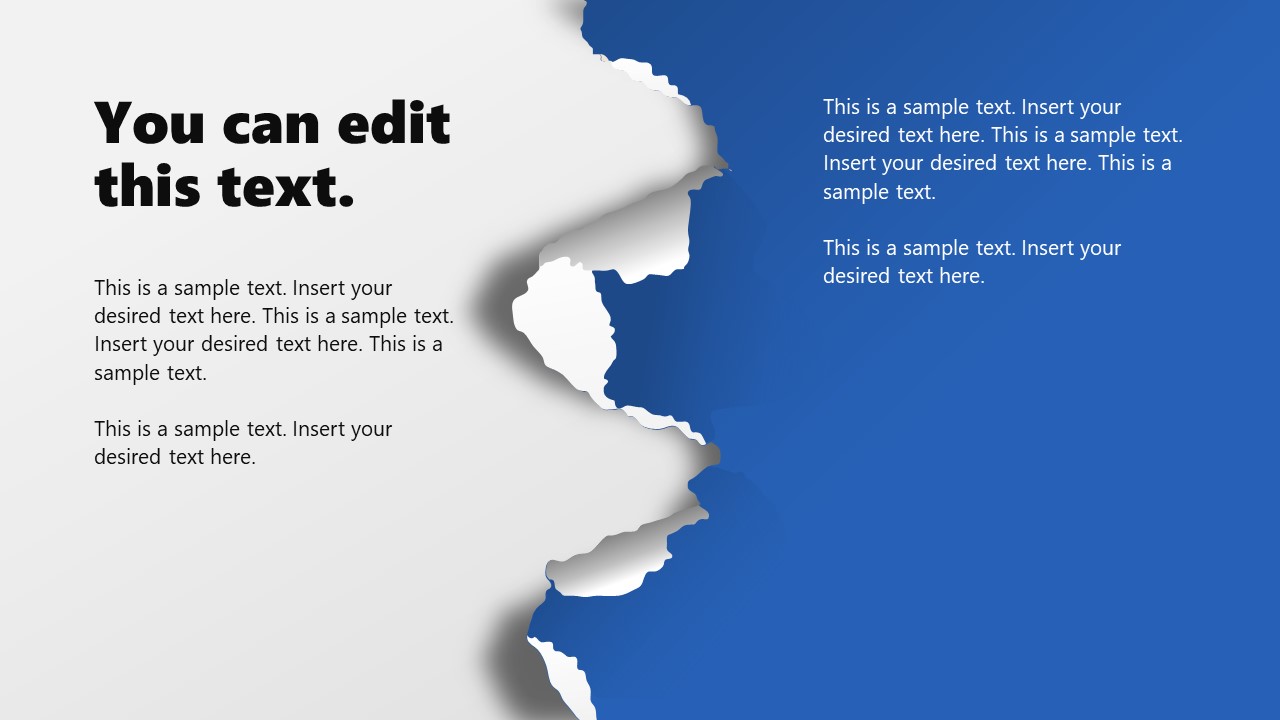
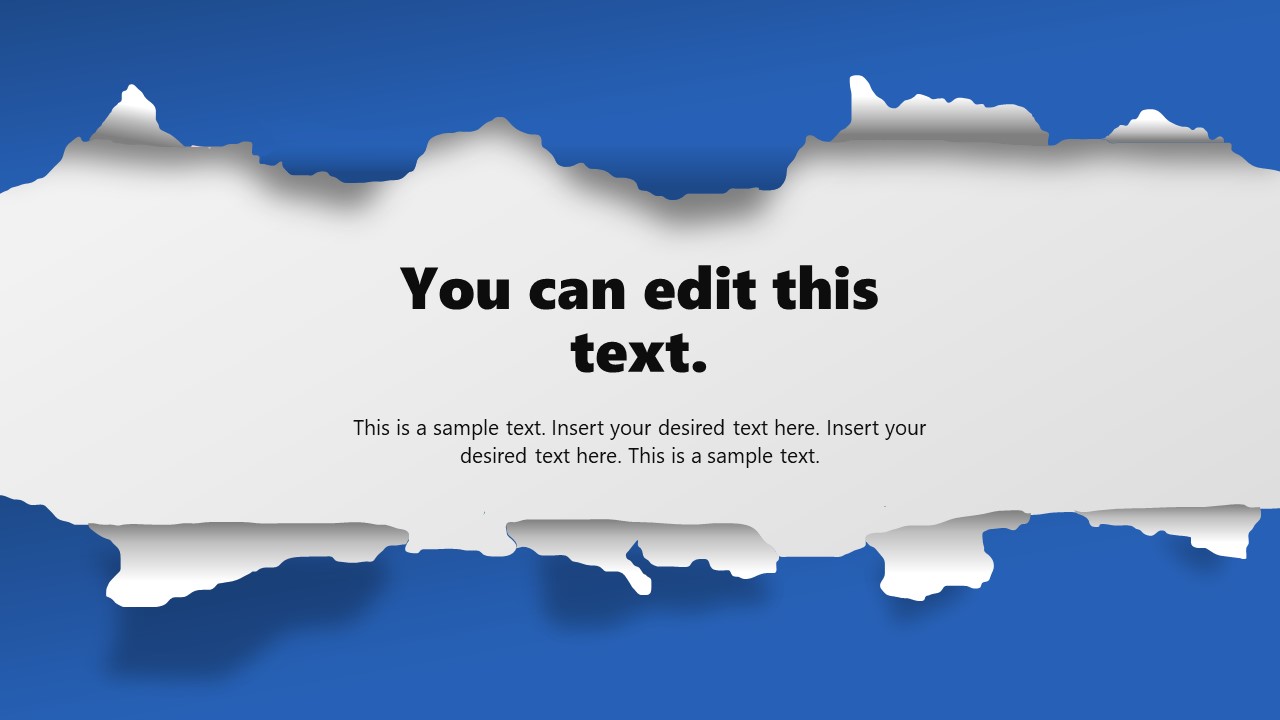
The Torn Paper PowerPoint Template has six slides with the same design but provided in different styles. The slides show a torn paper diagram in the slide backgrounds. The torn paper area is different in all the slides. For instance, the first slide has a torn region in the center with a blue region around the torn area. In the center, users can write the title and description of the topic in a central greyish-white section. Next, the torn paper section in the second slide is provided vertically slightly in the left region with white text on the right. Similarly, it varies in other slides, providing the presenters with various design variations, ultimately allowing them to choose the best layout based on their needs.
Moreover, users can change the colors and fonts used in the template to fit their needs accurately. They can also customize these PPT template slides with Google Slides and Keynote. Download our torn paper Presentation template and personalize it now!
What’s inside this template
Example presentation scenarios
- A sales presenter can open a proposal with the centered torn paper title panel to introduce the offer and set a more distinctive tone than a plain title slide.
- A project manager can use the wide horizontal torn paper band as a section divider before presenting a milestone update or a critical decision point.
- A trainer can use the vertical reveal slide to introduce a new module while keeping the headline and supporting explanation visually separated.
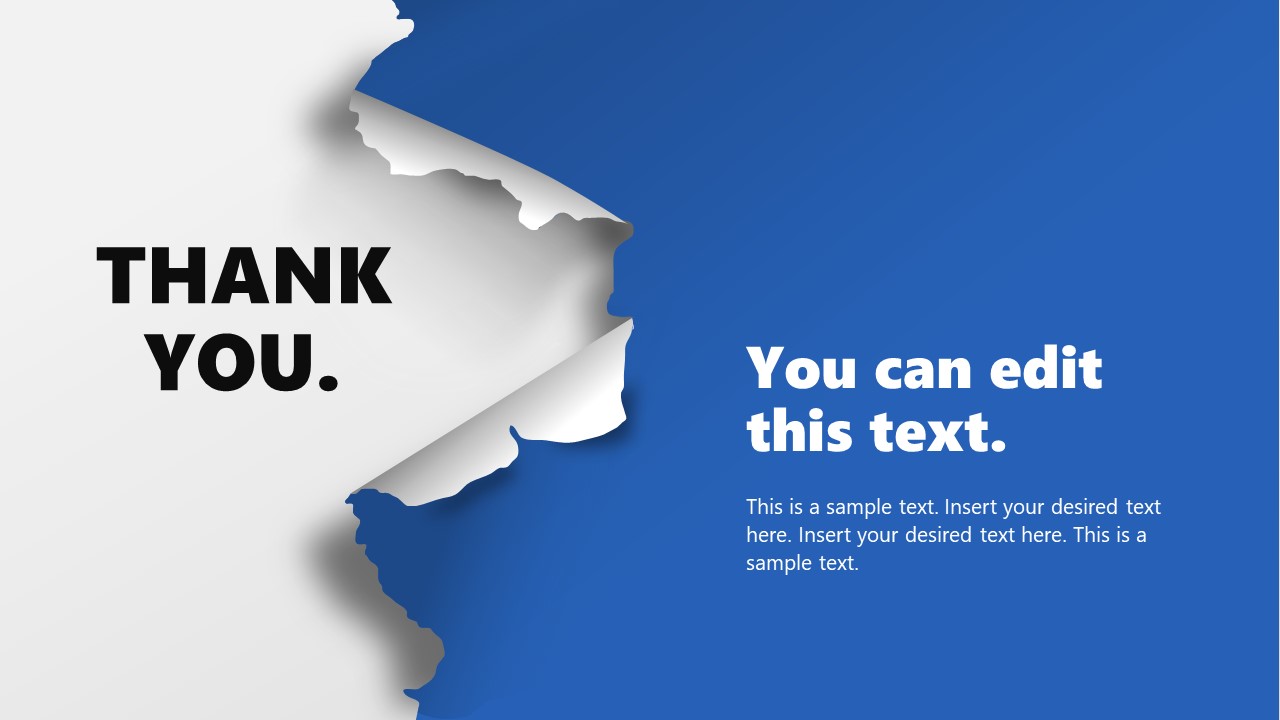
- A founder or business leader can close an investor or internal presentation with the thank you and CTA layout to make the next step visible.
Features
- 100% editable presentation template
- Compatible with Microsoft PowerPoint and Google Slides
- 16:9 aspect ratio slides
- Scalable vector shapes, icons and illustrations
- AI-Ready for Microsoft Copilot and Claude
- Instant access and download
Frequently asked questions
Q: How should a presenter use the torn paper effect without making the message feel decorative?
A: Treat the torn area as the main reveal point, not as background decoration. Place one headline in the white paper opening and keep body copy short. Use the blue field for contrast or supporting text only. This keeps attention on the announcement, takeaway, or transition instead of splitting focus across too many text blocks.
Q: Who is this template best suited for in a business presentation?
A: This template fits presenters who need emphasis slides inside a larger deck, such as sales teams, trainers, project managers, and founders. It works best for moments that need a clear pause: an opening statement, key announcement, section divider, quote, milestone, or closing CTA. It is less suited to dense analysis slides.
Q: Why does the torn paper metaphor help communicate a key message?
A: The torn paper metaphor suggests a reveal, interruption, or uncovered insight. That makes it useful for announcements, section changes, and takeaways because the audience reads the exposed area as intentional and important. The contrast between the blue surface and white paper also creates a strong visual hierarchy for the headline.




Torn Paper PowerPoint Template
6-slide presentation template with torn paper backgrounds for announcements, section breaks, and CTA slides
Torn Paper PowerPoint Template is a 6-slide presentation background set for Microsoft PowerPoint and Google Slides. It uses torn paper effects for a centered title panel, vertical reveal slide, large white callout area, split text layout, wide section divider, and thank you or CTA slide. It suits business announcements, pitches, and training openings.
- Category
- Template Backgrounds
- Rating

 Loading...
- Aspect ratio
- 16:9
- Item ID
- 22701-01
- Colors
 Microsoft PowerPoint
 Microsoft Copilot
 Claude for PowerPoint
Other formats supported
Subscribe today and get immediate
access to download our PowerPoint templates.