SWOT Layout PowerPoint Template
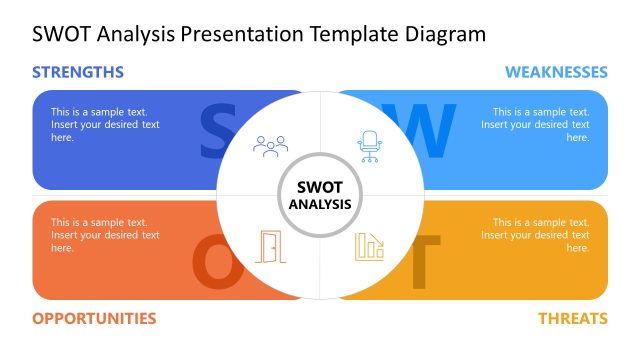
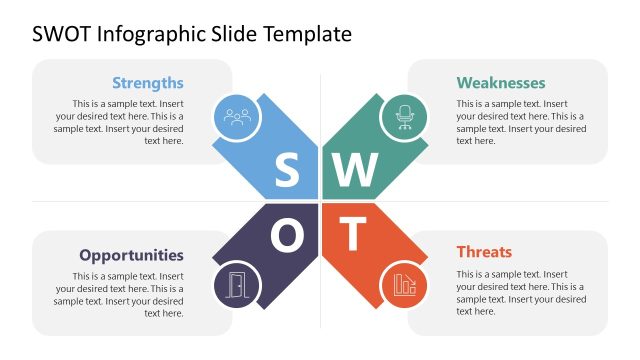
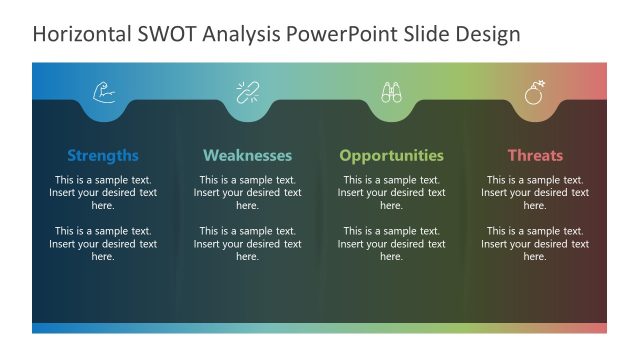
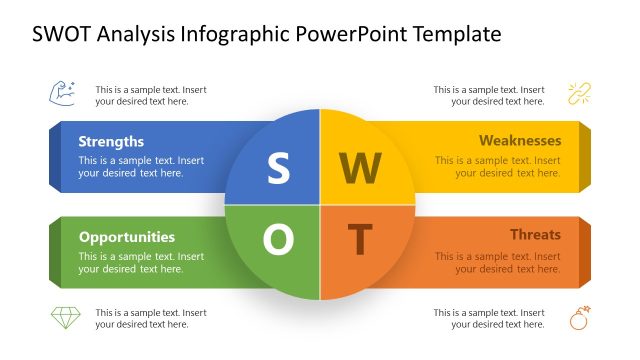
Edit our simple, professionally designed SWOT Layout PowerPoint Template to effectively visualize your company’s characteristics. The SWOT framework is used to assess an organization’s core capabilities, growth inhibitors, opportunities, and threats. The SWOT analysis helps professionals evaluate areas for improvement and prepare to address potential threats. We have created this best PPT template to help users present personal or business SWOT analysis results in executive meetings. Regarding personal SWOT, they can identify which opportunities align with their career goals and which weaknesses they can address to achieve their objectives. Professionals can also edit this design with legacy versions of Microsoft PowerPoint.
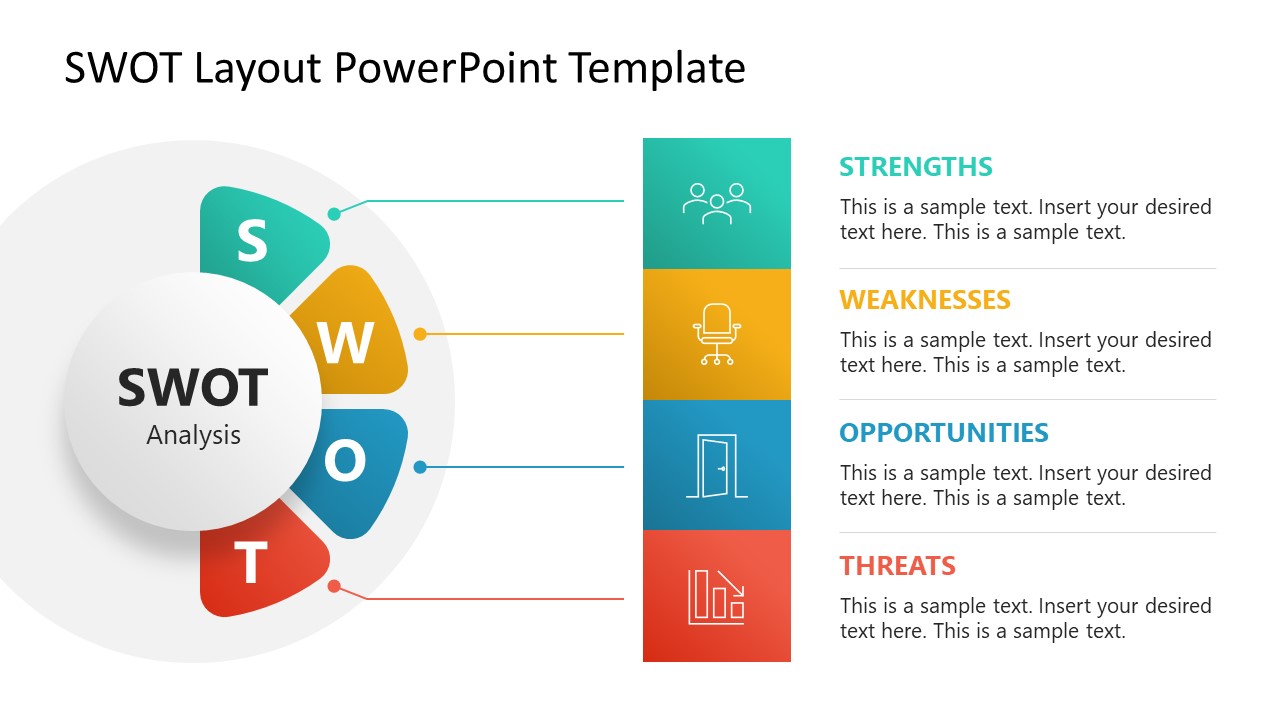
The SWOT Layout PowerPoint Template is 100% editable and features a circular diagram on the left with a segmented semicircular arc. Each segment should specify the first letter of the SWOT component. There is a vertical bar on the right that has four blocks. We have linked the circular diagram with these vertical bar blocks. On the other side of the bar, there are four text segments corresponding to each SWOT component. The blocks contain infographic icons to visually display the content. This allows presenters to display content clearly. The text matches the color of the specific SWOT factor. Moreover, in the remaining slides, professionals can mention each point separately on a different slide. These slides use the same design but highlight only one factor of the SWOT analysis. In this way, professionals can communicate details more effectively. Download the SWOT layout template for PowerPoint and edit it today. You can also check our collection of SWOT templates to choose from other versions!


You must be logged in to download this file.
DOWNLOAD- Category
- Diagrams
- Rating

 Loading...
- Size
- 16x9
- Item ID
- 23107-01
Subscribe today and get immediate
access to download our PowerPoint templates.