Slide 10 of 13 from Stratum Business PowerPoint Template
Operating Model Points Presentation – Stratum Business Layout
Operating Model Slide for Business Presentations
- Text Layout
- Other
- Process Slide
- 16:9
- 100% Editable
The Operating Model slide from the Stratum Business PowerPoint Template offers a clear layout to present key operational components such as people, process, and technology. This slide is designed for business presentations and project planning sessions, featuring editable shapes and vector icons that enhance clarity and organization within a corporate presentation or pitch deck template.
What’s on This Slide
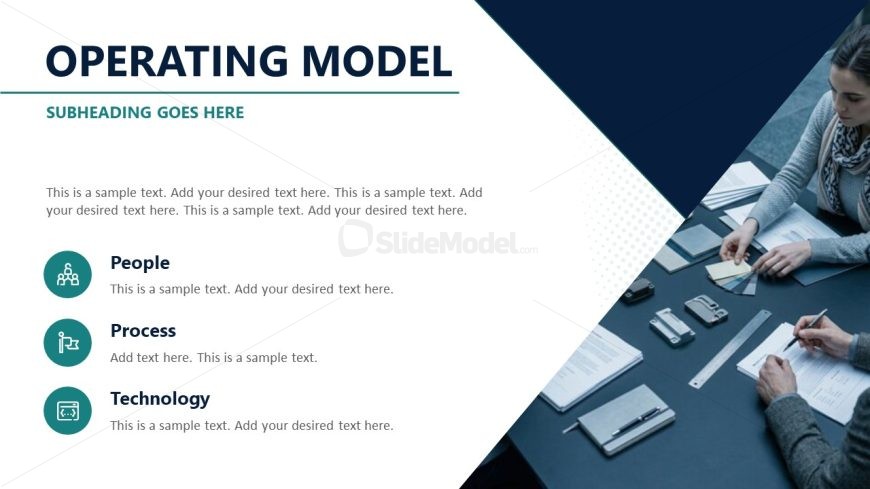
The slide features a title at the top center labeled 'Operating Model' with a subtitle below it. Below the title, there is a text placeholder for a description, aligned left. Three circular icons labeled 'People', 'Process', and 'Technology' are positioned vertically on the left side, each accompanied by a text placeholder for descriptions. The icons are evenly sized and visually distinct. The background consists of a gradient with dark blue and light blue sections, creating a layered effect. The overall composition emphasizes clarity and organization.
How to Use It
This layout serves to present an operating model framework, suitable for detailing key components like people, processes, and technology. It fits well in a business presentation sequence, particularly after discussing strategy or market analysis. This structure is useful for stakeholders to understand operational elements clearly. It can be applied in scenarios such as team presentations, project planning, or organizational overviews, where clarity in roles and processes is essential.
Text Placeholders & Capacity
Keep your copy within these limits so it fits without resizing. Body slots can accommodate roughly 30-40 words each.
| Placeholder | Count | Max characters (approx.) |
|---|---|---|
| Slide title | 1 | 30 |
| Subtitle | 1 | 50 |
| Body paragraph | 1 | 200 |
| Item heading | 3 | 20 |
| Item body | 3 | 100 |
Slide Keywords
Download unlimited PowerPoint templates, charts and graphics for your presentations with our annual plan.
DOWNLOADReturn to Stratum Business PowerPoint Template.