Slide 6 of 9 from Strategic Innovation Cube Template for PowerPoint
6220-01-innovation-cube-6
Innovation Cube Diagram for PowerPoint
- Diagram
- Other
- Strategic Analysis Slide
- 16:9
- 100% Editable
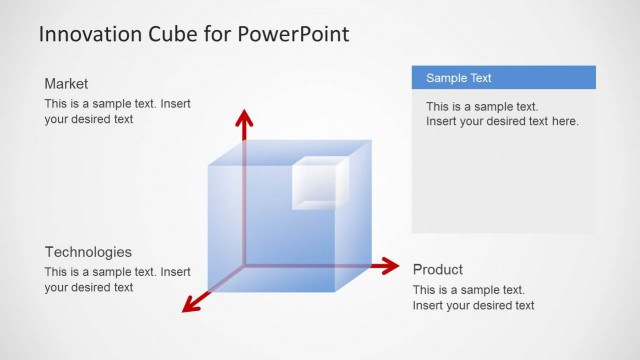
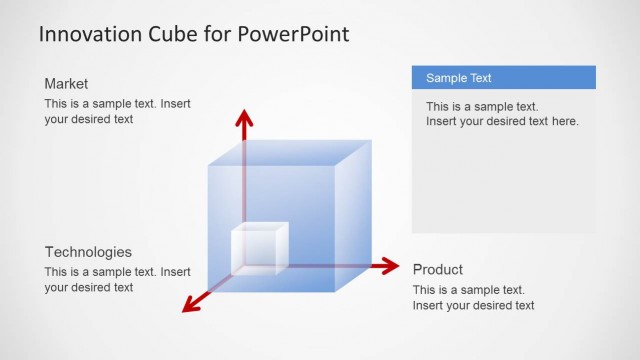
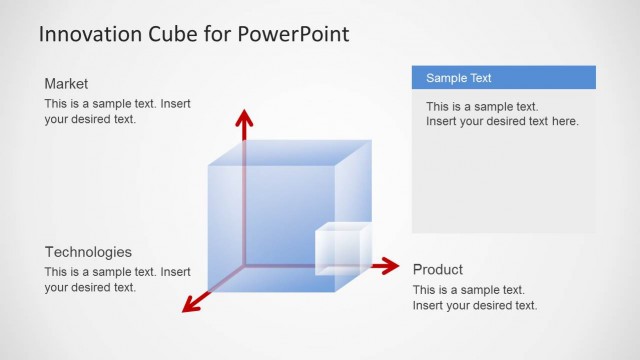
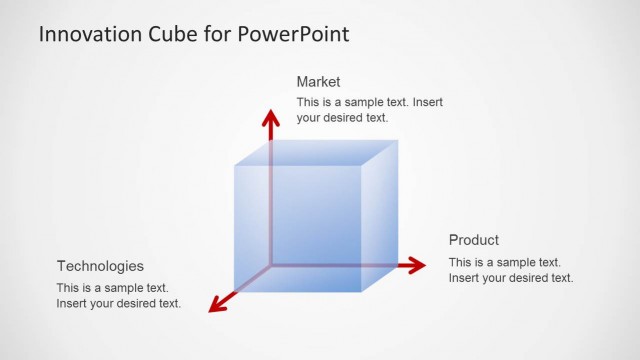
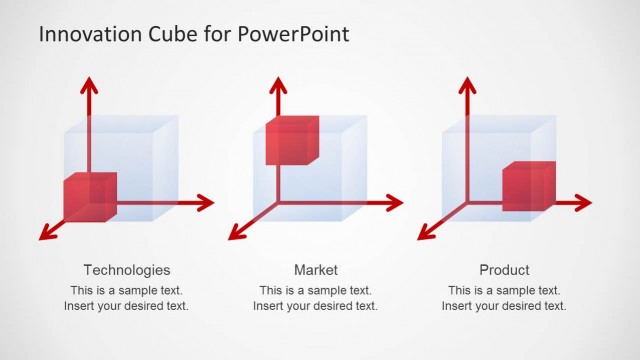
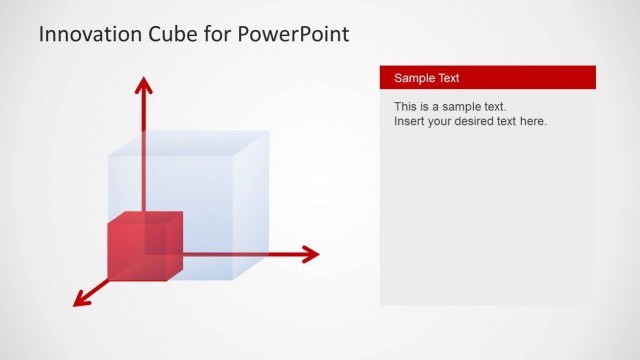
The Innovation Cube Diagram slide from the Strategic Innovation Cube Template for PowerPoint offers a clear visual tool for business presentation and strategy sessions. It uses editable shapes and vector icons to illustrate the interplay between market, technologies, and product dimensions, making it suitable for innovation strategy discussions and product development presentations within a corporate presentation or pitch deck template.
What’s on This Slide
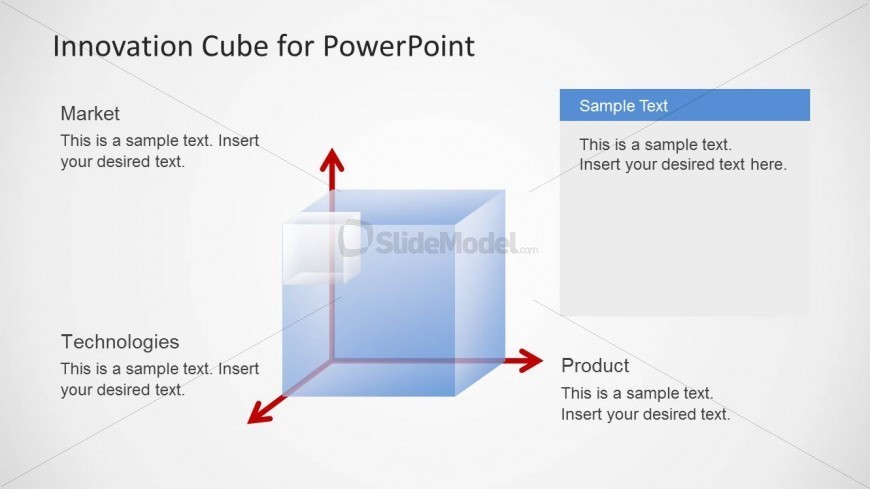
The layout features a central 3D cube positioned in the middle of the slide. Three labeled arrows extend from the cube, pointing towards the top, left, and right, indicating the dimensions of Market, Technologies, and Product. Each arrow has accompanying text placeholders aligned vertically and horizontally, with 'Market' at the top, 'Technologies' on the left, and 'Product' on the right. A rectangular text box is placed to the right of the cube, allowing for additional information. The background is light, enhancing the visibility of the elements.
How to Use It
This layout serves as a visual representation of the innovation cube concept, ideal for discussing product development strategies across three dimensions. It fits well in a presentation sequence after introducing the innovation framework, providing a clear overview of how market, technology, and product interact. Suitable for business meetings, strategy sessions, and innovation workshops, it helps teams articulate their innovation positioning effectively.
Text Placeholders & Capacity
Keep your copy within these limits so it fits without resizing. Text slots can accommodate concise entries, roughly 10-15 words each.
| Placeholder | Count | Max characters (approx.) |
|---|---|---|
| Item heading | 3 | 30 |
| Item body | 3 | 60 |
| Body paragraph | 1 | 150 |
| Slide title | 1 | 50 |
Slide Keywords
Download unlimited PowerPoint templates, charts and graphics for your presentations with our annual plan.
DOWNLOADReturn to Strategic Innovation Cube Template for PowerPoint.