Strategic Innovation Cube Template for PowerPoint– Strategic Innovation Cube was designed by Kiriti Rambhatla who believed that innovation is the key to product development. The cubic model is a result of combined science and management concepts. Demonstrate enlightening notions with this set of creative objects.
Business marketing and scope are greatly influenced by a company’s ability to build new changes to their products. Innovation is the process of creating these new changes- a new method, idea, product, etc., as defined in Google. The cubic model aims to strategize the weighing of the risks that accompany this process. Assuring the return on investment is an objective as well. As an effect, the chances that production cost can decrease, rises.
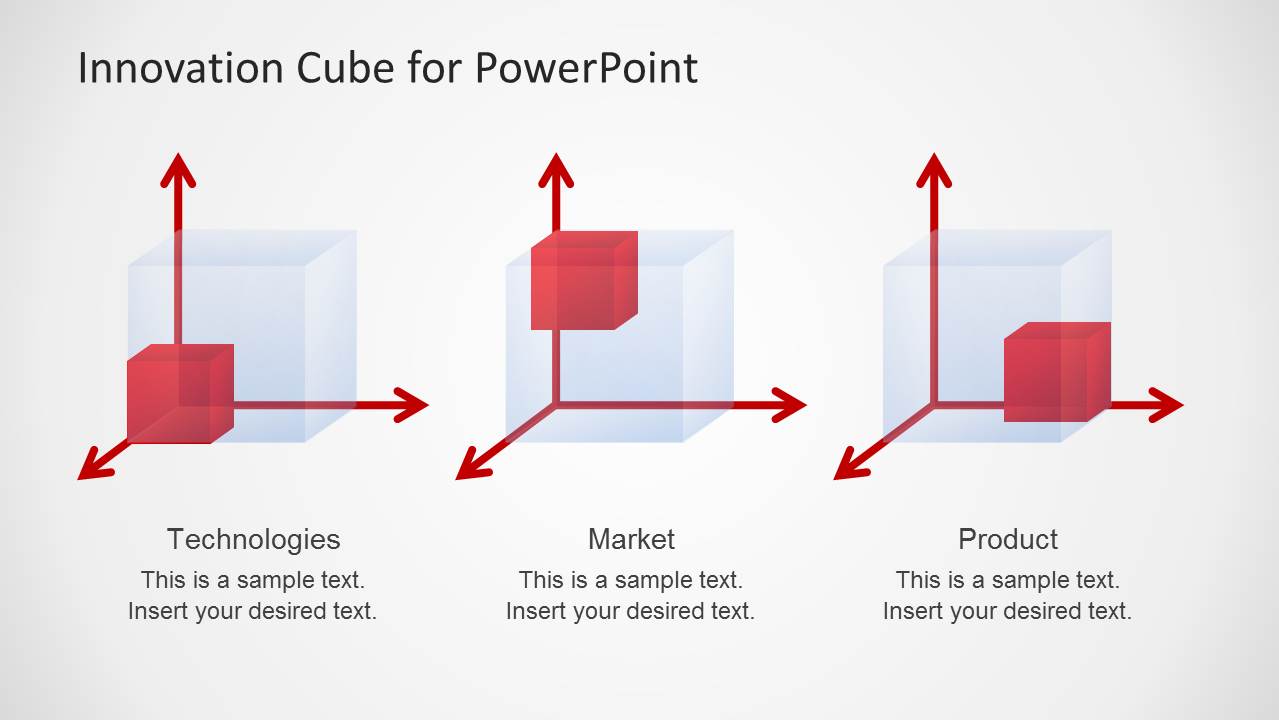
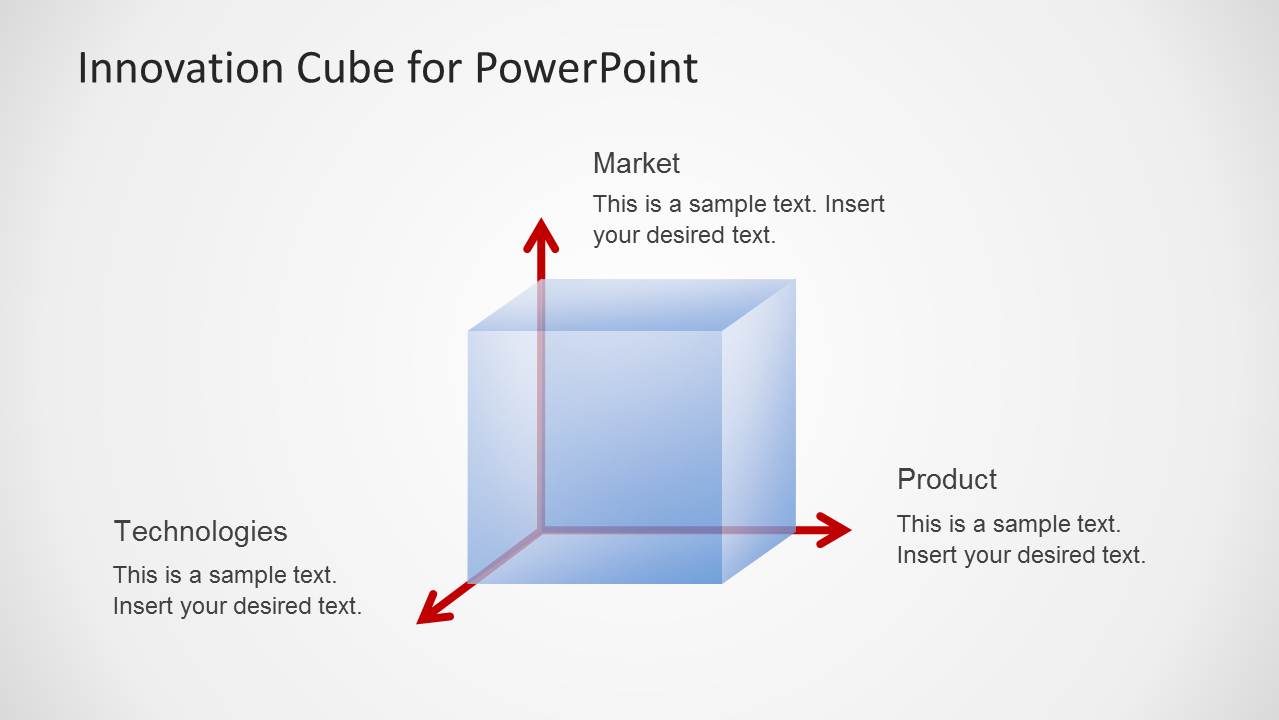
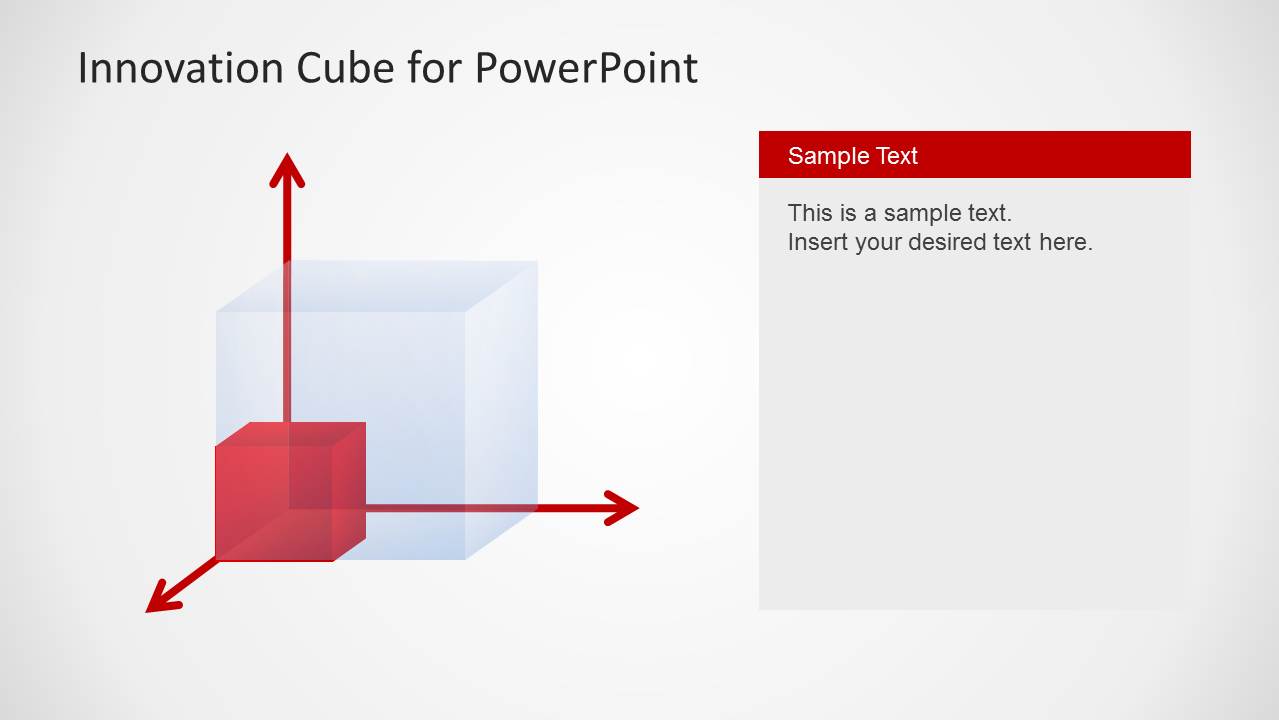
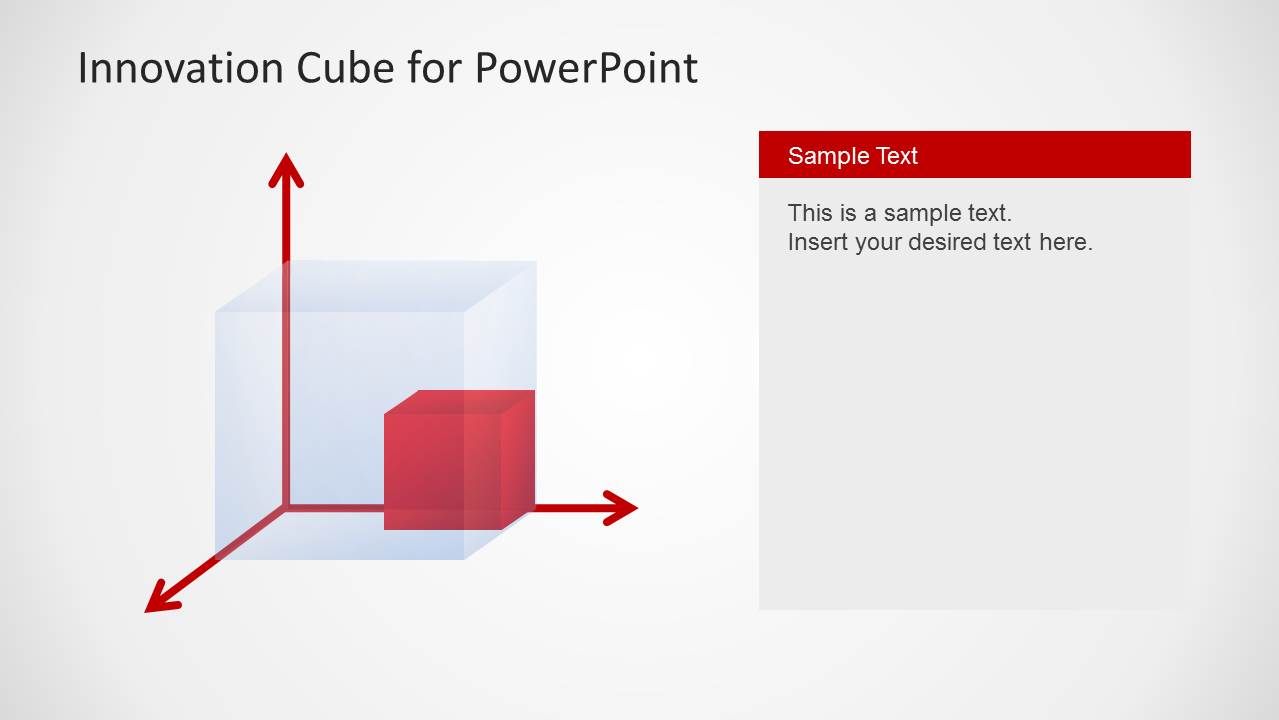
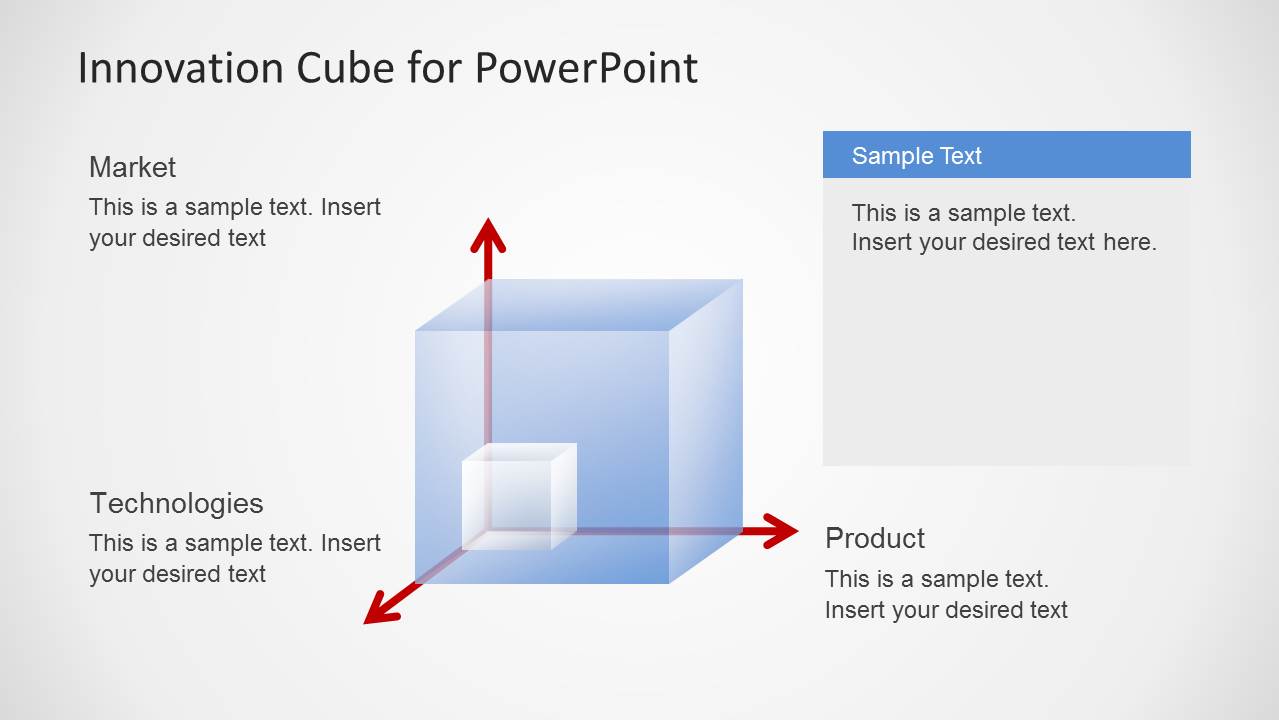
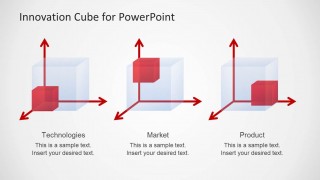
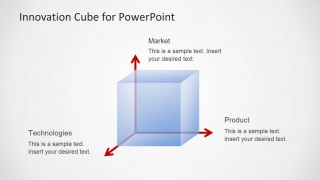
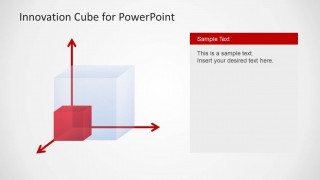
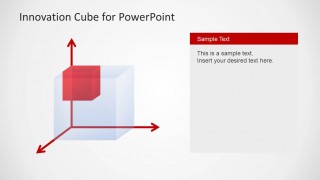
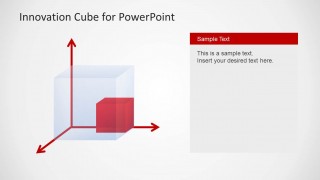
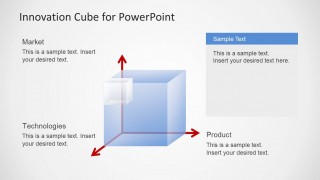
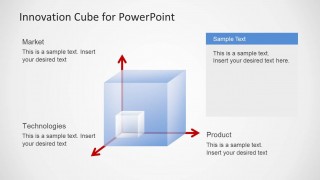
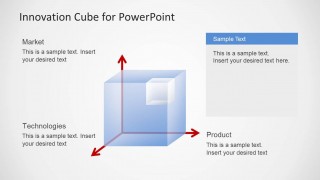
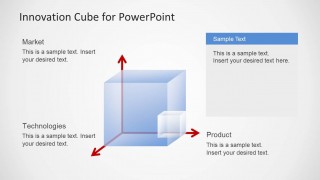
The slide designs feature a cube with 3 arrows that point in different directions. These arrows symbolize the opposing forces between a protons, neutrons and electrons. In comparison, they can represent 3 subjective innovation factors. In this particular PowerPoint template, they are namely Market, Technologies and Product, as shown in some slides. Like an atom that is given a corresponding charge, the user can assign quantitative ‘charges’ to the factors. The smaller cube can move around in the semi-transparent larger cube in accordance to the solution of the Innovation Quotient (IQ). When the company has calculated all the risk, it is time that it can apply their analysis to its innovation.
Adapting this particular PowerPoint design can bring forth witty presentations. It is simple but classy. The template is especially made for high quality Strategic Innovation Cube reports. It can be used to innovative analysis on business, personal and many other concepts. All texts are fully customisable which means the user can alter the sample factor titles found in the slides. The cubes can be adjusted to fit the presenter’s functional specifics using PowerPoint objects.
Advance the knowledge of the audience using the creative Strategic Innovation Cube Template for PowerPoint. Appeal to them through this amazing business scheme. The SlideModel gallery offers more downloadable Business PowerPoint Templates for Presentations.
What’s inside this template
Example presentation scenarios
- A product manager can use the labeled innovation cube to explain how a proposed feature balances market demand, technology readiness, and product fit during a roadmap review.
- An innovation lead can use the three-position comparison slide to compare several strategic options and show which dimension dominates each option.
- A consultant can use the single-state cube diagrams with side text panels to frame client recommendations and describe the reasoning behind each position in the cube.
- A technology executive can use the Market, Technologies, and Product labels to align research investments with commercial priorities before funding decisions.
Features
- 100% editable presentation template
- Compatible with Microsoft PowerPoint and Google Slides
- Scalable vector shapes, icons and illustrations
- AI-Ready for Microsoft Copilot and Claude
- Instant access and download
Frequently asked questions
Q: How should a presenter explain the innovation cube without making the model feel abstract?
A: Anchor each axis to a business question before showing the cube position. Market can mean customer demand, Technologies can mean feasibility or readiness, and Product can mean fit with the offering. Then use the small internal cube as the current or target state, and use the side text panel to explain the decision consequence.
Q: Who is this template best for, and what presentation situation fits it?
A: This template fits product managers, innovation teams, and consultants who need to discuss qualitative tradeoffs rather than report metrics. It works well in strategy workshops, roadmap reviews, and early product concept discussions where the audience must understand how market opportunity, technical capability, and product direction relate.
Q: Why does the cube metaphor work for innovation strategy?
A: The cube turns three separate factors into one spatial model, which helps the audience see innovation as a balance of forces instead of a simple checklist. Moving the small cube inside the larger transparent cube gives presenters a clear metaphor for position, tension, progress, or strategic fit across the three dimensions.




Strategic Innovation Cube Template for PowerPoint
9-slide PowerPoint presentation template for innovation cube analysis with market, technology, and product factors
The Strategic Innovation Cube Template for PowerPoint is a 9-slide business diagram deck for explaining innovation positioning across Market, Technologies, and Product dimensions. It includes a three-cube comparison, a labeled central cube, single-state cube diagrams, and text-panel explanation slides for product teams, strategists, and innovation managers.
- Category
- Business PowerPoint Templates
- Rating


 Loading...
- Item ID
- 6220-01
- Colors
 Microsoft PowerPoint
  Microsoft Copilot
  Claude for PowerPoint
 Other formats supported
Subscribe today and get immediate
access to download our PowerPoint templates.