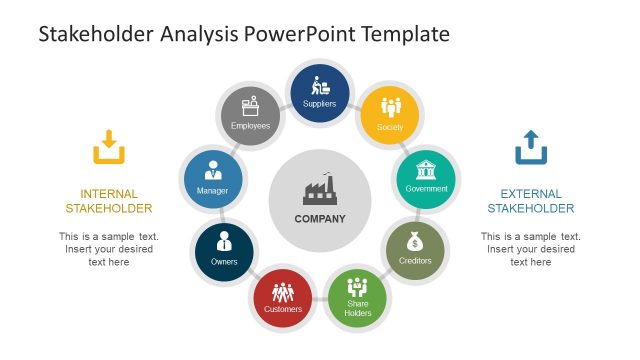
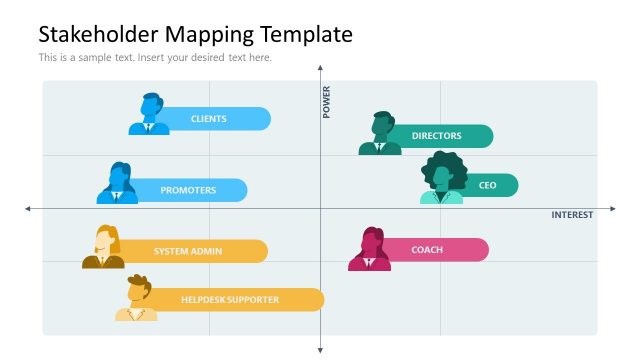
Stakeholders Analysis Slides for PowerPoint– Stakeholder Analysis is a method that requires qualitative data gathering and analysis. Different stakeholders have varying priorities. The process aims to identify whose interests should be followed when creating or implementing a program. The PowerPoint template contains a stakeholder matrix that can aid the user towards meaningful conclusions. This design can highlight all important points for the audience to recall.
There are different types of stakeholders. Basically, they are individuals from government, organization or company. They give an impact to decision and programs and they are affected by these changes as well. Mapping is one technique in conducting a stakeholder analysis. There are a lot of mapping styles and this template can accommodate all of these with its custom options.
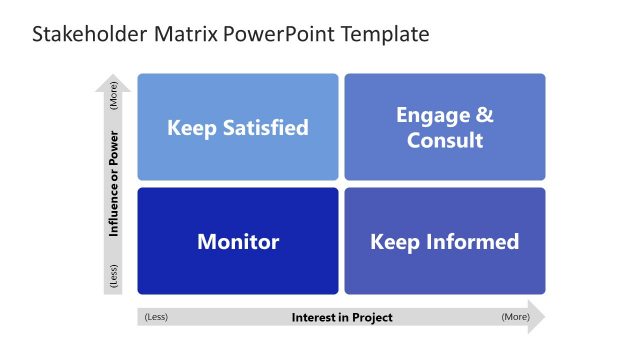
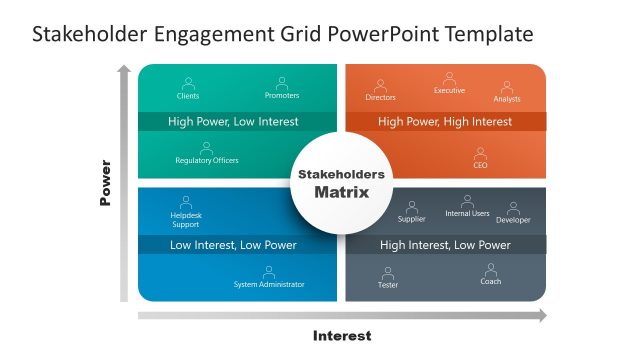
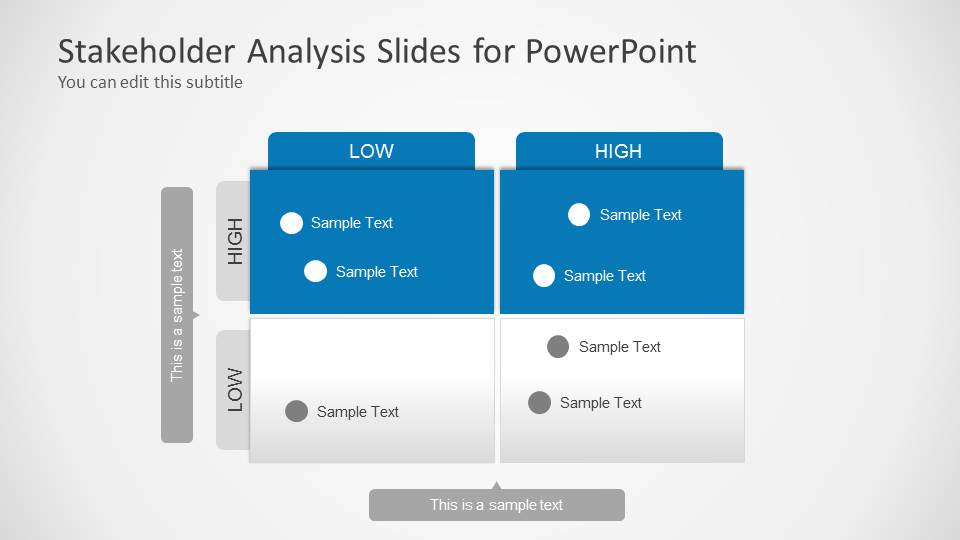
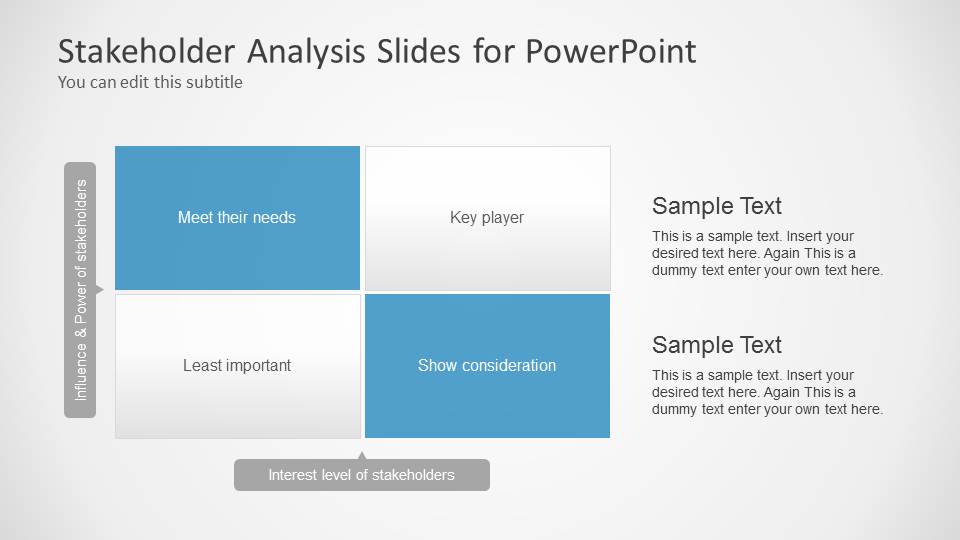
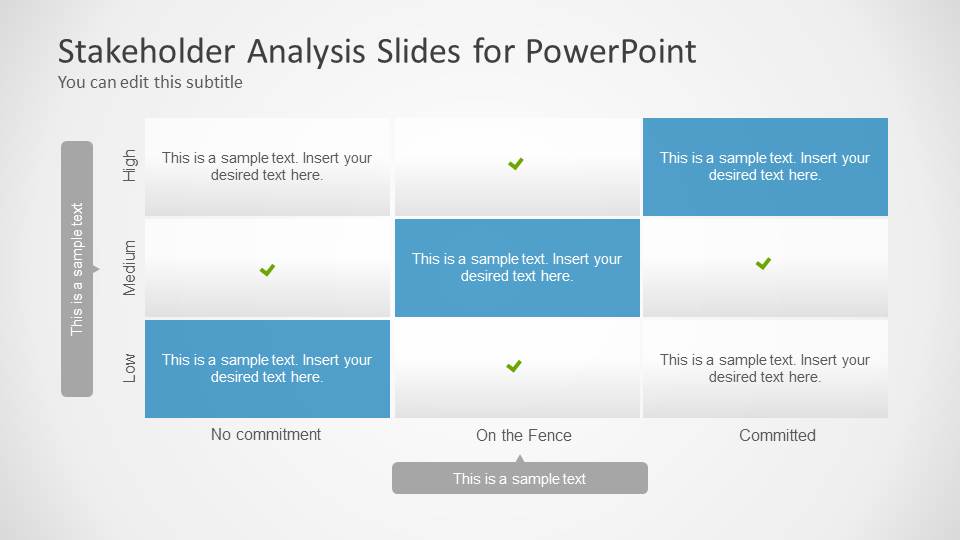
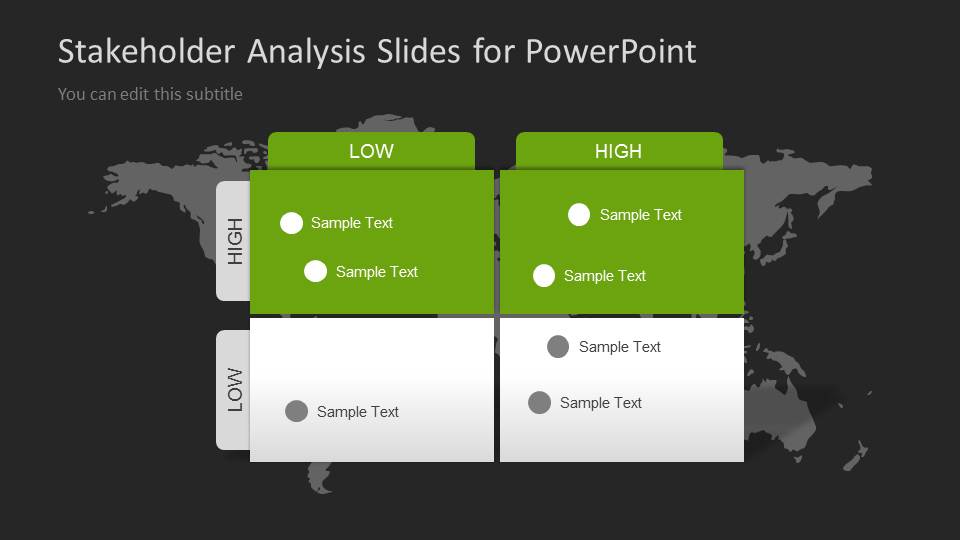
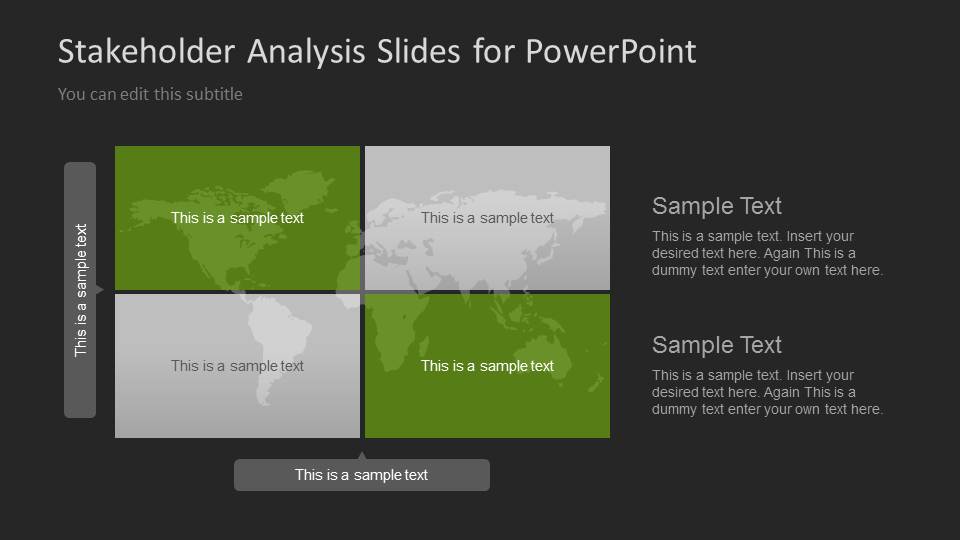
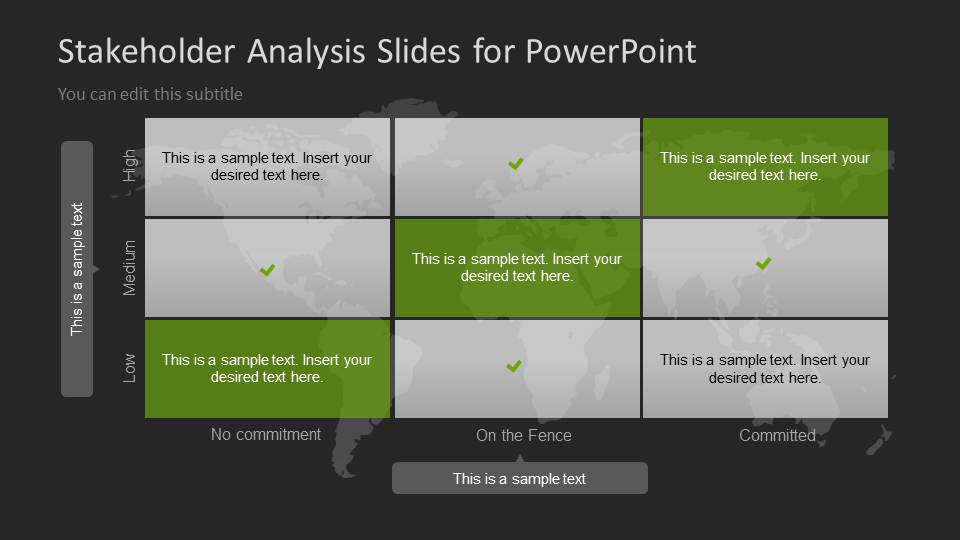
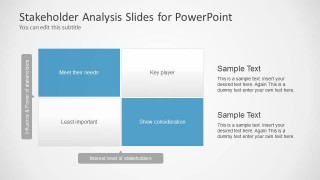
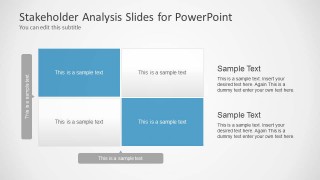
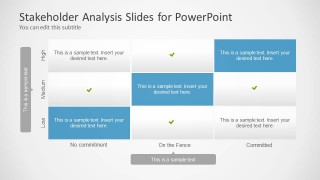
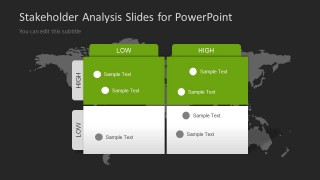
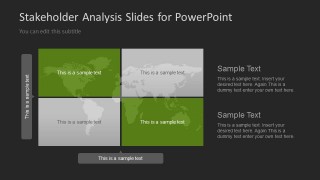
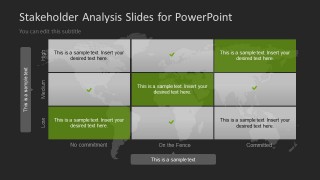
Stakeholders Analysis Slides for PowerPoint contains 7 unique slides. The first 4 slides display a white background and the last 3 show a gray world map silhouette in a black background. Text boxes come in green, blue and white colors. In the 2nd slide, the text placeholders have suggested Meet their needs, Key player, Least important and Show consideration as content titles. The 4th and last slides have the same format. They can highlight the order of commitment of stakeholders from No commitment, On the fence and Committed. The user can then give their level of commitment qualitative values such as Low, Medium and High. Every interpretation is subjective so the presenter has to weigh the options very well to come up with a precise conclusion.
The slide designs are ideal for business stakeholder analysis. It can also be applied in policy-making and in planning a program or policy. Every company or organization considers its stakeholder differently.
Impress professional audiences with Stakeholders Analysis Slides for PowerPoint. The PowerPoint template can be utilized in a long-term basis due to its customisable features. The color scheme, fonts and shapes can be fully personalised. Step up reports with a modern look using these slide designs.
What’s inside this template
Example presentation scenarios
- A project manager can brief sponsors on which stakeholders need active management by using the influence-power matrix and the low-high priority quadrants.
- A change manager can prepare an adoption discussion by mapping groups across the commitment table from No commitment to Committed.
- A public policy analyst can compare community, agency, and partner roles using the map-based quadrant slides for a geographically framed stakeholder review.
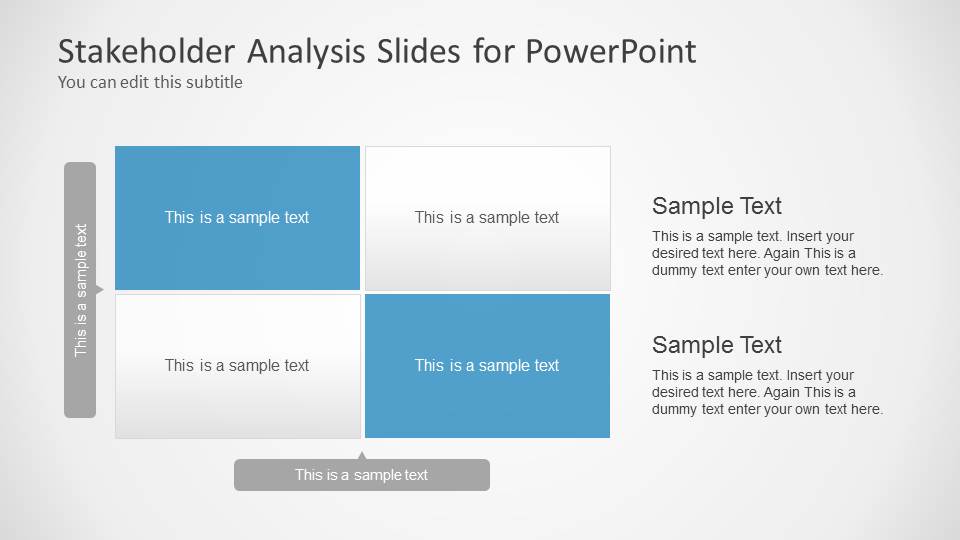
- A consultant can guide a client workshop by filling the 2x2 matrices with participant names, decision makers, and groups requiring more consideration.
Features
- 100% editable presentation template
- Compatible with Microsoft PowerPoint
- 16:9 aspect ratio slides
- Scalable vector shapes, icons and illustrations
- AI-Ready for Microsoft Copilot and Claude
- Instant access and download
Frequently asked questions
Q: How should a presenter communicate stakeholder priority with this template?
A: Start with the 2x2 influence-power matrix to define the criteria before placing names in each quadrant. Then use the right-side text blocks to explain why certain groups are key players or need consideration. Keep each stakeholder label short so the audience focuses on relative position, not lengthy descriptions.
Q: Who is this template best suited for?
A: This template fits project managers, consultants, change managers, and policy teams that need to align decision makers around stakeholder treatment. It is especially useful before launching a program, transformation, or policy because the quadrant and commitment table layouts make invisible political or organizational dynamics easier to discuss.
Q: Why do the matrix and map layouts work well for stakeholder analysis?
A: The matrix format turns qualitative judgment into a visible position on two axes, which helps teams compare stakeholders without overloading the slide. The world map background versions add context when the audience thinks in regions, markets, or public-sector geographies, while the commitment table shows movement from uncertainty to support.
Stakeholders Analysis Slides for PowerPoint
7-slide PowerPoint presentation template for stakeholder matrix, influence mapping, and commitment analysis
Stakeholders Analysis Slides for PowerPoint is a 7-slide business presentation template for mapping stakeholder influence, power, interest, and commitment. It includes 2x2 quadrants, an influence-power matrix, a three-by-three commitment table, and world map background variants for executives, project teams, policy planners, and consultants using Microsoft PowerPoint.
- Category
- Business PowerPoint Templates
- Rating


 Loading...
- Aspect ratio
- 16:9, 4:3
- Item ID
- 6106-01
- Colors
 Microsoft PowerPoint
  Microsoft Copilot
  Claude for PowerPoint
 Other formats supported
Subscribe today and get immediate
access to download our PowerPoint templates.