Slide 14 of 15 from Stakeholder Presentation PowerPoint Template
Next Steps PPT Slide – Stakeholder Presentation Template
Next Steps Slide for Stakeholder Presentation
- Diagram
- Arrow Sequence
- Process Slide
- 16:9
- 100% Editable
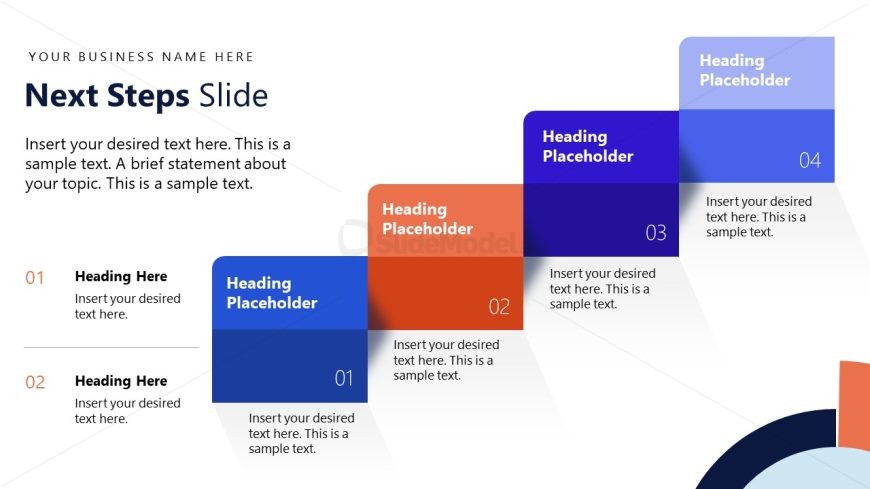
The Next Steps Slide from the Stakeholder Presentation PowerPoint Template offers a clear, sequential layout ideal for outlining project planning and action item summaries. This slide uses editable shapes and a horizontal arrow sequence to guide stakeholders through upcoming phases, making it a practical choice for corporate presentations and business presentation slide decks.
What’s on This Slide
The slide features a structured layout with a prominent title at the top left, stating 'Next Steps Slide.' Below, there are four distinct sections arranged horizontally, each with a colored background. The first section is orange, followed by blue, dark blue, and light blue. Each section contains a number and a heading placeholder aligned to the left, with corresponding text placeholders beneath. The sections are visually separated by shadows, creating a layered effect. The overall composition emphasizes a clear flow from left to right, guiding the viewer through the steps.
How to Use It
This layout serves to outline sequential next steps in a project or initiative. It fits well in a presentation sequence after discussing goals or strategies. Ideal for business contexts, it can be used to summarize action items, project phases, or future tasks. This slide effectively communicates a roadmap for stakeholders, ensuring clarity on what follows in the process.
Text Placeholders & Capacity
Keep your copy within these limits so it fits without resizing. Node body slots can hold about 15-20 words each.
| Placeholder | Count | Max characters (approx.) |
|---|---|---|
| Slide title | 1 | 30 |
| Item heading | 4 | 20 |
| Item body | 4 | 100 |
Slide Keywords
Download unlimited PowerPoint templates, charts and graphics for your presentations with our annual plan.
DOWNLOADReturn to Stakeholder Presentation PowerPoint Template.