Slide 4 of 4 from Social Proof Slide Template for PowerPoint
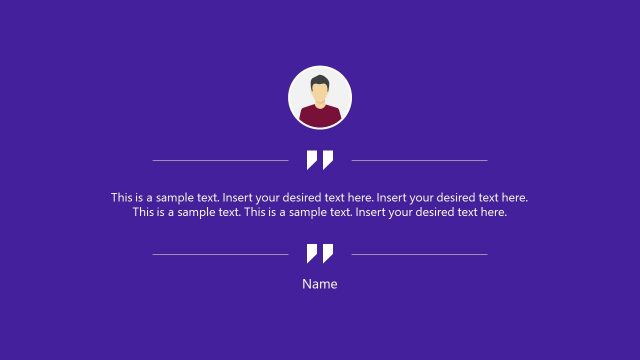
Social Proof Presentation Slide with Name Image and Designation Label
Testimonial Layout for Social Proof Presentation
- Media Layout
- Other
- Evaluation Slide
- 16:9
- 100% Editable
The Testimonial Layout with Image from the Social Proof Slide Template for PowerPoint is designed to highlight customer endorsements effectively. This slide layout uses editable shapes and a clear visual hierarchy to showcase testimonials alongside circular images, making it suitable for business presentations and pitch deck templates that require credible social proof.
What’s on This Slide
The layout features a circular image positioned on the left side, accompanied by a quote icon above it. To the right, a name placeholder is aligned at the top, followed by a title placeholder underneath. Below these, there are two text placeholders stacked vertically, allowing for multiple lines of text. The background is a gradient of purple, transitioning from a lighter shade at the top to a darker shade at the bottom. The overall composition emphasizes the image and text, creating a clear visual hierarchy.
How to Use It
This layout serves as a testimonial format, ideal for showcasing customer feedback or endorsements. It fits well in a presentation sequence after introducing a product or service, reinforcing credibility. This slide is suitable for business contexts where social proof is essential, such as product launches, marketing pitches, or client presentations. It can be used individually to highlight specific testimonials or as part of a larger narrative on customer satisfaction.
Text Placeholders & Capacity
Keep your copy within these limits so it fits without resizing. Body slots can accommodate roughly 40-50 words each.
| Placeholder | Count | Max characters (approx.) |
|---|---|---|
| Slide title | 1 | 30 |
| Item body | 2 | 200 |
| Item heading | 1 | 30 |
| Node number | 1 | 10 |
Slide Keywords
Download unlimited PowerPoint templates, charts and graphics for your presentations with our annual plan.
DOWNLOADReturn to Social Proof Slide Template for PowerPoint.