Shared Vision PowerPoint Template – Create professional presentations involving the shared vision concept. The Shared vision term is used under different business management situations. The most commons are Conflict Resolution and Leadership.
In the management literature, Peter Senge, in his book “The Fifth Discipline” describes the concept of building a shared vision as as a practice of unearthing shared pictures of the future that foster genuine commitment and enrollment rather than compliance. This definition can be simplified with the idea of “team vision”. Managers traditionally have a vision that is shared with their teams; a Shared Vision is not the vision of management transmitted to employees, but the collaboration of the team and management in creating a vision that generates real commitment to common goals.
Shared Vision Modelling is useful in multi stakeholder conflict resolution scenarios. The parts in conflict collaborate through design and negotiation into the creation of a shared vision, instead of imposing each parts visions. The process of building a shared vision generates a common language about the resources issues among parties.
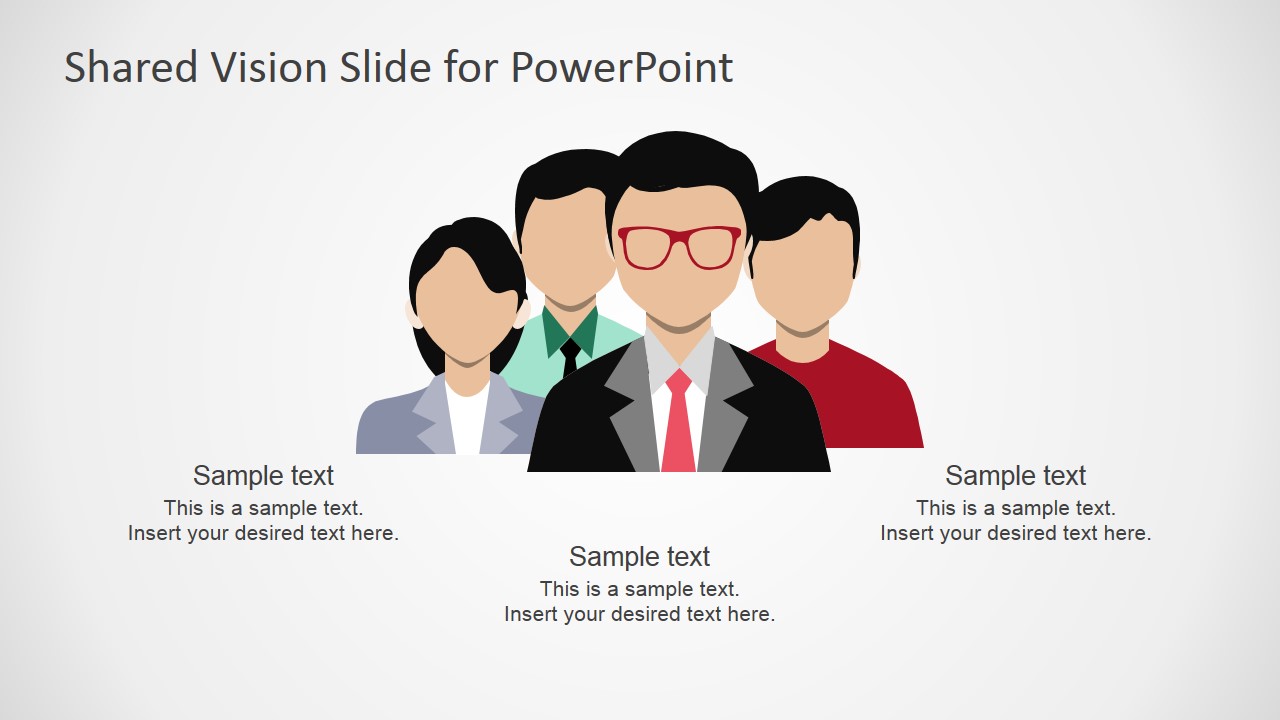
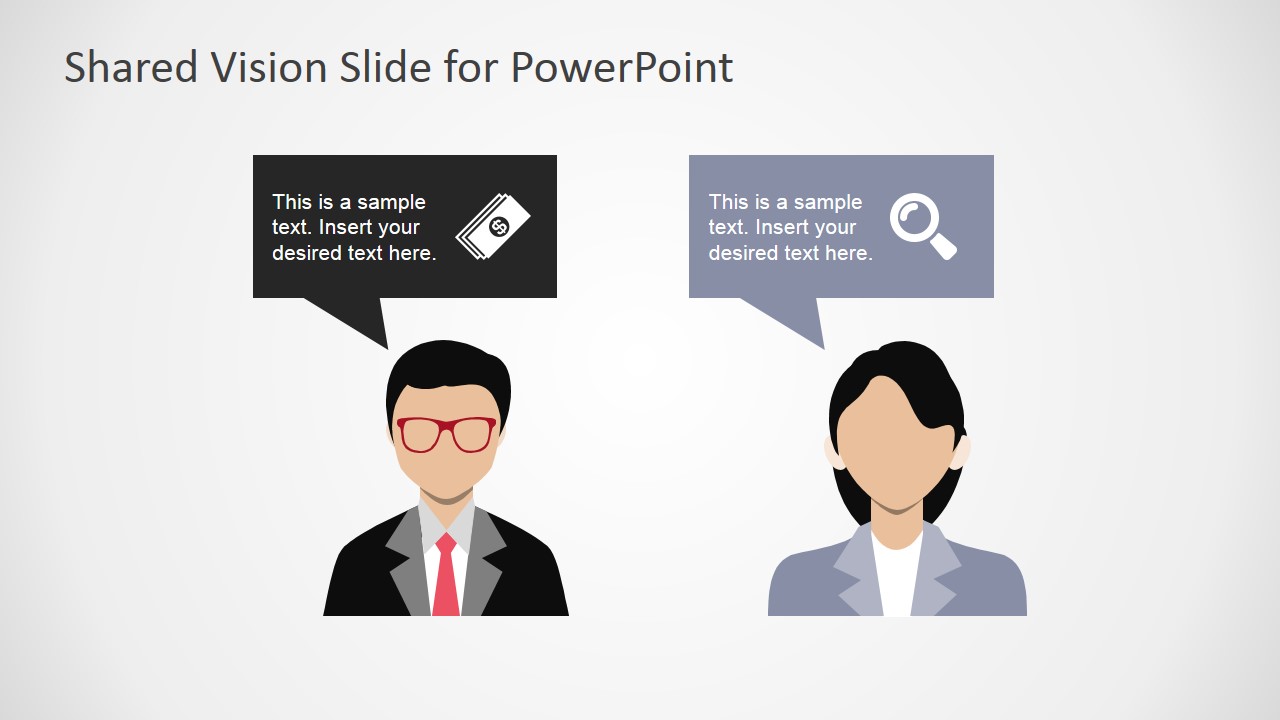
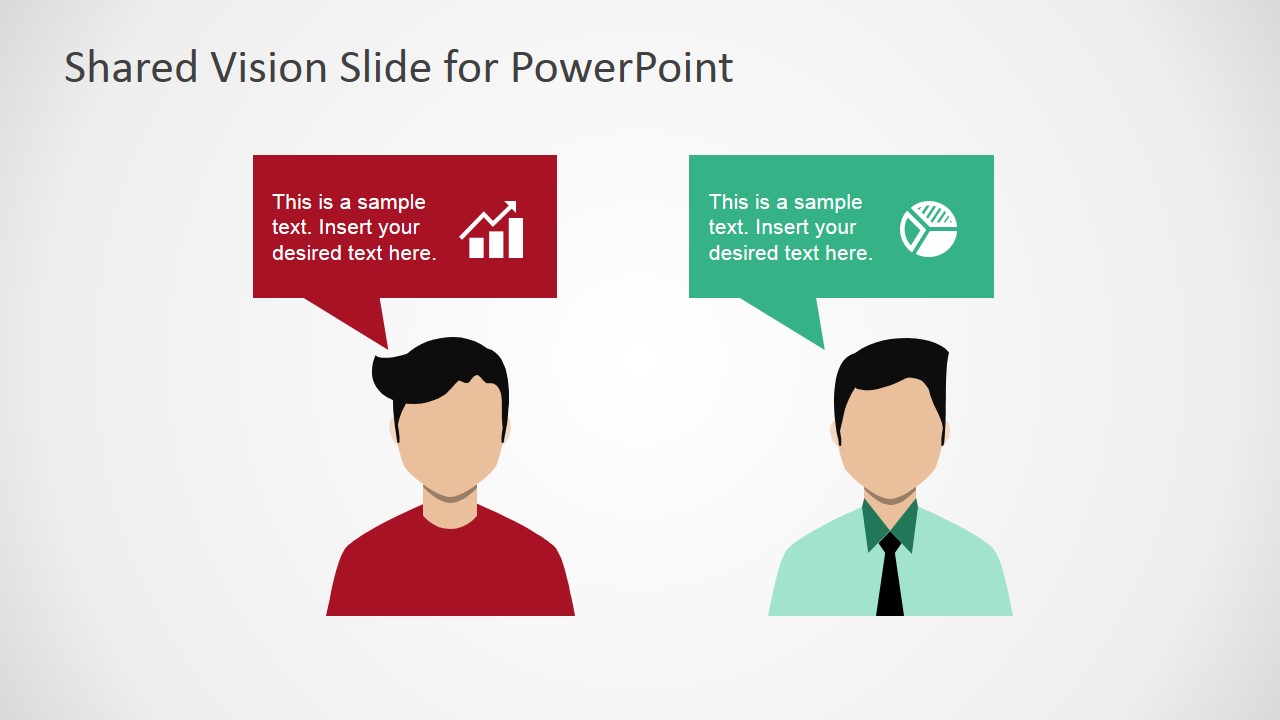
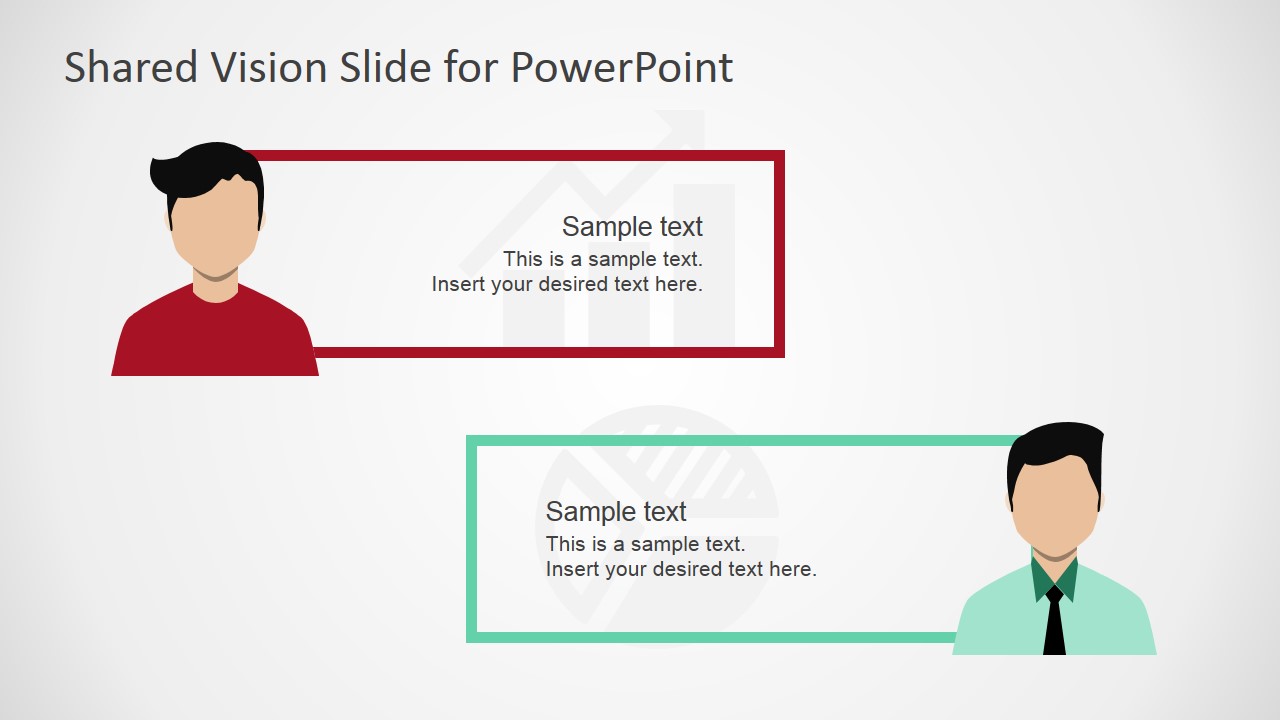
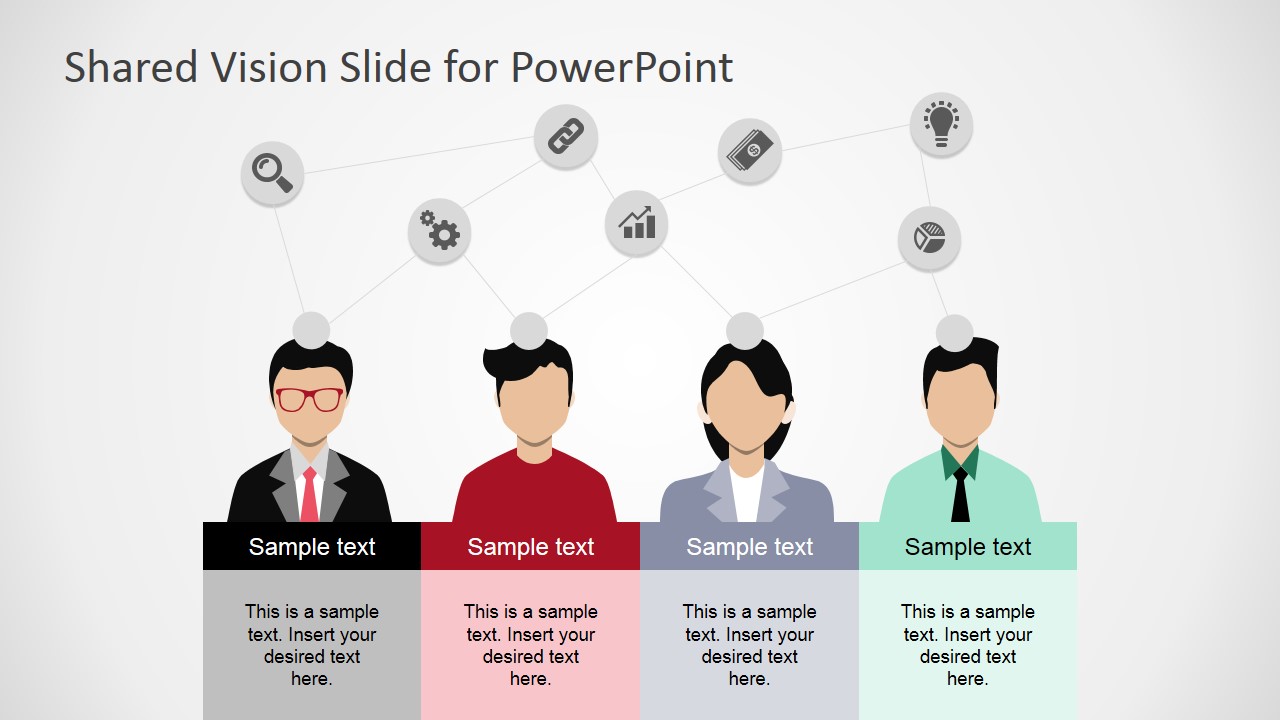
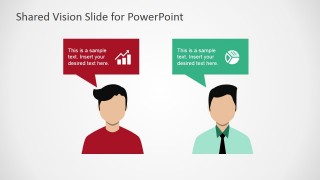
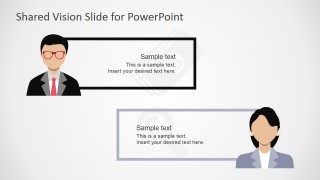
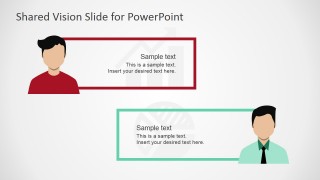
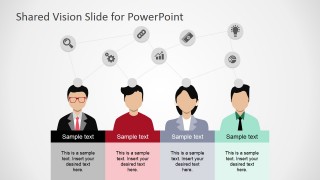
The Shared Vision PowerPoint Template provides professional PowerPoint shapes representing groups of employees executives. This Silhouettes are paired with callouts to describe the parties individual vision. In the following slides, the template provides combined collaboration metaphors describing intermediate steps in the shared vision process. Finally a slide with a group of stakeholders describe the final shared vision.
Each slide scene is created entirely with PowerPoint Shapes and Icons, allowing the user to fully customize their appearance to match the desired branding theme, or re use the shape in existing presentations.
What’s inside this template
Example presentation scenarios
- A leadership facilitator can use the individual vision callout slides to help two stakeholder groups state their priorities before moving into a negotiated shared vision.
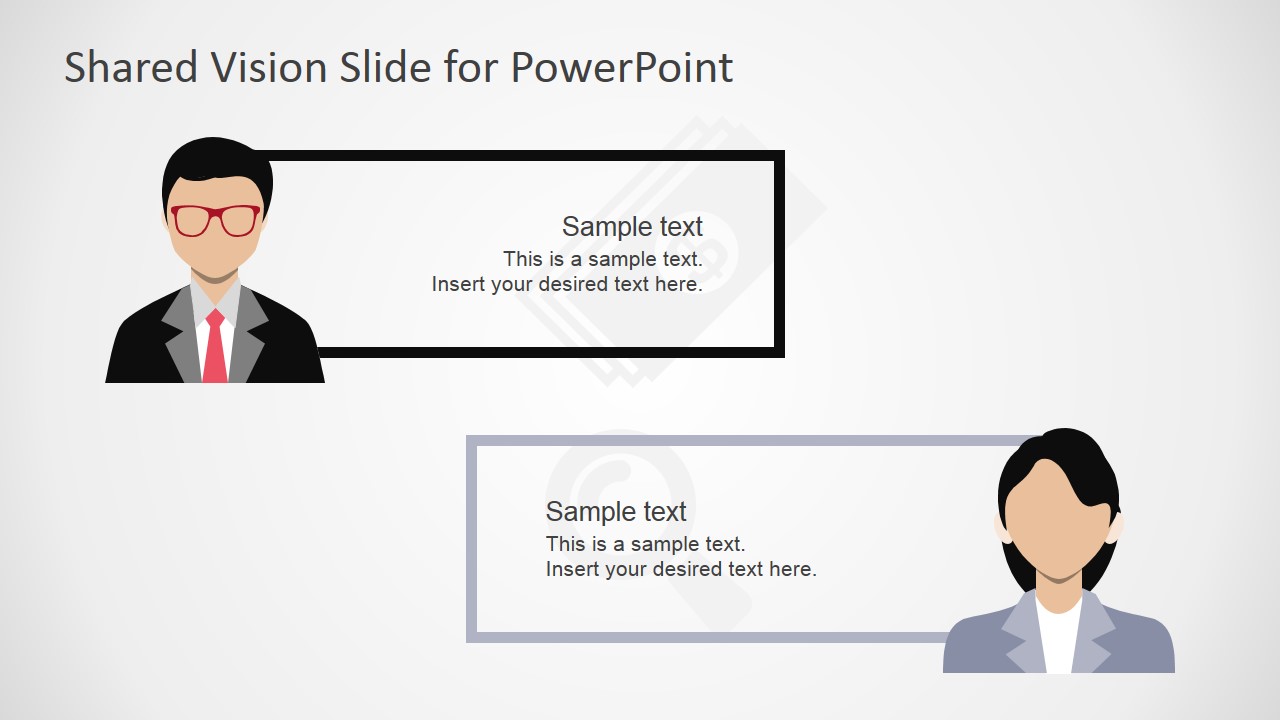
- A manager can use the group stakeholder layout and discussion boxes to explain how employee input and management direction will be combined during a change initiative.
- A consultant can use the connected shared-vision network diagram to summarize workshop outcomes and show where stakeholder ideas overlap around common goals.
- An HR or organizational development presenter can use the people silhouettes and icon callouts to train supervisors on collaborative vision building instead of top-down communication.
Features
- 100% editable presentation template
- Compatible with Microsoft PowerPoint and Google Slides
- 16:9 aspect ratio slides
- Scalable vector shapes, icons and illustrations
- AI-Ready for Microsoft Copilot and Claude
- Instant access and download
Frequently asked questions
Q: How should a presenter structure the discussion with this shared vision template?
A: Start with the cover and group slide to define the decision or conflict in plain language. Then use the individual callout slides to separate stakeholder viewpoints without judging them. The bordered discussion slides can hold negotiated wording, and the final network diagram should summarize the common goals, shared terms, and remaining open questions.
Q: Who is this template best suited for in a business meeting?
A: This template fits managers, facilitators, consultants, and HR leaders who need to align people around a future state. It works well when the audience includes different departments, executives, employees, or external stakeholders. The people silhouettes and speech bubbles make it easier to discuss viewpoints, roles, and agreement points without turning the session into a dense report.
Q: Why does the template use people silhouettes, speech bubbles, and connected icons?
A: The visual metaphor is collaboration moving from separate voices to a connected shared picture. Speech bubbles make individual perspectives explicit, while paired stakeholder slides create a comparison space. The final network of icons and people shows convergence, helping the audience see that the shared vision is built from many inputs rather than imposed by one person.


Shared Vision PowerPoint Template
7-slide presentation template for shared vision, stakeholder alignment, and conflict resolution scenes
The Shared Vision PowerPoint Template is a 7-slide presentation template for explaining team alignment, leadership, and conflict resolution. It includes a cover scene, group stakeholder layout, individual vision callouts, two-person comparison slides, bordered discussion boxes, and a shared-network diagram. It is built for managers, facilitators, and consultants in Microsoft PowerPoint and Google Slides.
- Category
- People & Silhouettes
- Rating


 Loading...
- Aspect ratio
- 16:9, 4:3
- Item ID
- 6986-01
- Colors
 Microsoft PowerPoint
  Microsoft Copilot
  Claude for PowerPoint
 Other formats supported
Subscribe today and get immediate
access to download our PowerPoint templates.