Slide 3 of 13 from Scenario Planning PowerPoint Template
Purpose & Scope Presentation Slide – Scenario Planning Template
Purpose & Scope Slide for Scenario Planning
- Diagram
- Other
- Context Slide
- 16:9
- 100% Editable
The Purpose & Scope Slide from the Scenario Planning PowerPoint Template offers a clear, structured layout ideal for project planning and strategic overview. This slide template features editable shapes and placeholders designed to highlight key objectives and scope, making it suitable for business presentations and scenario analysis. Its visual design supports effective communication within a corporate presentation or pitch deck template, enhancing clarity in slide decks focused on planning and strategy.
What’s on This Slide
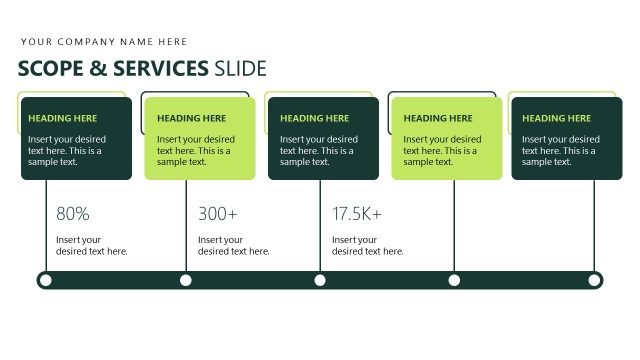
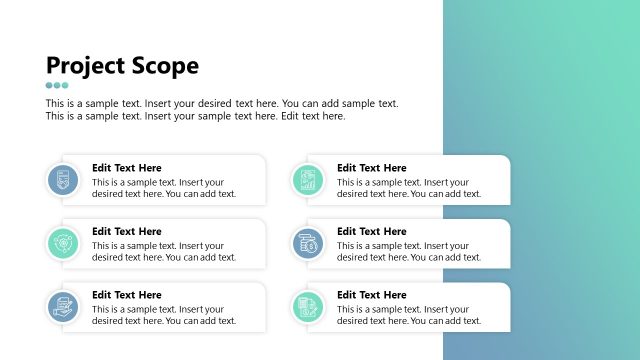
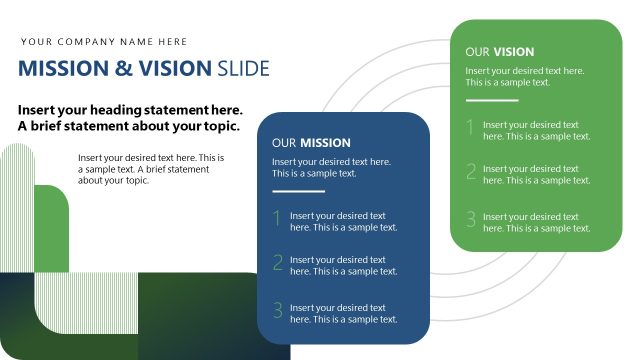
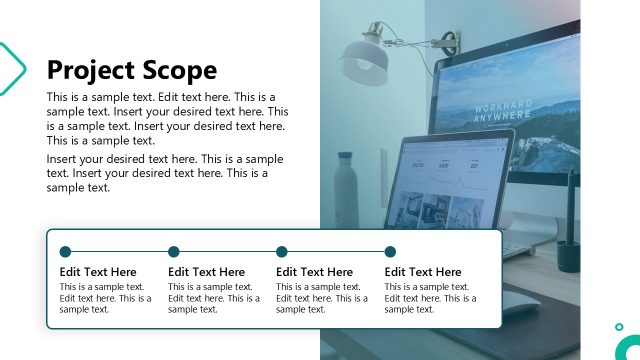
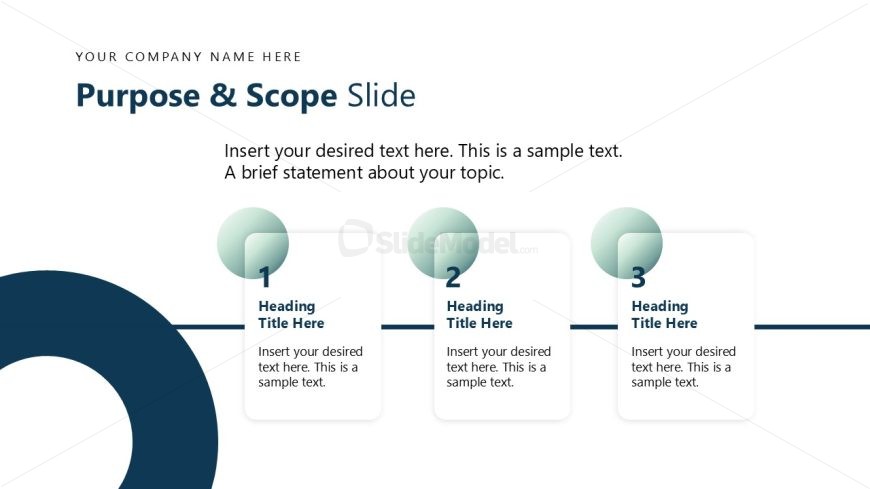
The layout features a top-aligned title area with a placeholder for the company name and a main title labeled 'Purpose & Scope Slide.' Below the title, there are three circular nodes arranged horizontally, each containing a number and a heading placeholder. Each node is connected by a horizontal line. The nodes are evenly spaced, with a larger circular shape on the left side of the slide. Text placeholders are present below each node, aligned centrally. The background is light with a darker circular shape on the left side, creating visual contrast.
How to Use It
This layout serves as a structured overview of objectives or key points in a presentation. It fits well after an introductory slide, providing clarity on the purpose and scope of the discussion. This slide is useful in business contexts such as project planning, strategic planning, or scenario analysis, where outlining specific goals or topics is essential for audience understanding.
Text Placeholders & Capacity
Keep your copy within these limits so it fits without resizing. Node body slots can accommodate roughly 15-20 words each.
| Placeholder | Count | Max characters (approx.) |
|---|---|---|
| Slide title | 1 | 30 |
| Item heading | 3 | 20 |
| Item body | 3 | 80 |
Slide Keywords
Download unlimited PowerPoint templates, charts and graphics for your presentations with our annual plan.
DOWNLOADReturn to Scenario Planning PowerPoint Template.