Slide 4 of 13 from Scenario Planning PowerPoint Template
Methodology Slide for Scenario Planning Presentation
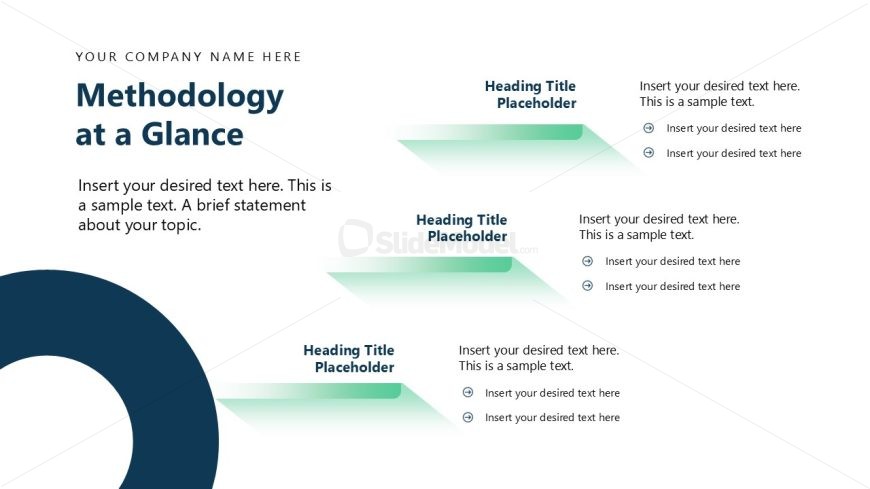
Methodology at a Glance Slide
- Diagram
- Arrow Sequence
- Process Slide
- 16:9
- 100% Editable
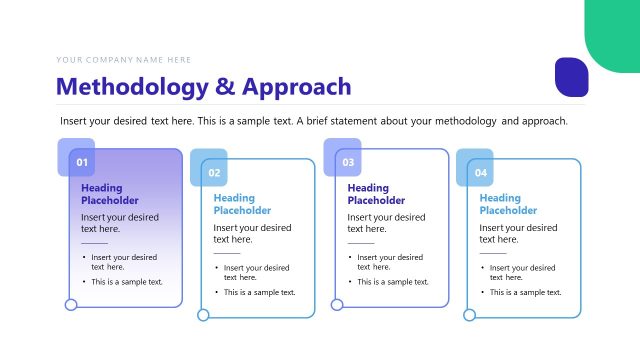
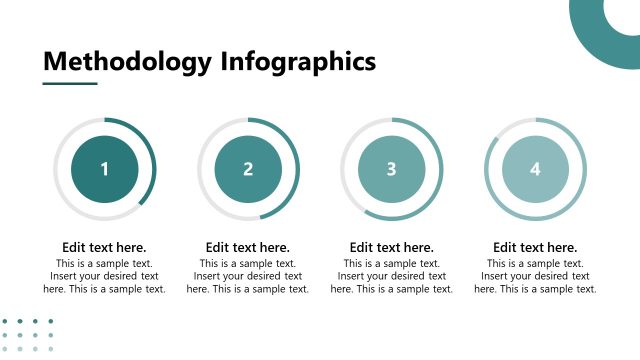
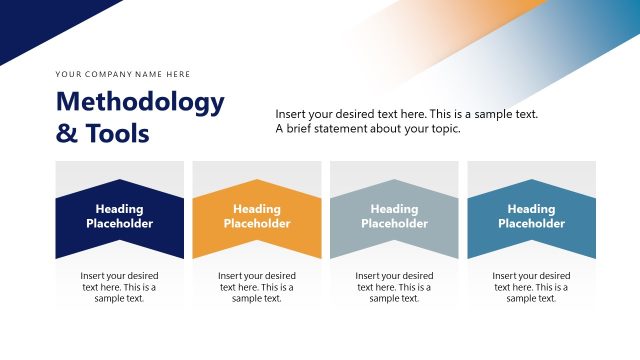
The Methodology at a Glance slide from the Scenario Planning PowerPoint Template offers a clear process overview using editable shapes and vector icons. This slide layout is designed to summarize methodologies effectively within a business presentation or pitch deck template, supporting structured project planning and strategic discussions. Its visual hierarchy and diagonal flow enhance communication of key steps, making it a practical choice among presentation templates for conveying complex processes with clarity.
What’s on This Slide
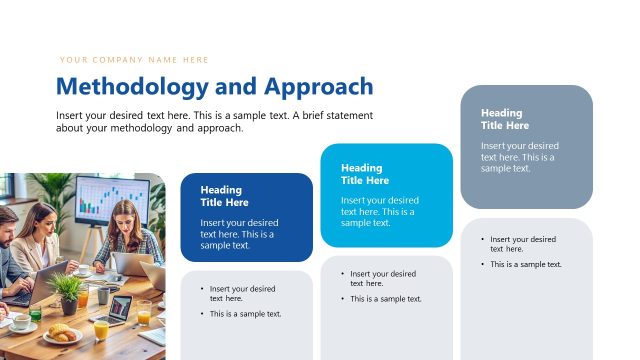
The layout features a large circular shape at the bottom left corner. A prominent title is positioned at the top left, followed by a main text placeholder below it. Three additional heading title placeholders are aligned vertically on the right side, each with a corresponding text placeholder beneath. The placeholders are arranged in a staggered manner, creating a diagonal flow from the top right to the bottom right. The overall color scheme includes shades of blue and green, with a light background. Visual hierarchy emphasizes the title and main text, while the circular shape adds a unique design element.
How to Use It
This layout serves as a structured overview of methodologies, making it suitable for presenting processes or frameworks. It fits well after introductory slides, providing a clear summary of key points. This slide is ideal for business scenarios where a concise explanation of methodologies is needed, such as project planning or strategic discussions. It can be used to highlight steps in a process or summarize approaches in a visually engaging manner, ensuring clarity and focus for the audience.
Text Placeholders & Capacity
Keep your copy within these limits so it fits without resizing. Body slots are tight, roughly 20-30 words each.
| Placeholder | Count | Max characters (approx.) |
|---|---|---|
| Slide title | 1 | 40 |
| Body paragraph | 1 | 150 |
| Item heading | 3 | 30 |
| Item body | 3 | 100 |
Slide Keywords
Download unlimited PowerPoint templates, charts and graphics for your presentations with our annual plan.
DOWNLOADReturn to Scenario Planning PowerPoint Template.