Slide 2 of 13 from Scenario Planning PowerPoint Template
Agenda Slide for Scenario Planning PPT Template
Agenda Slide for Scenario Planning Presentation
- Text Layout
- Agenda Toc
- Agenda Slide
- 16:9
- 100% Editable
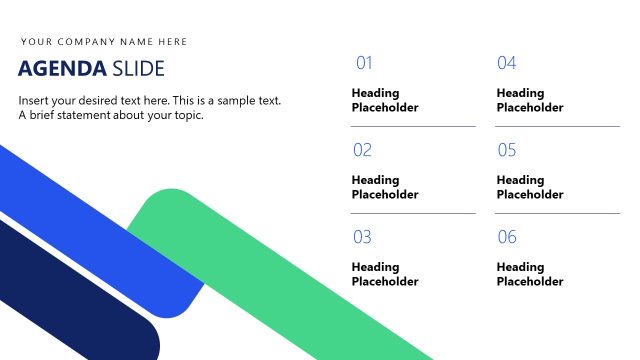
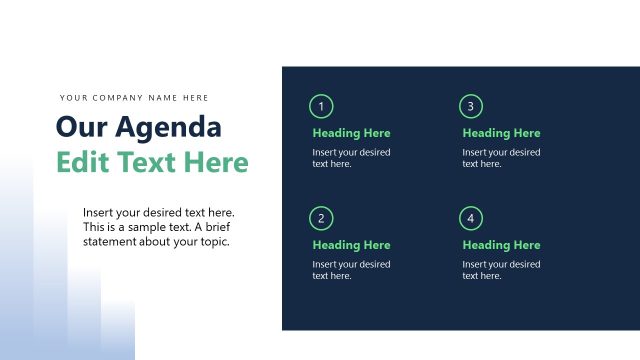
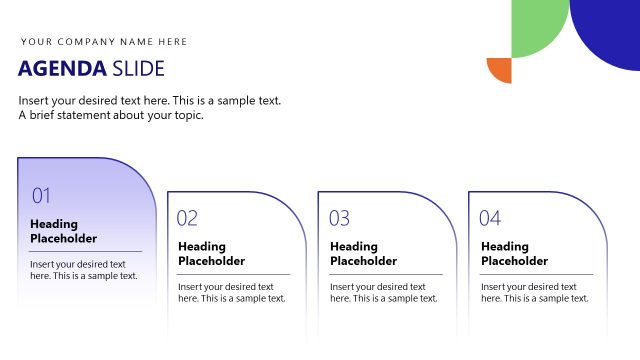
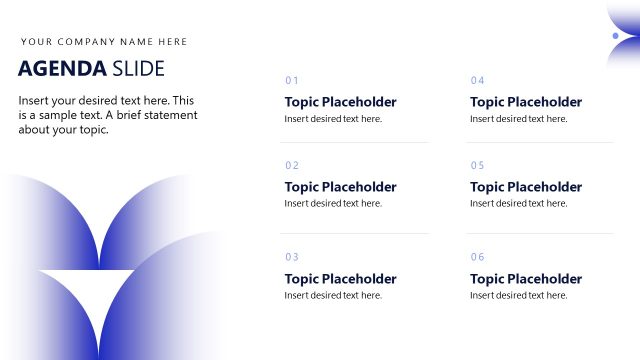
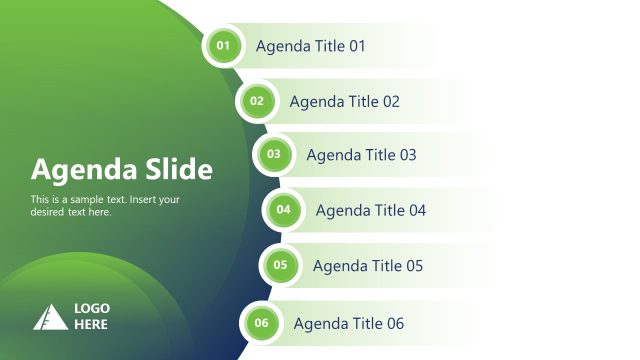
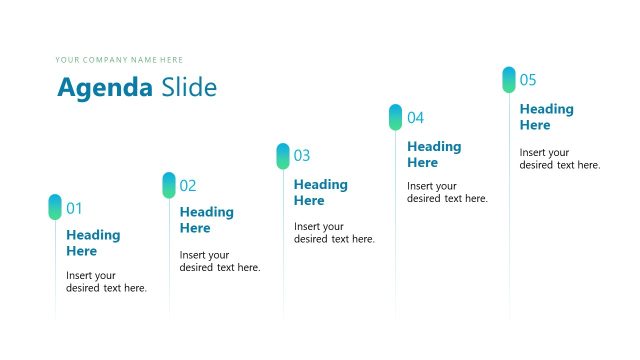
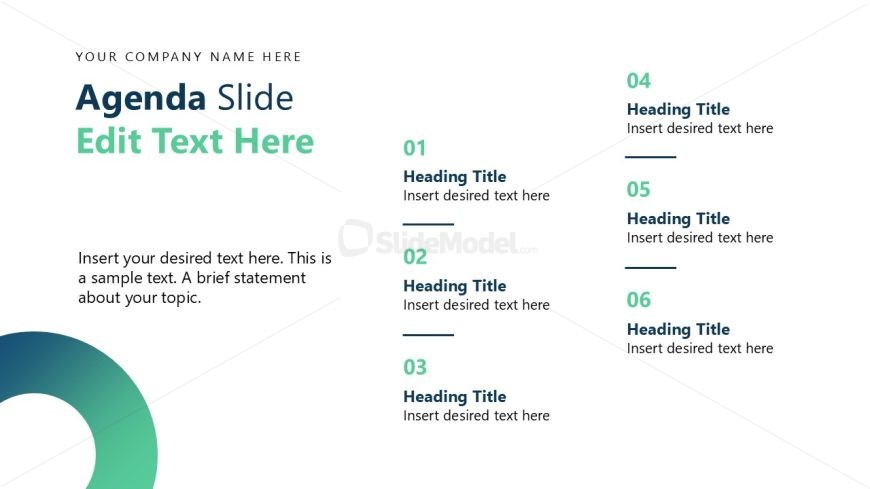
The Agenda Slide with Headings from the Scenario Planning PowerPoint Template provides a clear structure for corporate meetings and strategic planning. This slide layout features numbered sections with editable headings and text placeholders, facilitating organized topic outlines within business presentations. Its design incorporates subtle vector icons and a gradient background to enhance visual hierarchy, making it a practical choice for slide decks focused on project updates and agenda setting.
What’s on This Slide
The layout features a left-aligned title area at the top, stating 'Agenda Slide.' Below, there are six numbered sections arranged vertically. Each section includes a heading placeholder followed by a text placeholder for additional details. The first section is highlighted with a larger font size. A circular graphic element is positioned in the bottom left corner, adding a visual accent. The background is predominantly white with a gradient circle in green and blue tones, contributing to the overall visual hierarchy and separation of elements.
How to Use It
This layout serves as an agenda slide, outlining topics for discussion in a presentation. It fits sequentially after an introductory slide and before content slides. It is suitable for corporate meetings, project updates, or strategic planning sessions where clear topic delineation is necessary. The numbered sections allow for easy reference during discussions, ensuring that all key points are covered systematically.
Text Placeholders & Capacity
Keep your copy within these limits so it fits without resizing. Body slots can hold roughly 25-30 words each.
| Placeholder | Count | Max characters (approx.) |
|---|---|---|
| Slide title | 1 | 30 |
| Item heading | 6 | 20 |
| Item body | 6 | 50 |
| Body paragraph | 1 | 150 |
Slide Keywords
Download unlimited PowerPoint templates, charts and graphics for your presentations with our annual plan.
DOWNLOADReturn to Scenario Planning PowerPoint Template.