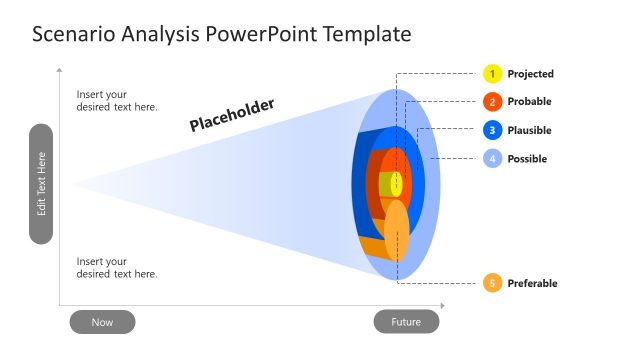
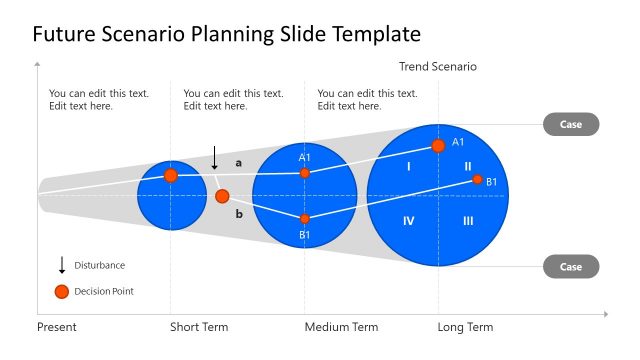
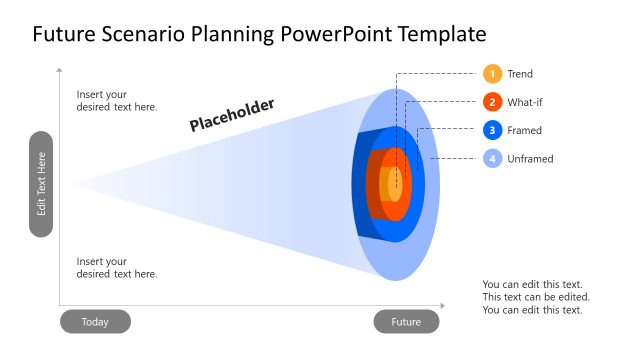
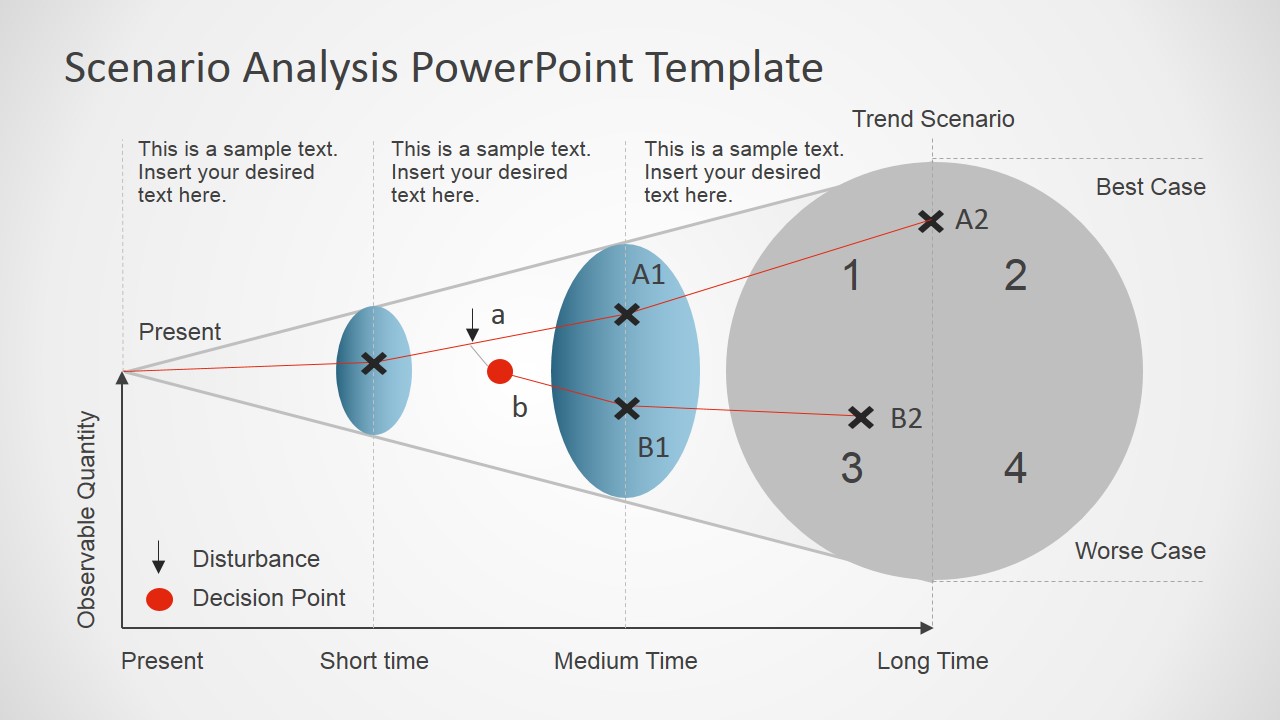
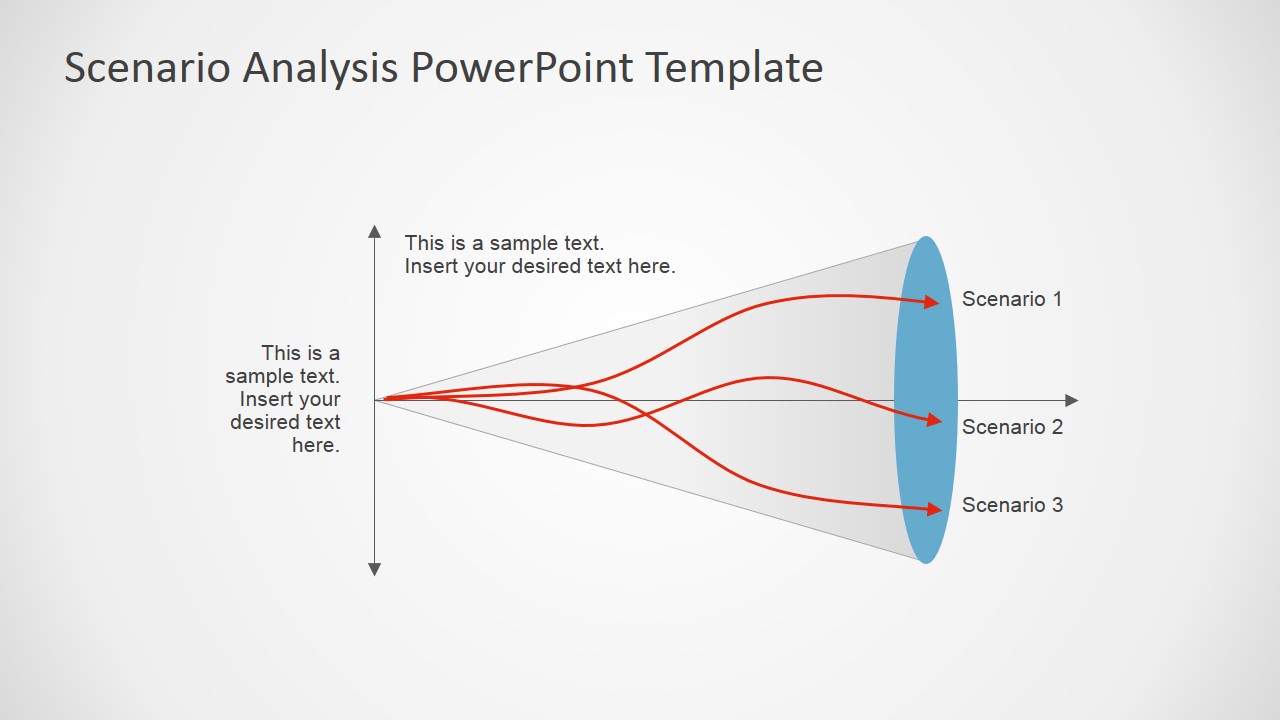
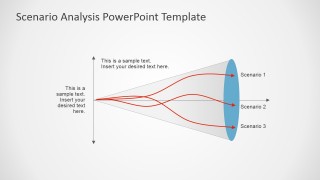
The Scenario Analysis PowerPoint Template is a funnel shape process diagram for business strategies and management plan meetings. This template contains four funnel diagram designs and one process cycle diagram slide. These diagrams present multiple scenarios through red data lines to examine and evaluate different cases for the future. Further, the scenarios in funnel analysis PowerPoint will help create feasibility report for future projects. These scenario analysis templates are often used in financial planning and strategic modeling processes. Because finances require a tool to measure estimate change in value against favorable and unfavorable events. Therefore, the scenario analysis PowerPoint is suitable to explain value changes and possible outcomes over time.
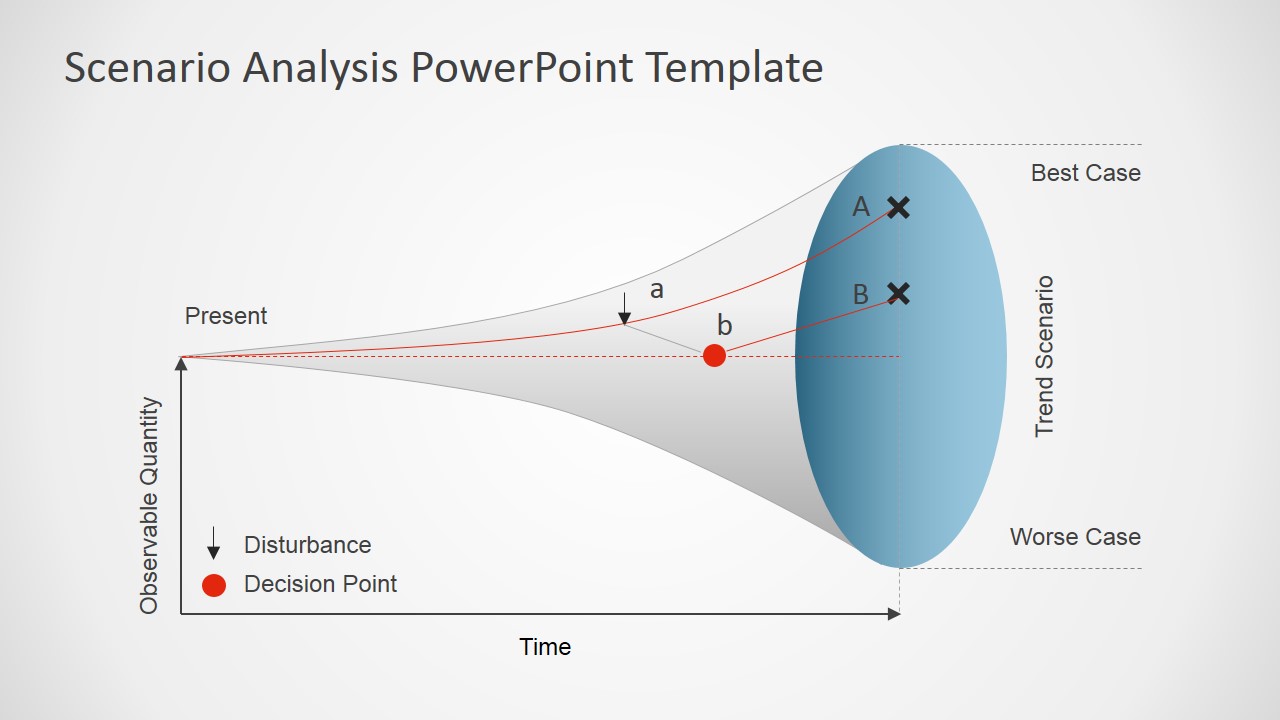
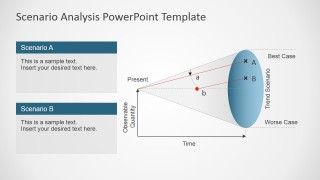
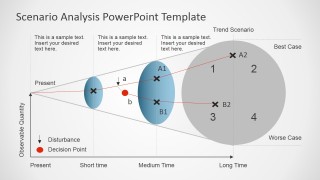
The Scenario Analysis PowerPoint Template has four different versions of a horizontal funnel diagram. These templates are also useful in describing change, risk, and quality management models. The template can also be used to compare the current state vs a future state. The funnel diagram shows best- and worst-case scenarios as parameters, while red lines represent ideas. Furthermore, the arrow and red dot illustrate management decision points against assumed events. These graphics will help users describe the present and future states from discrete scenarios through simple graph diagrams. This analysis PowerPoint template provides text placeholders in all slides for adding important information and keynotes. Moreover, it is a fully editable PowerPoint template and users can change colors, text, size, and effect.
The PowerPoint template of scenario analysis is a controlling method to forecast future developments of the company. The business managers apply this tool during project planning, risk, and hostile events. Therefore, slides of scenario analysis can describe management’s solutions for development to investors through visual demonstration. Alternatively, you can download other scenario planning and analysis templates for presentations.
What’s inside this template
Example presentation scenarios
- A corporate strategy manager can present a planning workshop by using the horizontal scenario funnel to compare present conditions against best-case and worst-case future outcomes.
- A finance analyst can brief executives on forecast uncertainty by using the long-time quadrant view to discuss alternate outcomes, decision points, and disturbances.
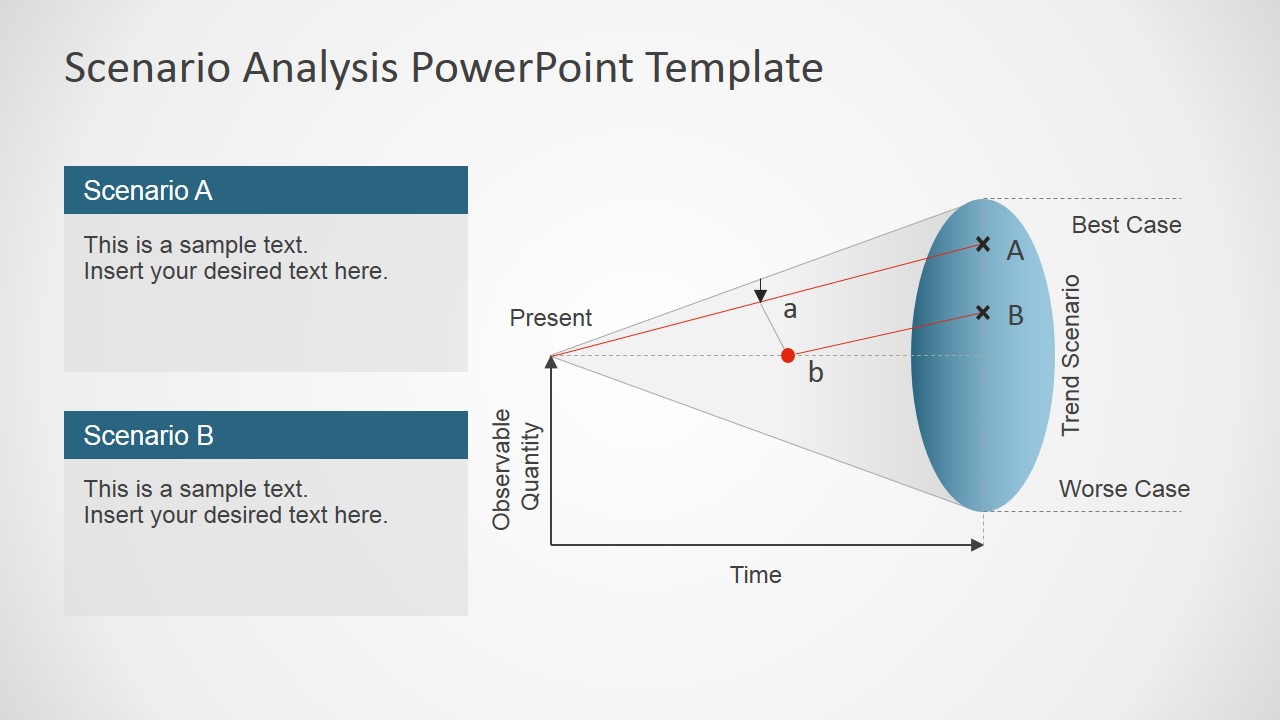
- A project manager can explain how a current state may evolve by using the current state vs future state comparison slide with Scenario A and Scenario B text blocks.
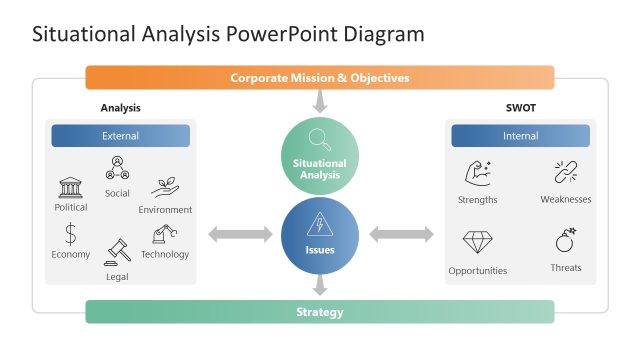
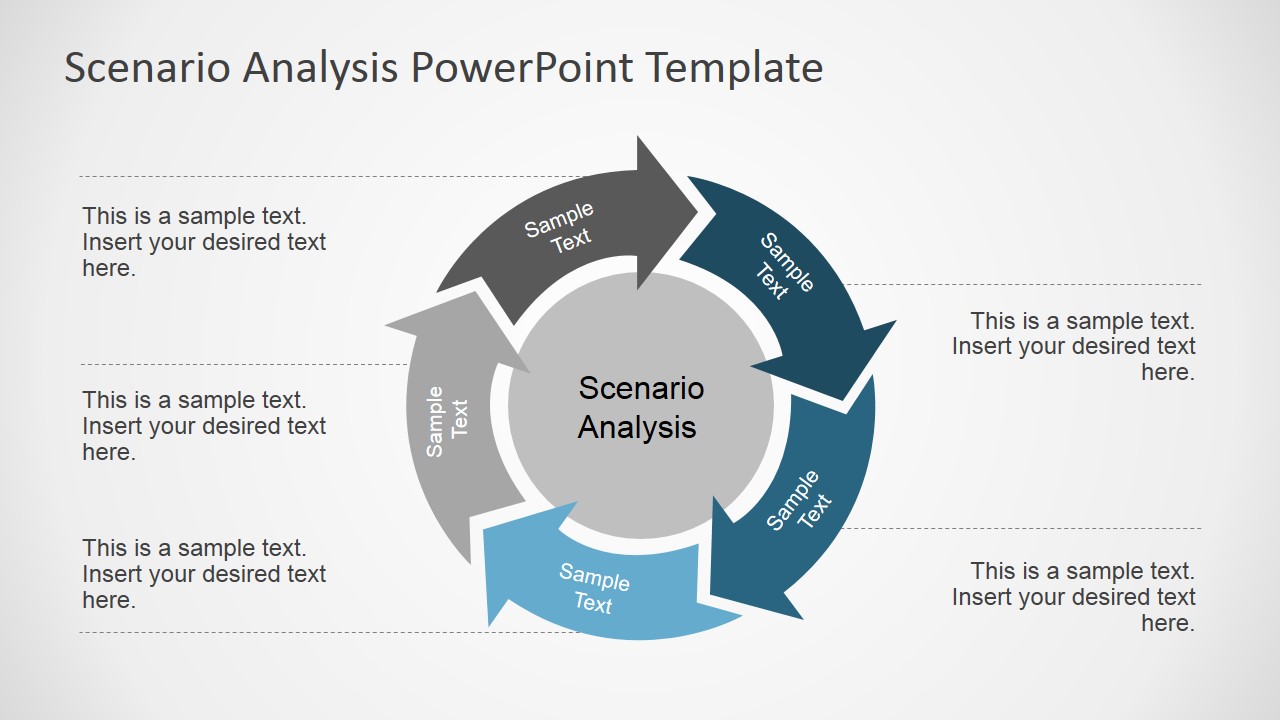
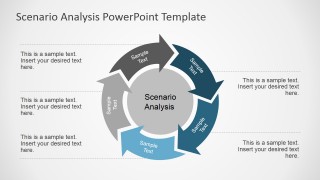
- A risk manager can guide a management team through repeatable scenario review steps by using the circular scenario analysis cycle with editable callout notes.
Features
- 100% editable presentation template
- Compatible with Microsoft PowerPoint and Google Slides
- 16:9 aspect ratio slides
- Scalable vector shapes, icons and illustrations
- AI-Ready for Microsoft Copilot and Claude
- Instant access and download
Frequently asked questions
Q: How should a presenter explain scenario uncertainty with this template?
A: Start with the horizontal funnel to define the present state, the time horizon, and the observable quantity being tracked. Use the red paths to separate assumptions from decisions, then move to the current state vs future state slide when the audience needs a clearer comparison between named scenarios and the resulting outcomes.
Q: Who is this scenario analysis format best suited for?
A: This format fits strategy, finance, risk, and project teams that need to discuss uncertain futures without turning the meeting into a detailed model review. The funnel diagrams work well for executive audiences because they show direction, timing, and outcome spread while keeping the conversation focused on choices and assumptions.
Q: Why does the funnel metaphor help communicate scenario planning?
A: The funnel shape makes uncertainty visible: a narrow present condition widens into multiple possible future states. The blue endpoint areas and red paths create a clear visual split between forecast range and management decisions. This helps the audience see that scenarios are not predictions, but structured possibilities to compare.
Scenario Analysis PowerPoint Template
5-slide scenario analysis presentation template with funnel diagrams, trend scenarios, and planning visuals
The Scenario Analysis PowerPoint Template is a 5-slide business diagram set for modeling future outcomes. It includes horizontal scenario funnel diagrams, a circular scenario analysis cycle, a current state vs future state comparison, and a long-time quadrant view for managers, planners, and finance teams presenting in Microsoft PowerPoint or Google Slides.
- Category
- Business PowerPoint Templates
- Rating


 Loading...
- Aspect ratio
- 16:9
- Item ID
- 6981-01
- Colors
 Microsoft PowerPoint
  Microsoft Copilot
  Claude for PowerPoint
 Other formats supported
Subscribe today and get immediate
access to download our PowerPoint templates.