Scan Here QR Code PowerPoint Template
Present your social media handles in business presentations using our Scan Here QR Code PowerPoint Template so that they can visit your accounts with a single scan. The QR code is a two-dimensional bar code that helps companies bridge the gap between the physical and digital worlds. This template is also helpful for printing companies, enabling them to quickly design business cards with client QR codes. Social media marketers can also use this template to create social media banners or posts to help users navigate to other accounts or to a website in simple steps. Shopkeepers and managers at brand outlets can paste their QR codes into the template, print it, and display it in their outlets, allowing customers to pay easily by scanning the QR code. We have created this template with editable features that professionals can customize to their needs. They can also adjust the color scheme accordingly.
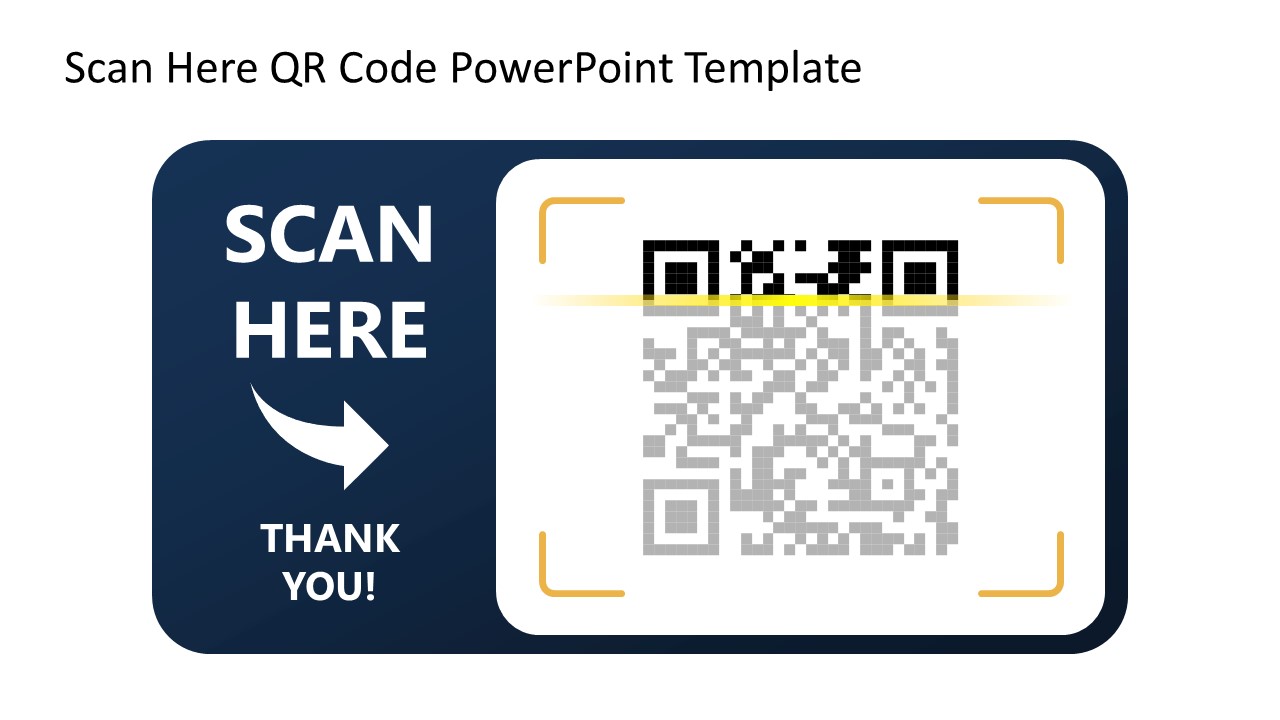
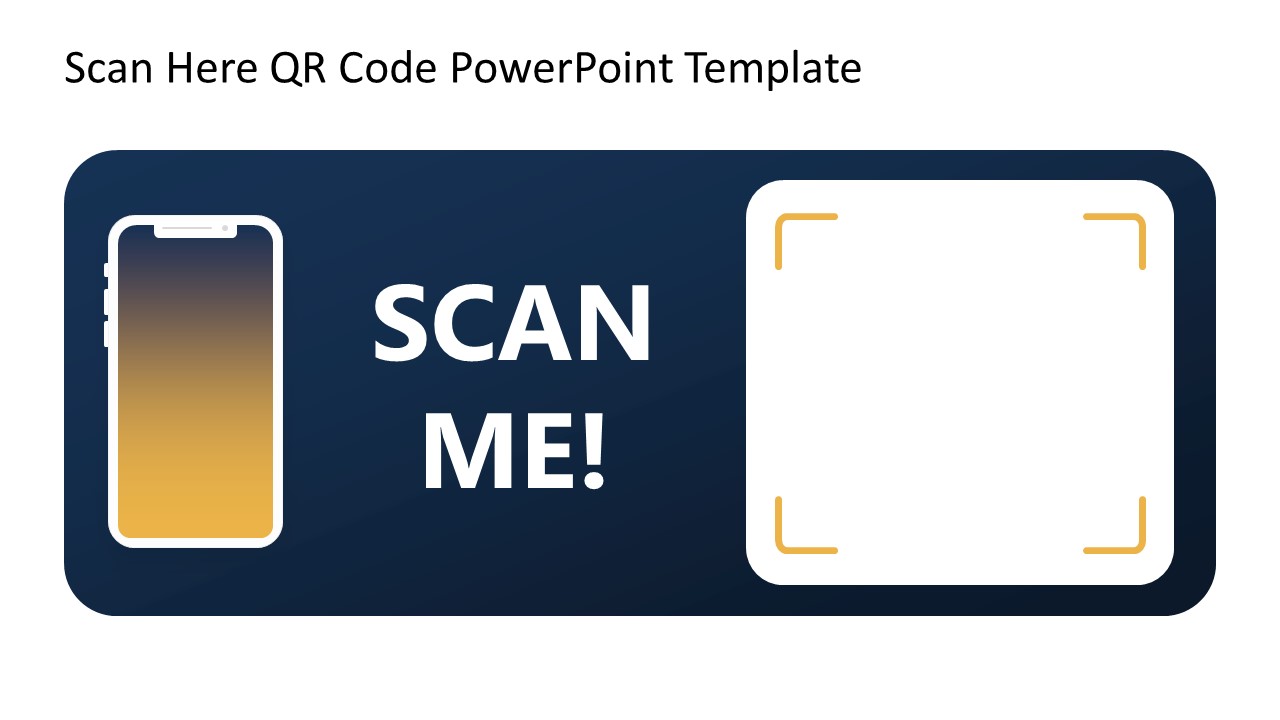
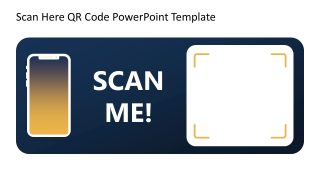
Our editable Scan Here QR Code PowerPoint Template features three slides with a similar layout but with key differences. There is a round-edged block in the slide center with a blue shade. On the block, there is a mobile mockup with a golden color fill, the text ‘Scan Here,’ and a QR code. On the right, a white square displays the actual QR code and a four-corner layout that illustrates the scanning process. The second slide does not include the mobile icon mockup, but the remaining items are the same as in the first slide. The last slide also includes similar graphical components to the first one, but the sections are left empty so presenters can display their company logos, text, or QR codes. This template is also compatible with Google Slides. Download the Scan Here QR Code Template and use it in your business presentations!

You must have an active subscription to download this file.
- Category
- Business PowerPoint Templates
- Rating
-

 Loading...
 - Size
- 16x9
- Item ID
- 23365-01
- Colors
Subscribe today and get immediate
access to download our PowerPoint templates.