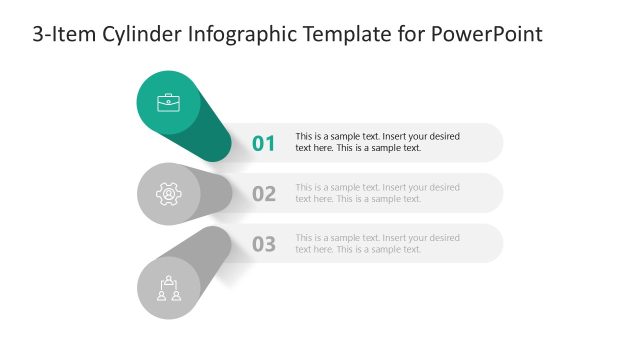
Slide 3 of 4 from Quick Recap Slide Template for PowerPoint
Quick Recap Template Slide for Step 2
Quick Recap Slide with Icons for PowerPoint
- Diagram
- Other
- Summary Slide
- 16:9
- 100% Editable
The Quick Recap with Icons slide layout from the Quick Recap Slide Template for PowerPoint offers a structured summary format ideal for project updates and meeting summaries. This slide features editable shapes and vector icons arranged in three distinct colored segments, enhancing clarity in business presentations. Its design supports concise key takeaways, making it a practical choice within slide decks focused on effective communication.
What’s on This Slide
The layout features three horizontal segments arranged vertically. Each segment contains a circular shape with an icon at the top, followed by a number and a text placeholder. The first segment is orange, the second green, and the third gray, creating a gradient effect. The icons represent different themes, while the text placeholders are aligned centrally within each segment. The overall background is white, providing contrast to the colored segments. Each segment is visually distinct, enhancing clarity and organization.
How to Use It
This layout serves as a recap tool, ideal for summarizing key points in a presentation. It fits well after detailed content slides, providing a concise overview. Common scenarios include project updates, meeting summaries, or highlighting main takeaways. The clear structure allows for easy editing and customization, making it suitable for various business contexts, such as team briefings or client presentations.
Text Placeholders & Capacity
Keep your copy within these limits so it fits without resizing. Node body slots can hold up to 100 characters each.
| Placeholder | Count | Max characters (approx.) |
|---|---|---|
| Item heading | 3 | 2 |
| Item body | 3 | 100 |
Slide Keywords
Download unlimited PowerPoint templates, charts and graphics for your presentations with our annual plan.
DOWNLOADReturn to Quick Recap Slide Template for PowerPoint.