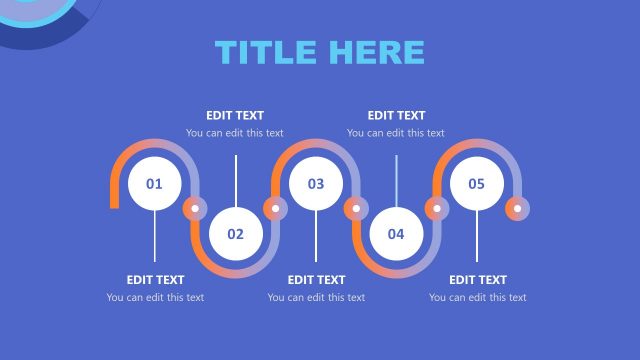
Slide 2 of 2 from Quick Recap Slide PowerPoint Template
Editable Quick Recap Slide Template
Vertical Recap List for Presentations
- Text Layout
- List Blocks
- Summary Slide
- 16:9
- 100% Editable
The Vertical Recap List slide from the Quick Recap Slide PowerPoint Template offers a clean, vertically arranged layout ideal for summarizing key points, project milestones, or meeting outcomes. This slide design supports business presentations by providing editable shapes and a clear visual hierarchy that enhances readability and audience engagement within a corporate presentation or pitch deck template.
What’s on This Slide
The layout features a vertical arrangement of three text placeholders aligned centrally on a blue background. Each placeholder is circular, numbered 4 to 6, positioned at equal intervals along a vertical line. The text placeholders contain instructional text indicating that users can edit the content. The overall composition emphasizes a clean and organized structure, with a clear visual hierarchy that guides the viewer's attention from the top to the bottom of the slide. The background color is uniform, enhancing readability.
How to Use It
This layout serves as a recap or summary slide, ideal for highlighting key points in a presentation. It fits well in a sequence that follows a detailed discussion, allowing for a concise review of main ideas. Common scenarios include summarizing meeting outcomes, presenting project milestones, or recapping training sessions. The vertical list format is effective for keeping information organized and easy to digest, making it suitable for various business contexts.
Text Placeholders & Capacity
Keep your copy within these limits so it fits without resizing. Node body slots can hold about 15-20 words each.
| Placeholder | Count | Max characters (approx.) |
|---|---|---|
| Item heading | 3 | 10 |
| Item body | 3 | 80 |
Slide Keywords
Download unlimited PowerPoint templates, charts and graphics for your presentations with our annual plan.
DOWNLOADReturn to Quick Recap Slide PowerPoint Template.