Slide 6 of 7 from Free Artificial Intelligence Slide Template for PowerPoint
AI Presentation PowerPoint Template
Process Flow Slide for Presentations
- Diagram
- Process Flow
- Process Slide
- 16:9
- 100% Editable
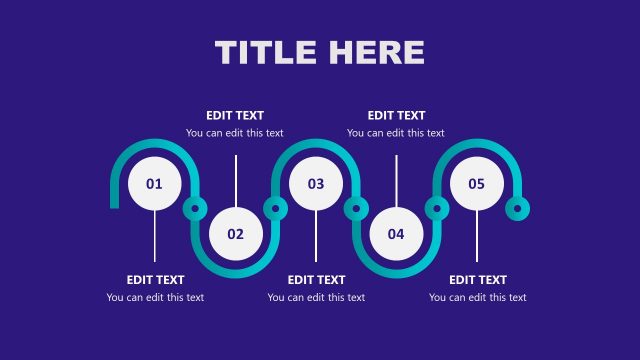
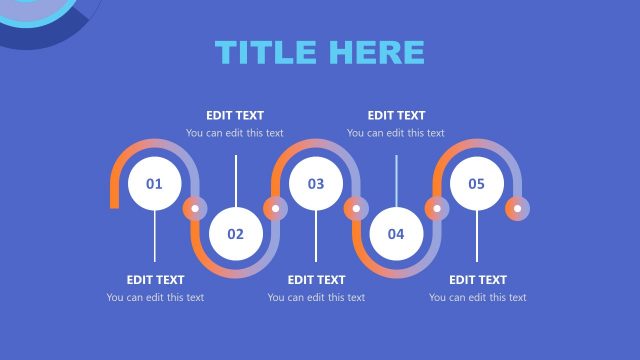
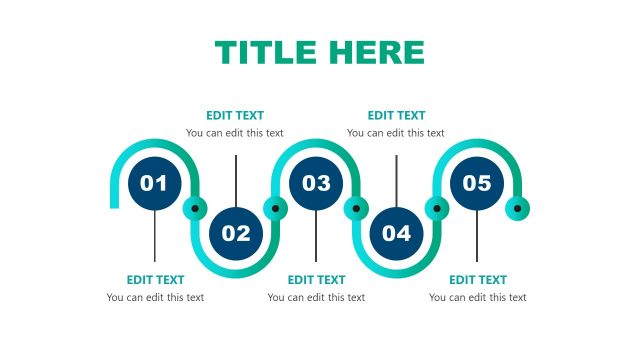
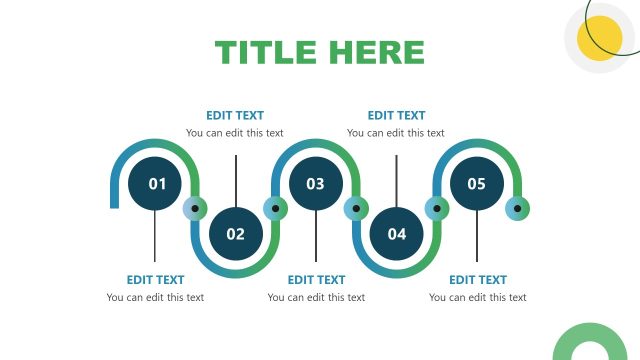
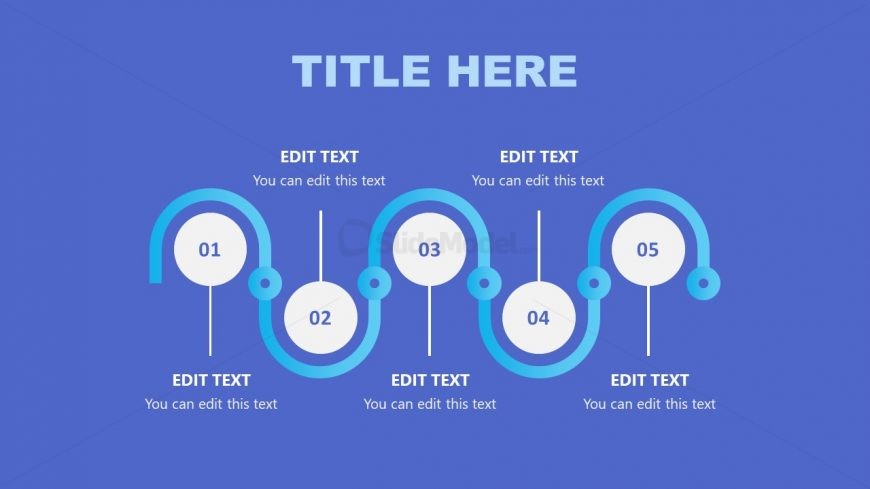
The Process Flow with Steps slide from the Free Artificial Intelligence Slide Template for PowerPoint effectively illustrates project steps and workflows. This editable slide layout features a horizontal design with five circular nodes, making it ideal for presenting timelines and structured narratives in business presentations.
What’s on This Slide
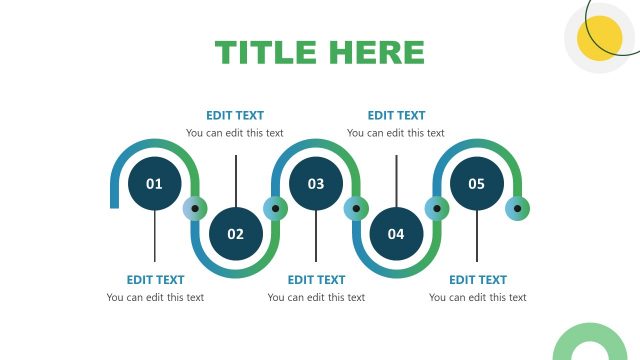
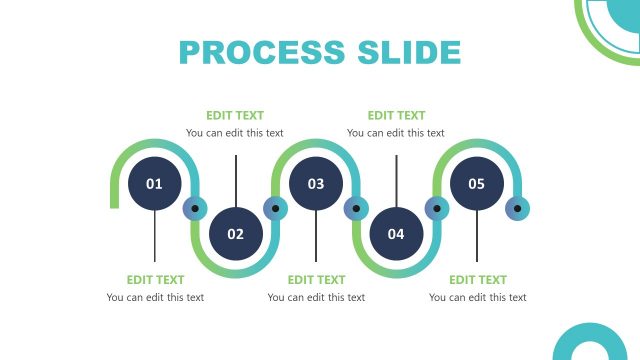
The slide features a horizontal process flow layout with five circular nodes aligned in a row. Each node is connected by a curved line, indicating progression. The nodes are numbered from 01 to 05, with each containing a text placeholder for editing. The placeholders are positioned below each node, centered horizontally. The background is a solid blue color, providing contrast to the white and light blue elements. The title is prominently displayed at the top, centered, with a large font size, creating a clear visual hierarchy.
How to Use It
This layout serves as a sequential process flow, ideal for outlining steps in a project or strategy. It fits well in a presentation after introducing a problem or concept, guiding the audience through a structured narrative. Use it to illustrate workflows, stages of development, or timelines. This slide is suitable for business meetings, educational contexts, or any scenario requiring a clear, step-by-step explanation of a process.
Text Placeholders & Capacity
Keep your copy within these limits so it fits without resizing. Node labels can hold about 20 characters each, while node bodies can fit around 40 characters.
| Placeholder | Count | Max characters (approx.) |
|---|---|---|
| Slide title | 1 | 30 |
| Item heading | 5 | 20 |
| Item body | 5 | 40 |
Slide Keywords
Download unlimited PowerPoint templates, charts and graphics for your presentations with our annual plan.
DOWNLOADReturn to Free Artificial Intelligence Slide Template for PowerPoint.