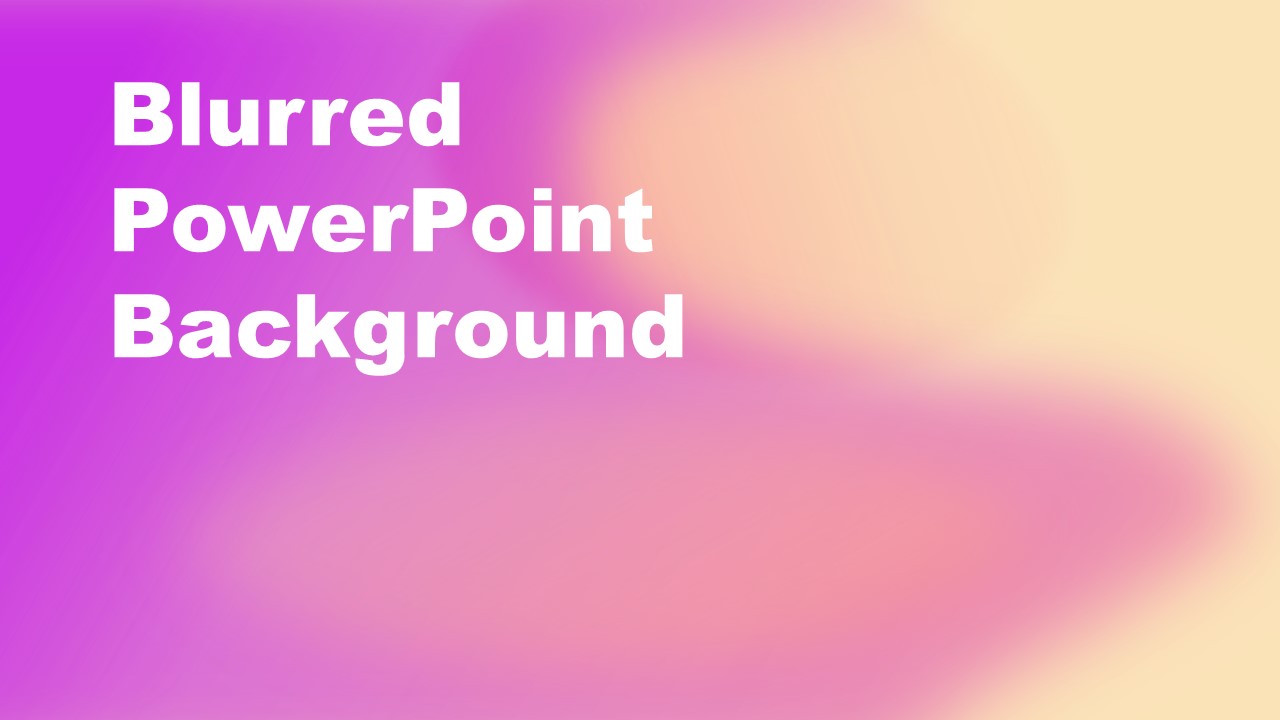
The Purple Yellow Blurred PowerPoint Background presents soft colors PowerPoint theme. The blurred PowerPoint background is a collection of shaded shapes to provide a purple and yellow gradient PowerPoint background. You can add the slides as professional PowerPoint background to make textual content engaging for the audience. The slide shows how purple and yellow color blends set the tone for business or personal presentations. You can add the background template to the topics of school lectures. As a part of the business presentation, the purple and yellow gradient background highlights the plan text of diagrams with editable backgrounds.
What’s inside this template
Example presentation scenarios
- A teacher can use the gradient title background to introduce a school lecture, placing the lesson topic in the large white title area and adding a short prompt on the open right side.
- A business presenter can use the blurred background as a section divider in a plan presentation, replacing the title text with the next topic and keeping supporting text minimal.
- A student can use the slide as a project cover, keeping the bold stacked title on the left and using the soft color field to create a polished first impression.
- A creative team can use the background for an announcement slide, matching the title text to the message while using the purple and yellow gradient as the visual atmosphere.
Features
- 100% editable presentation template
- Compatible with Microsoft PowerPoint
- 16:9 aspect ratio slides
- Scalable vector shapes, icons and illustrations
- AI-Ready for Microsoft Copilot and Claude
- Instant access and download
Frequently asked questions
Q: How should a presenter place content on this background without reducing readability?
A: Use the existing white title area for the main message and keep supporting copy short. The pale yellow side has lower contrast with white text, so darker text or a semi-transparent text box works better there. Treat the background as atmosphere, not the content itself, and avoid placing dense paragraphs over the busiest color transitions.
Q: Who is this background best suited for?
A: This background fits presenters who need a single visual canvas for an opener, divider, or short text slide rather than a structured report. Educators, students, and business presenters can use it when the message is concise and the soft purple-yellow gradient should create a warm, modern tone before the detailed content begins.
Q: Why does the blurred gradient design help the slide communicate more clearly?
A: The blurred shapes create depth without introducing a literal graphic that competes with the title. The strong white headline on the left gives the eye a clear starting point, while the softer yellow area on the right leaves room for a subtitle, agenda cue, or simple annotation. This balance supports quick audience orientation.

Purple Yellow Blurred PowerPoint Background
1-slide PowerPoint background template with purple yellow gradient and large title text
The Purple Yellow Blurred PowerPoint Background is a 1-slide Microsoft PowerPoint template for creating a soft gradient title or divider slide. It shows a full-slide purple, pink, and pale yellow blurred background, a large white stacked title block, and open space for added text, diagrams, or classroom/business content.
- Category
- Template Backgrounds
- Rating

 Loading...
- Aspect ratio
- 16:9
- Item ID
- 40112-04
- Colors
 Microsoft PowerPoint
  Microsoft Copilot
  Claude for PowerPoint
 Other formats supported
Subscribe today and get immediate
access to download our PowerPoint templates.