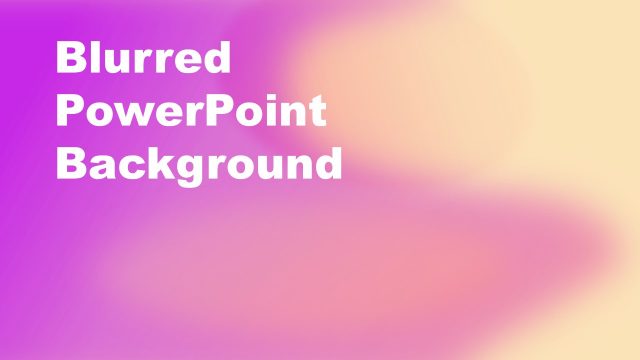
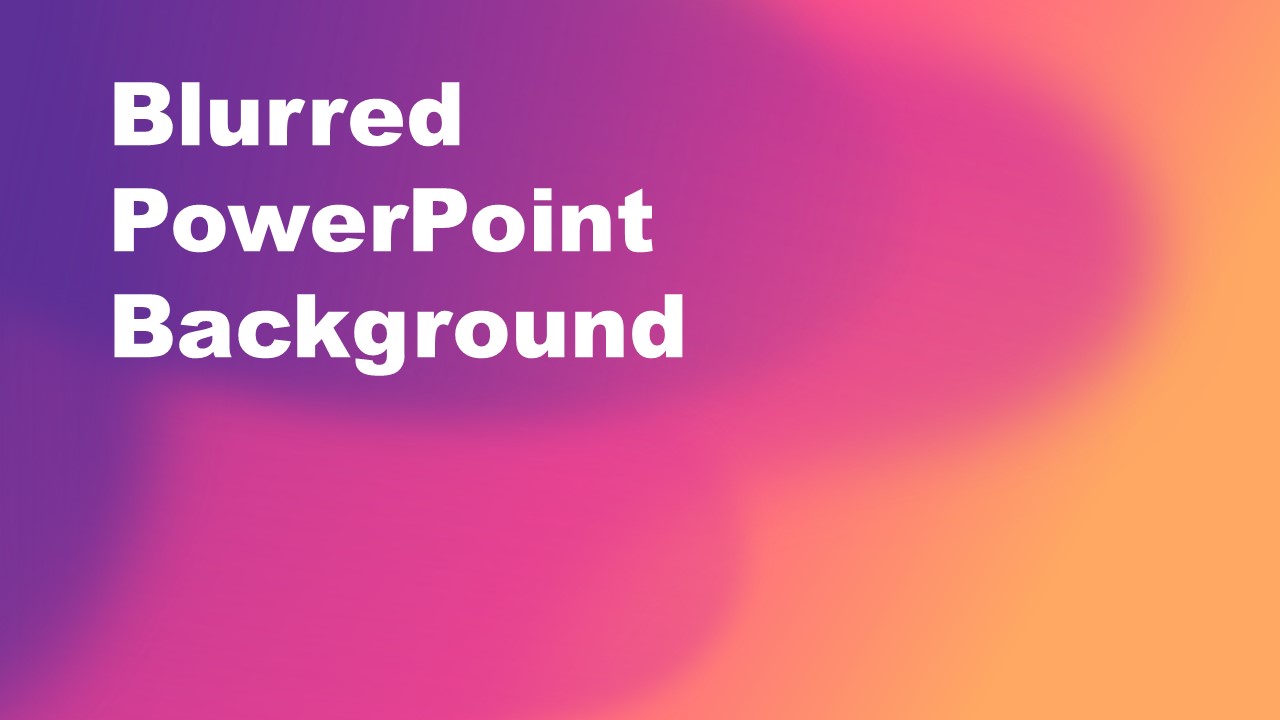
The Purple Orange Blurred PowerPoint Background is a gradient PowerPoint background. It is a combination of purple, orange, and pink shades. You can download the blurred PowerPoint background to make the presentation stand out and enhance its overall look. The Blurred PowerPoint background is a combination of shaded shaped to create gradient effects. You can use the professional PowerPoint background for business and educational presentations. It assists users to engage the audience with soft blurred colors.
What’s inside this template
Example presentation scenarios
- A teacher can use the large title area to introduce a new lesson while the blurred gradient background makes the opening slide feel more polished than a plain white cover.
- A marketing presenter can use the purple orange background as a section divider before explaining a campaign theme, product concept, or creative direction.
- A business facilitator can place a meeting title in the left-aligned text area and use the warm gradient as a visual cue that the session is moving into a new topic.
- A webinar host can use the full-bleed gradient slide as a waiting screen or opening title while keeping the main message readable in large white type.
Features
- 100% editable presentation template
- Compatible with Microsoft PowerPoint and Google Slides
- 16:9 aspect ratio slides
- Scalable vector shapes, icons and illustrations
- AI-Ready for Microsoft Copilot and Claude
- Instant access and download
Frequently asked questions
Q: How should a presenter use this background without making the title slide feel crowded?
A: Treat the slide as a visual opening, not a content slide. Keep the title short, use the existing large left-aligned text area, and avoid adding dense subtitles over the brightest orange area. The blurred gradient already carries visual energy, so the message should be direct and easy to read at a distance.
Q: Who is this template best suited for?
A: This background fits presenters who need a single expressive cover, transition, or section divider rather than a full diagram deck. It works well for educators, trainers, marketers, and facilitators who want a warmer visual tone for a lecture, webinar, campaign introduction, or business meeting opening.
Q: Why does the blurred gradient design help the communication?
A: The blurred purple, pink, and orange fields create depth without showing detailed imagery that could compete with the title. The darker left side supports white text contrast, while the warmer right side adds motion and mood. This makes the slide useful as a visual pause before the main content begins.

Purple Orange Blurred PowerPoint Background
1-slide presentation template with a purple orange gradient background and bold title area
Purple Orange Blurred PowerPoint Background is a 1-slide 16:9 presentation background for Microsoft PowerPoint and Google Slides. It shows a full-bleed blurred gradient backdrop in purple, pink, and orange with a large left-aligned title area. It suits educators, trainers, marketers, and business presenters needing a strong opening or section divider.
- Category
- Template Backgrounds
- Rating

 Loading...
- Aspect ratio
- 16:9
- Item ID
- 40112-01
- Colors
 Microsoft PowerPoint
  Microsoft Copilot
  Claude for PowerPoint
 Other formats supported
Subscribe today and get immediate
access to download our PowerPoint templates.