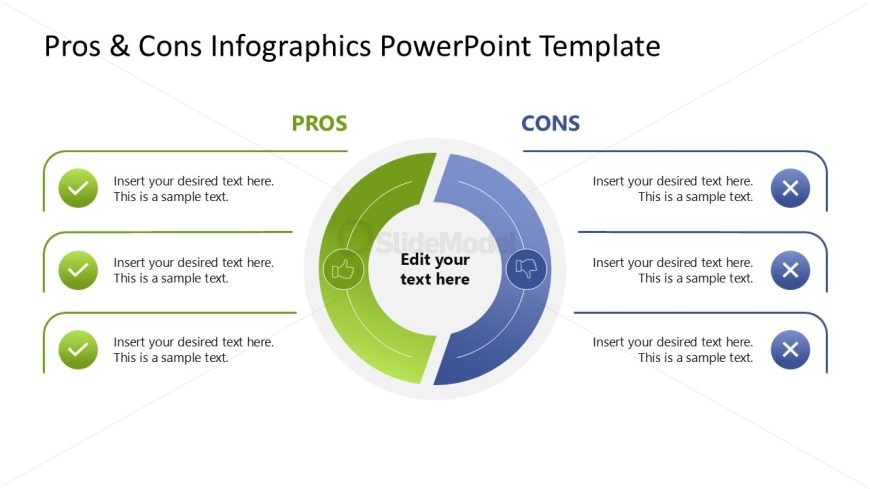
Slide 3 of 9 from Pros & Cons Infographic PowerPoint Template
Two Sections Circle for Pros & Cons Presentation
Pros and Cons Circular Diagram for Presentations
- Diagram
- Comparison Split
- Comparison Slide
- 16:9
- 100% Editable
The Pros and Cons Circular Diagram from the Pros & Cons Infographic PowerPoint Template offers a clear visual comparison tool for business presentations. This slide template features editable shapes and vector icons to distinctly separate advantages and disadvantages, making it suitable for product feature evaluation, project risk assessment, and strategic decision making within corporate slide decks.
What’s on This Slide
The layout features a circular diagram at the center, divided into two halves: green for 'Pros' and blue for 'Cons'. Each half contains three text placeholders aligned vertically, with checkmark icons on the left side of the 'Pros' section and cross icons on the left side of the 'Cons' section. The central area has a placeholder labeled 'Edit your text here'. The background is white, providing contrast to the colored sections. The overall composition emphasizes a clear distinction between advantages and disadvantages.
How to Use It
This layout serves as a comparison tool, ideal for presenting pros and cons side by side. It fits well in a presentation sequence after introducing a topic and before concluding with recommendations. This structure is useful in business scenarios such as evaluating product features, assessing project risks, or making strategic decisions. It allows for a straightforward visual representation of opposing viewpoints.
Text Placeholders & Capacity
Keep your copy within these limits so it fits without resizing. Each body slot can hold about 8-10 words comfortably.
| Placeholder | Count | Max characters (approx.) |
|---|---|---|
| Item body | 6 | 45 |
| Item heading | 2 | 10 |
| Item body | 1 | 25 |
Slide Keywords
Download unlimited PowerPoint templates, charts and graphics for your presentations with our annual plan.
DOWNLOADReturn to Pros & Cons Infographic PowerPoint Template.