Project Management PowerPoint Template
Use the Project Management PowerPoint Template to present a project proposal, execution plan, or progress review in your executive presentations. The presentation helps stakeholders understand what the project is expected to achieve, how responsibilities are assigned, and where progress stands. Its visual layout helps project managers organize answers to the questions decision-makers typically raise before approving or reviewing an initiative.
When pitching a project to a client, the presenter uses this template to establish expectations, confirm deliverables, and discuss milestones before work begins. In a management review meeting, project leads use this PPT deck to explain delays or performance gaps and identify areas needing attention. Department heads planning an internal initiative can use the resource and risk slides to assess implementation requirements before requesting approval. The template features a navy-and-green design that highlights metrics and milestones, while the hexagon graphics create a consistent identity across the opening and closing slides.
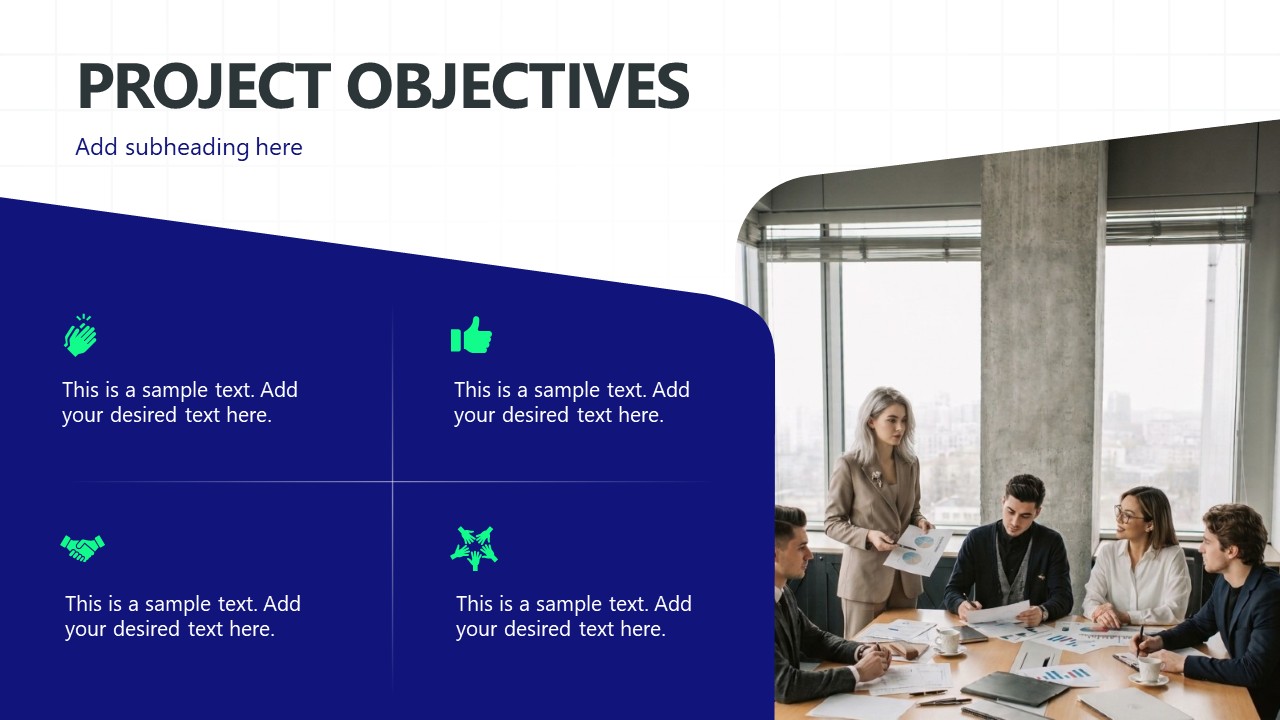
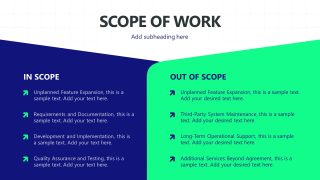
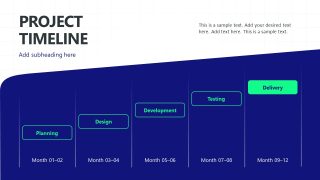
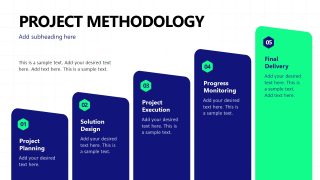
A consultant uses the Project Management PowerPoint Template to review deliverables, track milestones, evaluate performance, and address risks during a client progress meeting. The project overview slide helps presenters establish the initiative’s scale through key stats and important figures, giving stakeholders a starting point for discussion. The objectives and scope of work slides clarify the intended results and define what falls outside the commitment. The timeline and methodology explain how the work will progress, helping decision-makers assess the proposed sequence and approach. Further, the template includes the following slides:
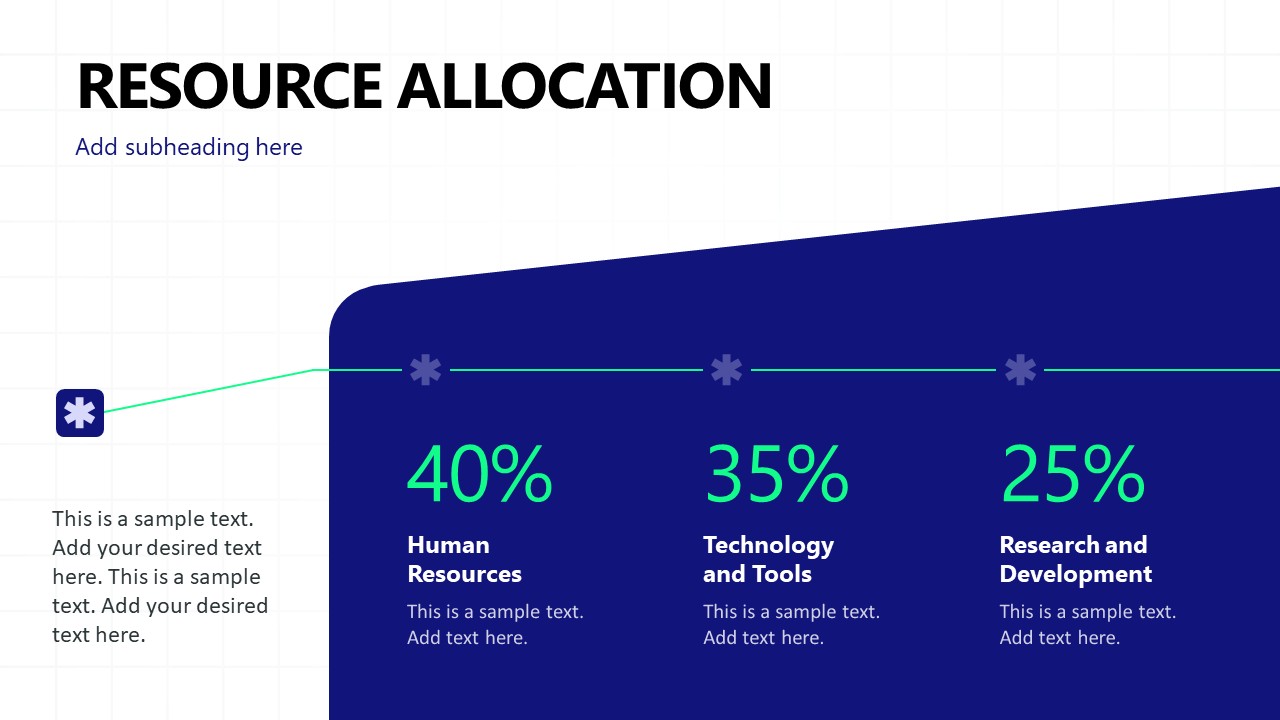
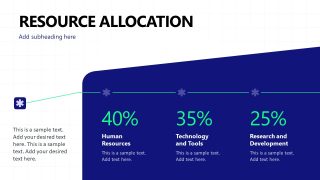
- Resource Allocation
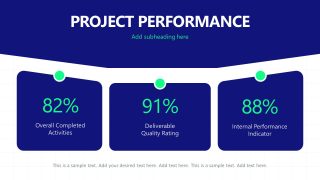
- Project Performance
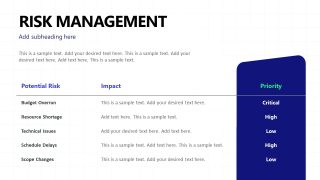
- Risk Management
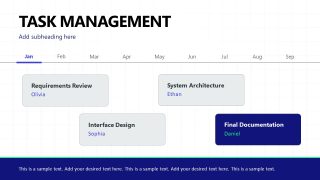
- Task Management
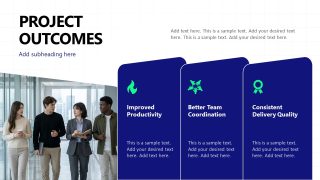
- Project Outcomes
You can edit the slide layout based on your specific theme needs. Users can also easily modify the colors, graphical layout, and other PPT elements. Download this project management PPT slide template for project proposals, implementation planning, and stakeholder progress presentations with company executives.









You must be logged in to download this file.
DOWNLOAD- Category
- Business PowerPoint Templates
- Rating

 Loading...
- Size
- 16x9
- Item ID
- 94331-01
- Colors
Subscribe today and get immediate
access to download our PowerPoint templates.