Slide 2 of 16 from Professional Annual Report PowerPoint Template
Table of Contents Presentation – Annual Report Template
Table of Contents Slide for Annual Report
- Text Layout
- List Blocks
- Agenda Slide
- 16:9
- 100% Editable
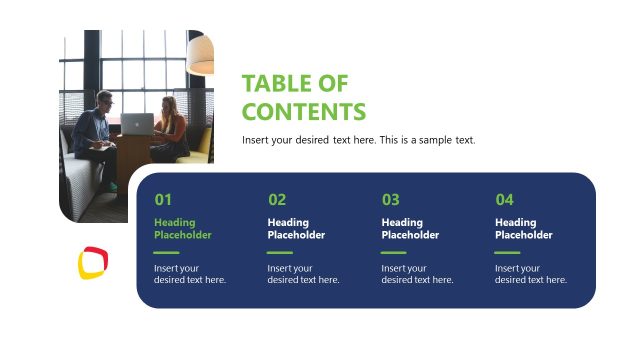
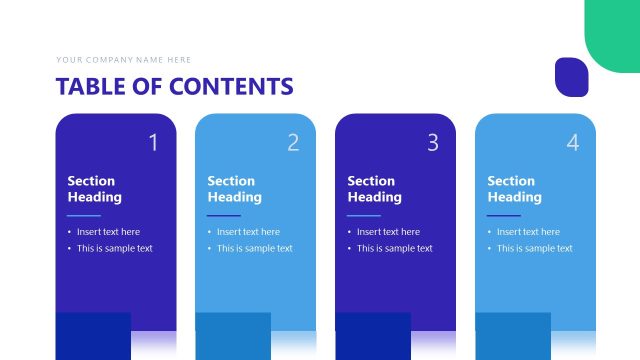
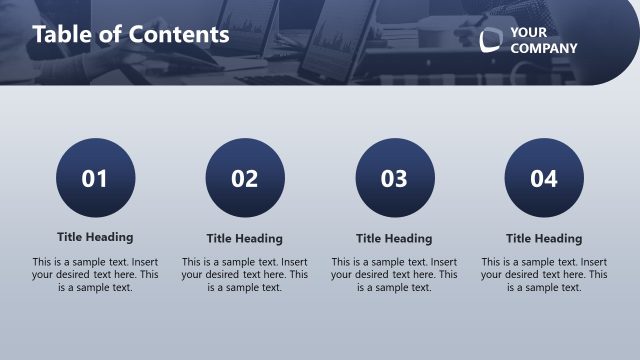
The Table of Contents Slide from the Professional Annual Report PowerPoint Template offers a clear agenda layout ideal for business presentations. Featuring editable shapes and vector icons arranged around a central workspace image, this slide template supports structured project outlines and strategic plan summaries within a corporate presentation or pitch deck template.
What’s on This Slide
The slide features a central image of a workspace with a laptop, surrounded by four circular icons. Each icon is positioned in the corners, with two on the left and two on the right. The icons are colored purple, blue, pink, and orange, each accompanied by a text placeholder below. The title 'TABLE OF CONTENTS SLIDE' is prominently displayed at the top in bold purple text. The overall layout is balanced, with the image providing a visual anchor and the icons offering a structured way to present content. Text placeholders are aligned centrally under each icon.
How to Use It
This layout serves as a table of contents, effectively summarizing key sections of a report. It fits well after an introductory slide, guiding the audience through the presentation's structure. This format is useful for annual reports, project updates, or business reviews, where clarity and organization are essential. It allows for easy navigation, making it ideal for presentations that require audience engagement and understanding of the flow of information.
Text Placeholders & Capacity
Keep your copy within these limits so it fits without resizing. Node text slots can hold about 10-12 words each.
| Placeholder | Count | Max characters (approx.) |
|---|---|---|
| Slide title | 1 | 30 |
| Item body | 4 | 50 |
Slide Keywords
Download unlimited PowerPoint templates, charts and graphics for your presentations with our annual plan.
DOWNLOAD