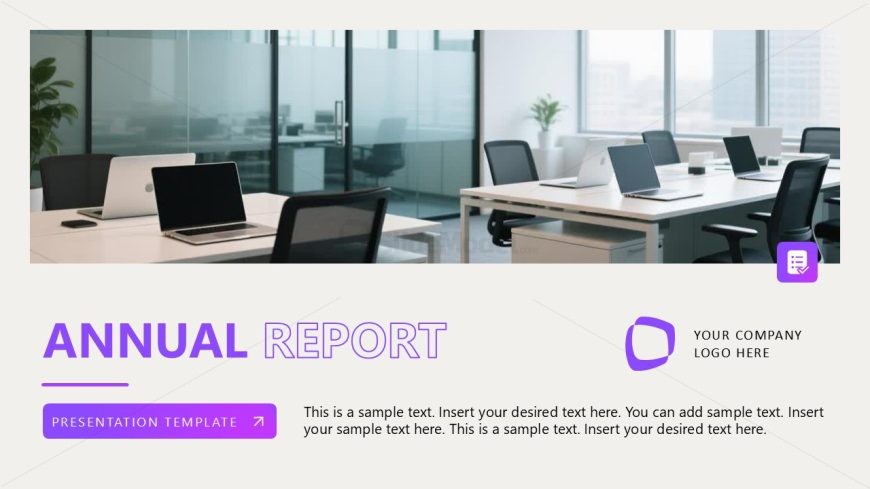
Slide 1 of 16 from Professional Annual Report PowerPoint Template
Cover Slide for Professional Annual Report PPT Template
Annual Report Overview Slide
- Media Layout
- Full Bleed Image
- Context Slide
- 16:9
- 100% Editable
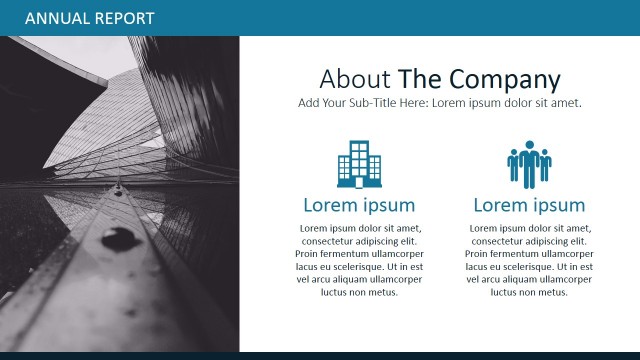
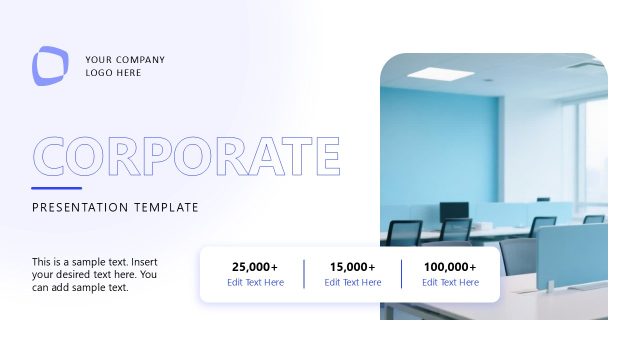
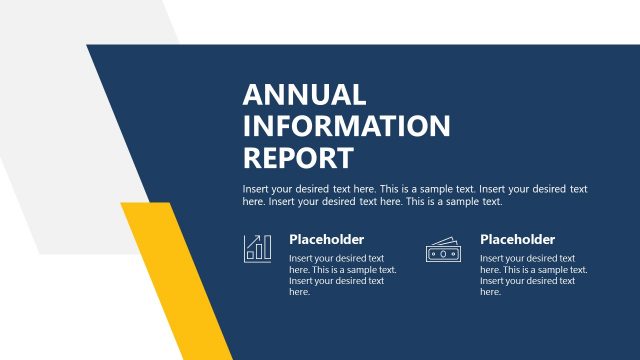
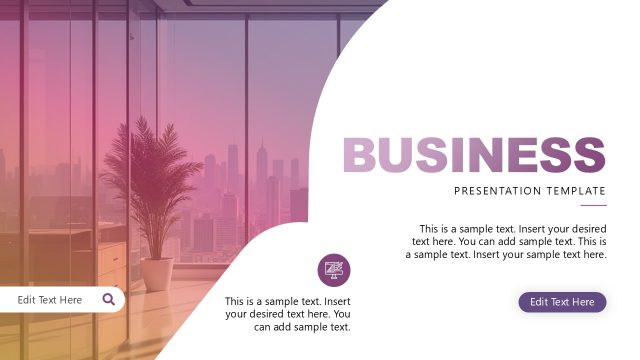
The Annual Report Overview slide from the Professional Annual Report PowerPoint Template offers a clean, full-bleed image layout ideal for corporate presentations. Designed for business presentation contexts like financial summaries and project updates, this slide combines editable shapes and vector icons with a balanced text-image hierarchy. It serves as a professional introduction within slide decks, enhancing clarity and branding in annual report presentations.
What’s on This Slide
The layout features a large image of an office environment occupying the left side, with a light background. The title 'ANNUAL REPORT' is prominently displayed in purple at the top left, with 'PRESENTATION TEMPLATE' in a smaller font below it. A sample text placeholder is positioned beneath the title, aligned left, allowing for multiple lines of text. The right side contains a logo placeholder and a small icon. The overall composition balances visual elements with text, creating a clear hierarchy.
How to Use It
This layout serves as an introductory slide for an annual report presentation, setting the stage for detailed content. It fits at the beginning of a presentation sequence, establishing context and branding. Suitable for business scenarios such as corporate annual reports, project updates, or financial summaries, it provides a professional visual introduction. This layout can also be adapted for various business presentations requiring a clean, organized opening.
Text Placeholders & Capacity
Keep your copy within these limits so it fits without resizing. Body slots can accommodate approximately 30-40 words each.
| Placeholder | Count | Max characters (approx.) |
|---|---|---|
| Slide title | 1 | 30 |
| Body paragraph | 1 | 250 |
| Person title | 1 | 20 |
Slide Keywords
Download unlimited PowerPoint templates, charts and graphics for your presentations with our annual plan.
DOWNLOAD