Slide 9 of 11 from Product Training PowerPoint Template
Editable Horizontal Roadmap Diagram Slide – Product Training Template Slide
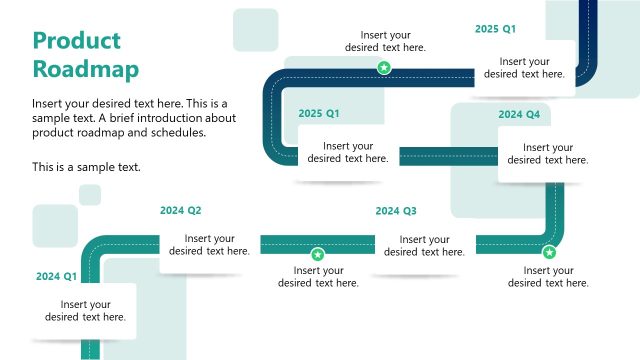
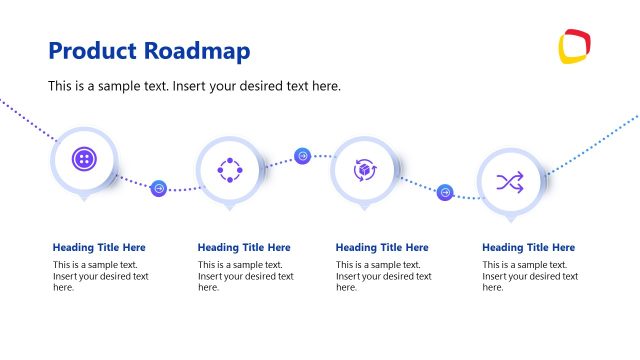
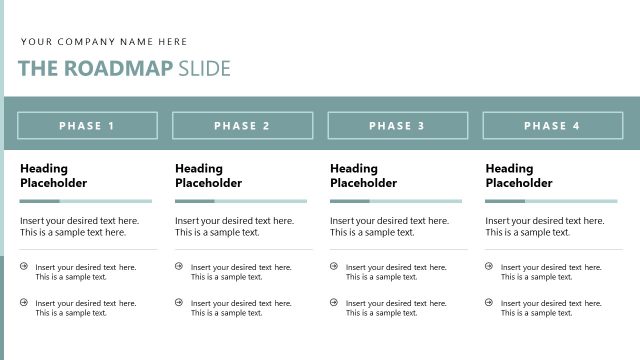
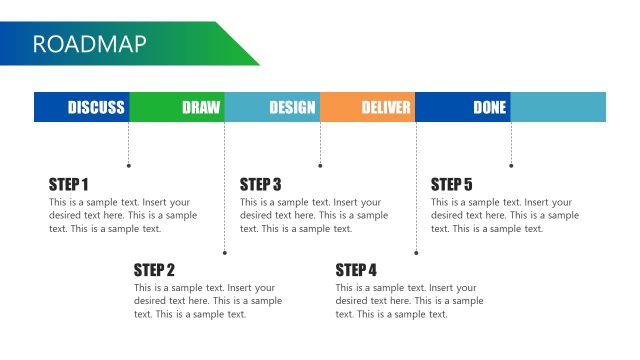
Roadmap Timeline for Product Training
- Diagram
- Timeline Horizontal
- Process Slide
- 16:9
- 100% Editable
The Roadmap Timeline with Milestones slide from the Product Training PowerPoint Template offers a clear horizontal timeline ideal for outlining training schedules or onboarding timelines. This slide layout uses editable shapes and vector icons to highlight key milestones, making it suitable for business presentations and educational roadmaps. Its structured design supports effective communication of sequential learning plans within a corporate presentation or pitch deck template.
What’s on This Slide
The slide features a horizontal timeline with four key milestones labeled 'Week 1', 'Week 8', 'Week 18', and 'Week 39'. Each milestone is represented by a circular icon, with a distinct icon type for each week. Below each milestone, there are text placeholders for titles and descriptions aligned centrally. A highlighted section at the bottom contains a text placeholder for additional notes. The background is a gradient teal color, providing a cohesive visual theme. The overall layout is structured to guide the viewer through the training timeline.
How to Use It
This layout serves as a roadmap to outline a training schedule over several weeks. It is effective for presenting a sequential learning plan, making it ideal for training sessions, onboarding processes, or educational programs. Positioned after introductory slides, it provides a clear overview of the training journey. This structure is useful for businesses looking to communicate timelines for product training, ensuring clarity in expectations and objectives for participants.
Text Placeholders & Capacity
Keep your copy within these limits so it fits without resizing. Node body slots can hold roughly 10-15 words each.
| Placeholder | Count | Max characters (approx.) |
|---|---|---|
| Slide title | 1 | 30 |
| Item heading | 4 | 20 |
| Item body | 4 | 50 |
| Callout | 1 | 50 |
| Body paragraph | 1 | 150 |
Slide Keywords
Download unlimited PowerPoint templates, charts and graphics for your presentations with our annual plan.
DOWNLOADReturn to Product Training PowerPoint Template.